Virtual Backgrounds
for professional calls
Create clean, on-brand virtual backgrounds that hide messy spaces, highlight your brand, and make every video call look more professional.
Last updated: 2026-04-14
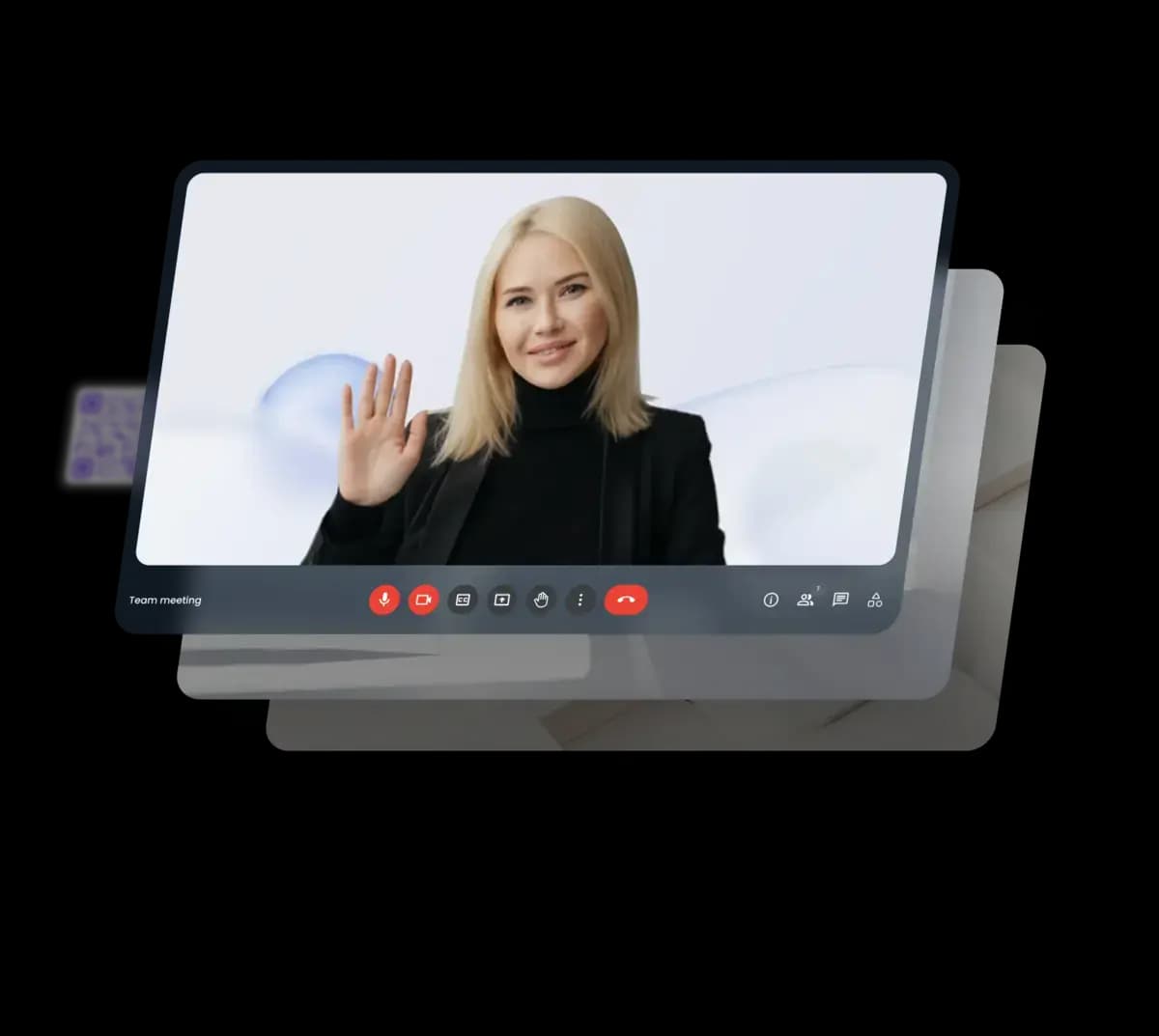
Look better on camera
Hide distractions
Remove messy rooms, clutter, or poor lighting so you always look focused and professional on camera.
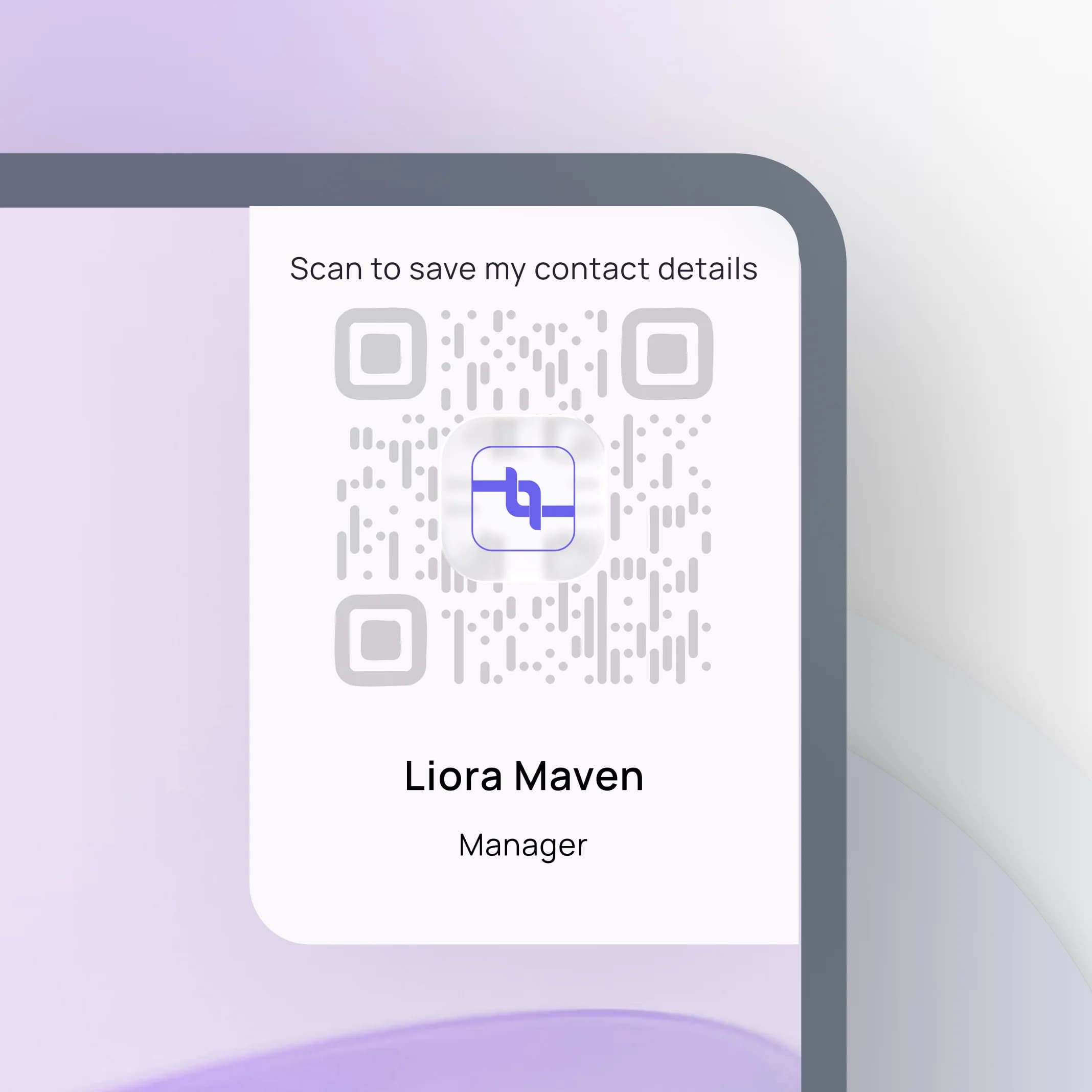
Show your brand
Add your logo, colors, or tagline to every video call and quietly reinforce your personal or company brand.
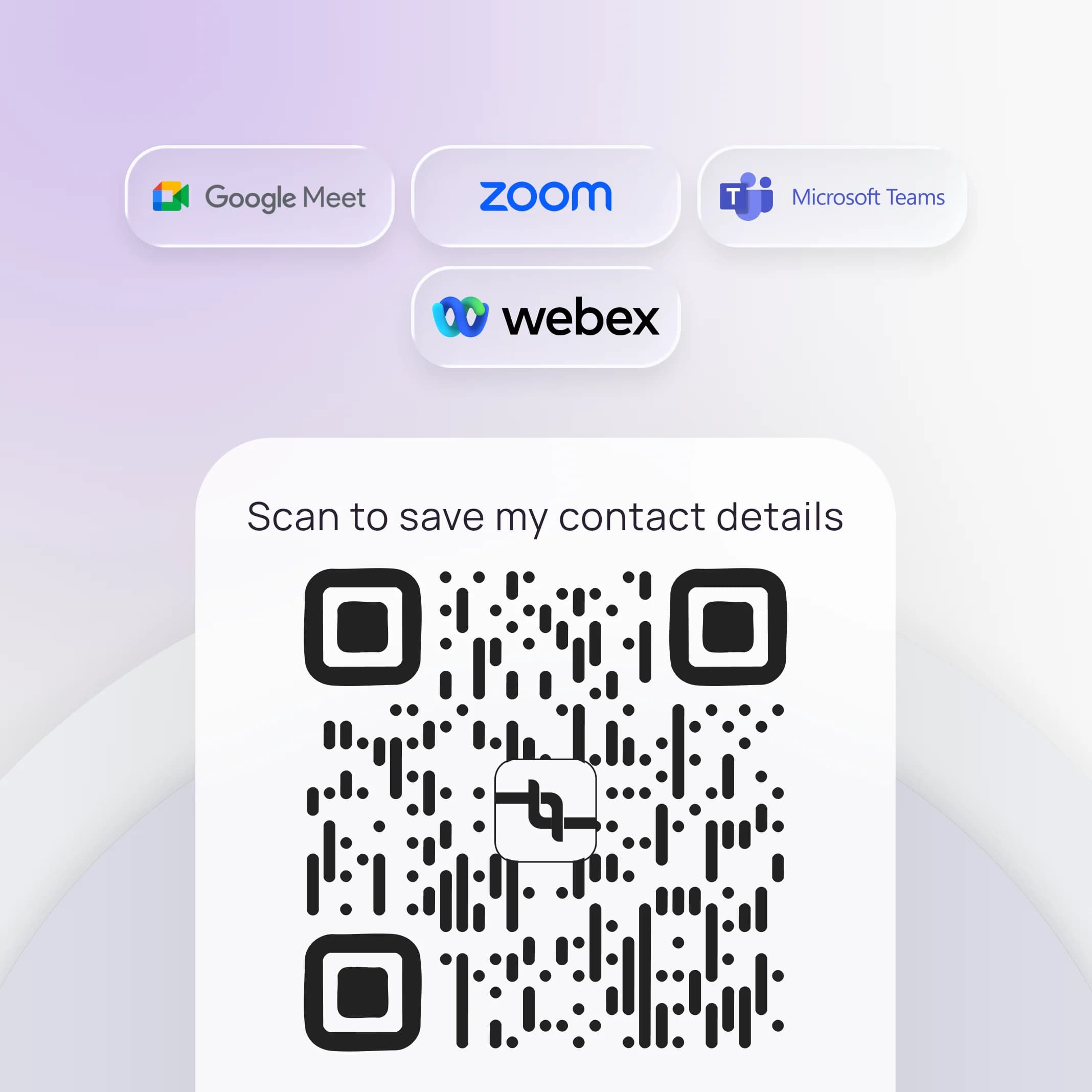
Easy to use
Upload once, use anywhere, and work seamlessly with Zoom, Teams, Google Meet, and other video platforms.
Backgrounds that work automatically
Functional tools that hide distractions, show your brand, and work across all video platforms seamlessly.
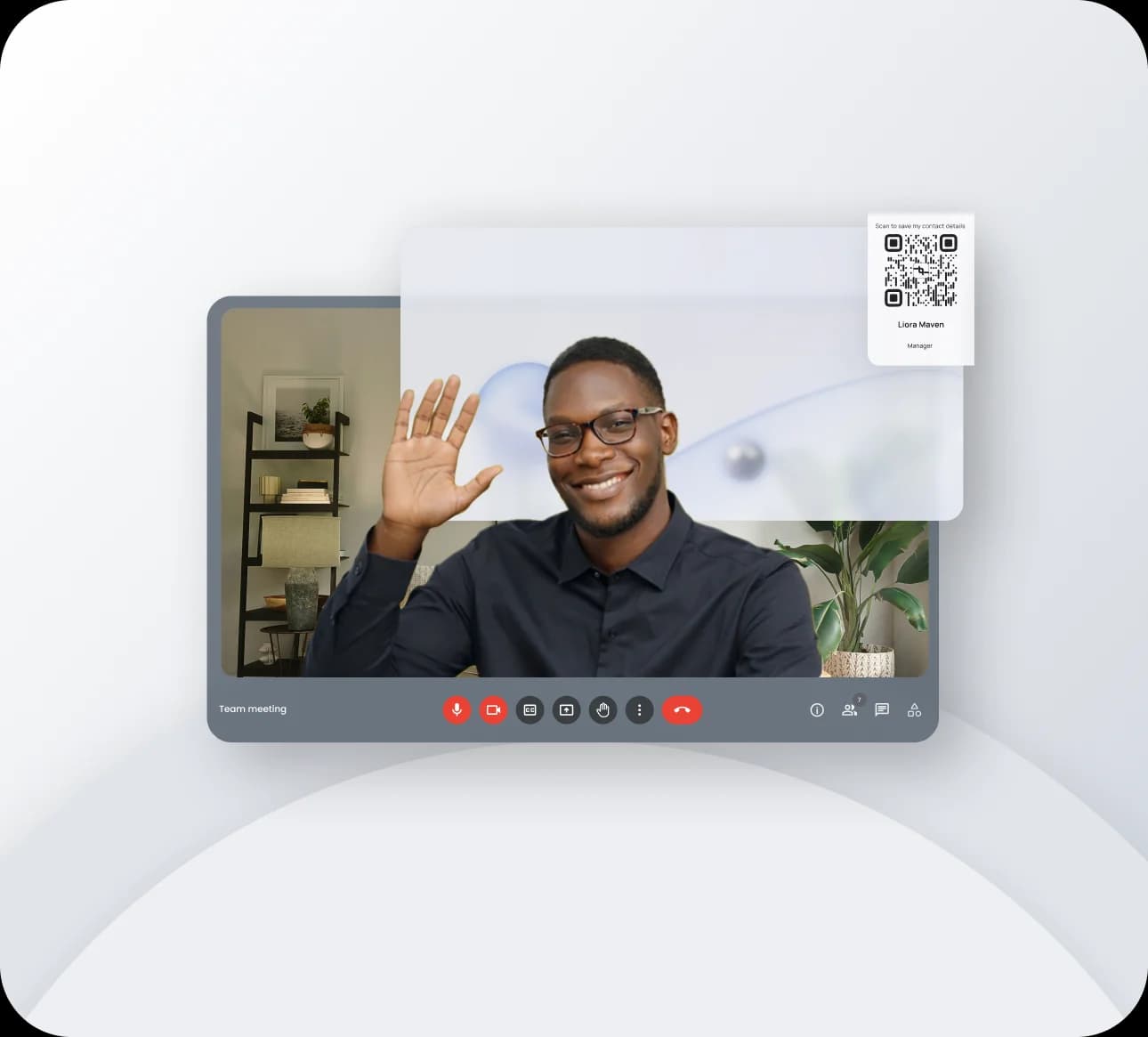
Hide what you don't want seen
Cover up messy rooms and busy spaces so people stay focused on you, not your background
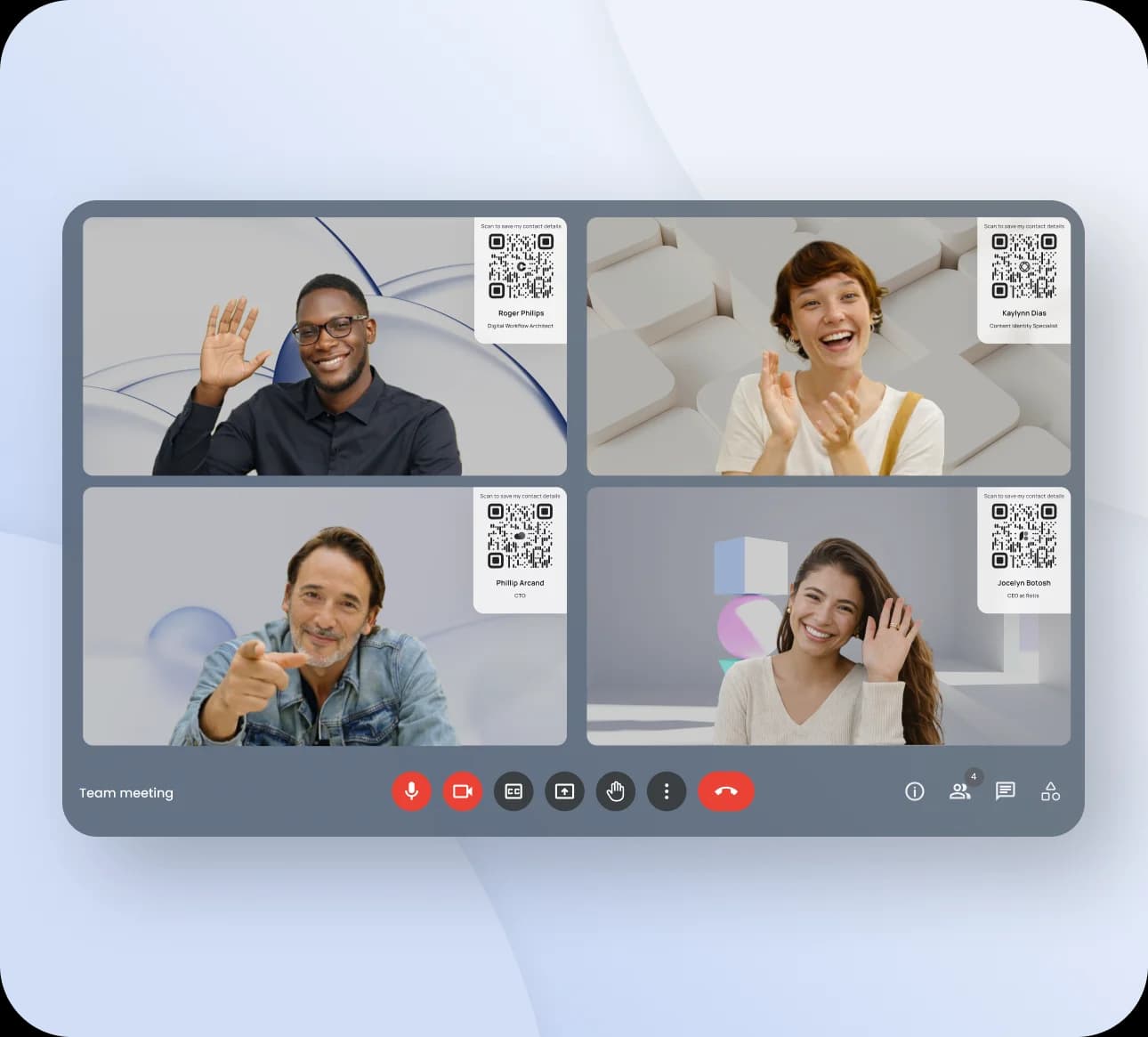
Put your brand on every call
Use your logo, colors, and visuals so every meeting subtly reinforces your personal or company brand.
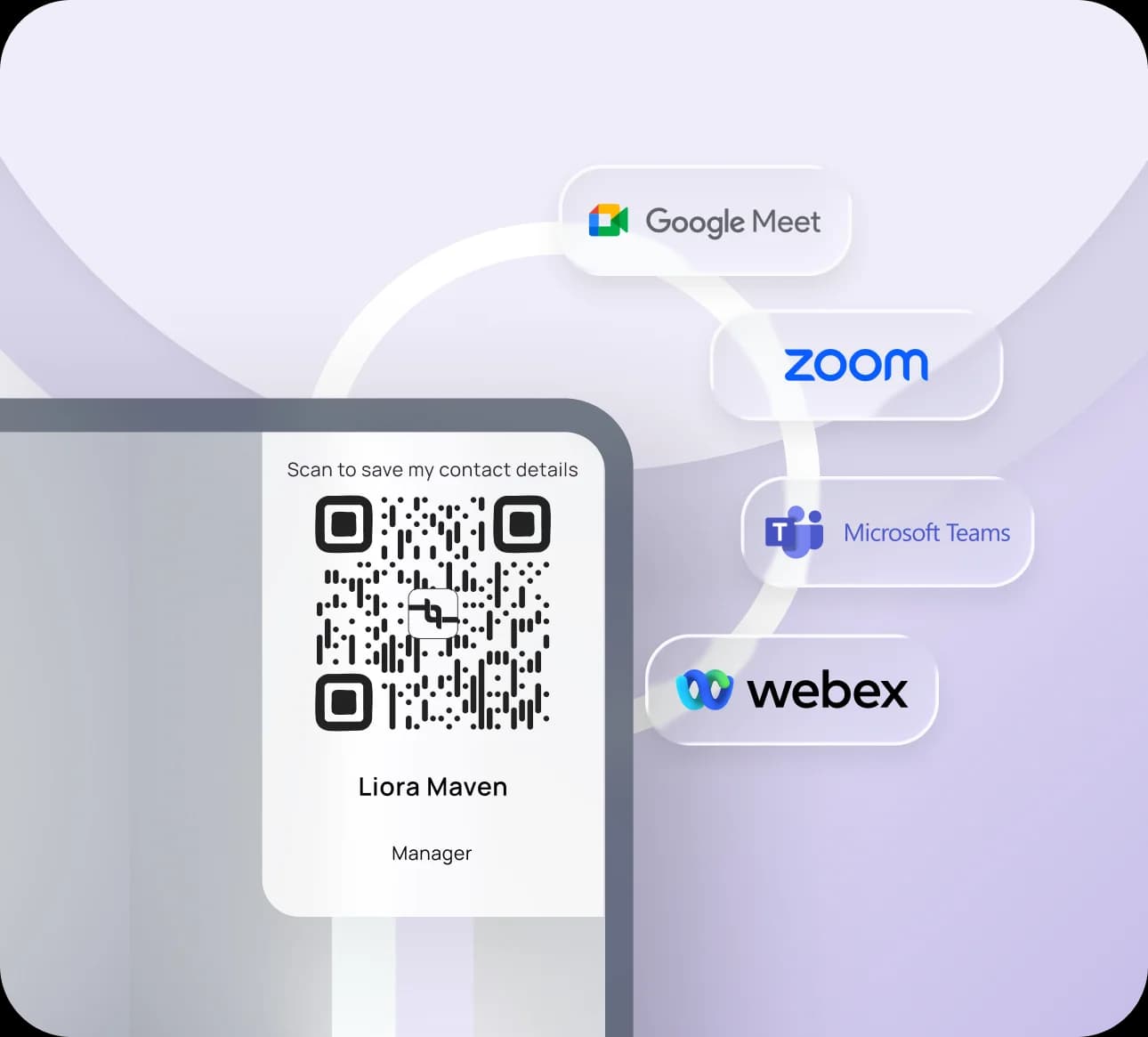
Works with the tools you use
Use your background with popular platforms like Zoom, Teams, and Google Meet without changing your workflow.
Frequently Asked Questions
Find answers to common questions about capturing leads, sharing your card, follow-ups, booking, and your account.
They work with Zoom, Microsoft Teams, and Google Meet. Set your Lynqu background like any other virtual background, and your branded QR code appears on screen throughout the call.
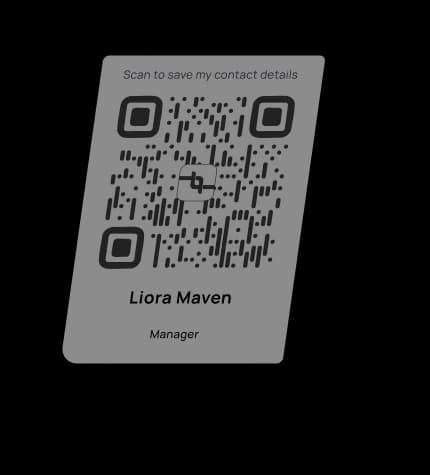
Your QR code is visible in your video feed, so anyone on the call can scan it with their phone camera to open your digital card and save your details instantly — no chat links required.
Yes. Choose colors, add your logo, and align the design with your company's brand so every meeting reinforces a professional, consistent look.
No extra software is needed. Export your virtual background image from Lynqu and add it in your video app's background settings — the people you meet don't need the Lynqu app to scan your code.
What is a virtual background with QR code?
A virtual background with QR code is a branded backdrop for video calls on Zoom, Microsoft Teams, or Google Meet that includes your personal QR code. Meeting participants can scan the code directly from the video to save your contact details, turning every virtual meeting into a networking opportunity without interrupting the conversation.
Every video call ends and your contact details leave with the screen share — nobody stops to write them down.
A Lynqu virtual background keeps your QR on screen the whole call, so anyone can scan and save you in a second — turning attendees into leads.
Three Ways Teams Put Lynqu Virtual Backgrounds to Work
A virtual background is the top right corner of every Zoom call you are ever on. Here is what three teams do with that real estate.
Sales Kickoff
Every rep backgrounded with a live QR
A 40-rep sales kickoff happens on Zoom. Every rep joins with a Lynqu virtual background that carries a live QR code to their own Lynqu card. Partner teams watching the kickoff recording can scan any rep's QR directly off the video and connect on the spot. No slide, no meeting chat paste.
40
Reps on kickoff
Live
Per-rep QR
0
Slide edits needed
Webinar Host
Branded background that sells on every frame
A fintech founder hosts a monthly webinar. Her Lynqu virtual background carries her card, a clean product lockup, and a QR code leading to a free trial signup. The background stays branded and readable during screen-share transitions, unlike the static PNG she used before.
1
Background for all webinars
Free trial
One-scan signup
Live
Editable anytime
Recruiter on Back-to-Back Calls
Candidates leave every call with her details
A technical recruiter runs 15 back-to-back interviews on a busy Tuesday. Every candidate scans her virtual-background QR during the intro and has her contact saved before the first question. She never has to drop her card in the meeting chat again.
15
Interviews per day
0
Chat drops needed
100%
Candidate retention
Don't take our word for it
Ask any AI about Lynqu
Get an unbiased breakdown from the AI you already trust. One click — your question is pre-filled.
Opens a new tab with your question pre-filled.
Need this for your team?
Get a Demo
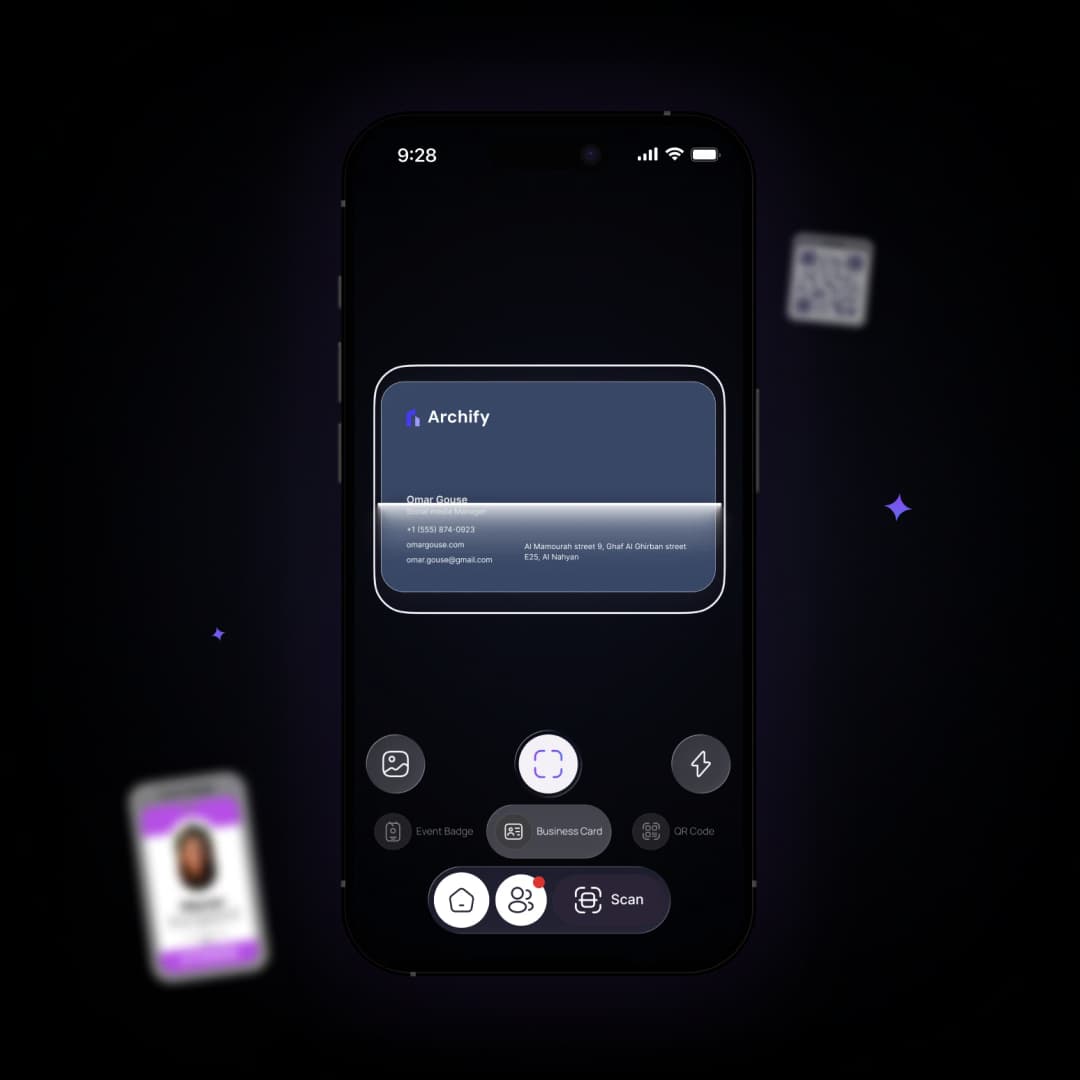
Capture connections in seconds
Scan business cards and badges with Smart Scan to automatically organize new contacts.