SmarterEmail Signatures
for modern professionals
Turn your email signature into a simple way for people to save your details, open your digital business card, and visit your key links.
Last updated: 2026-04-14
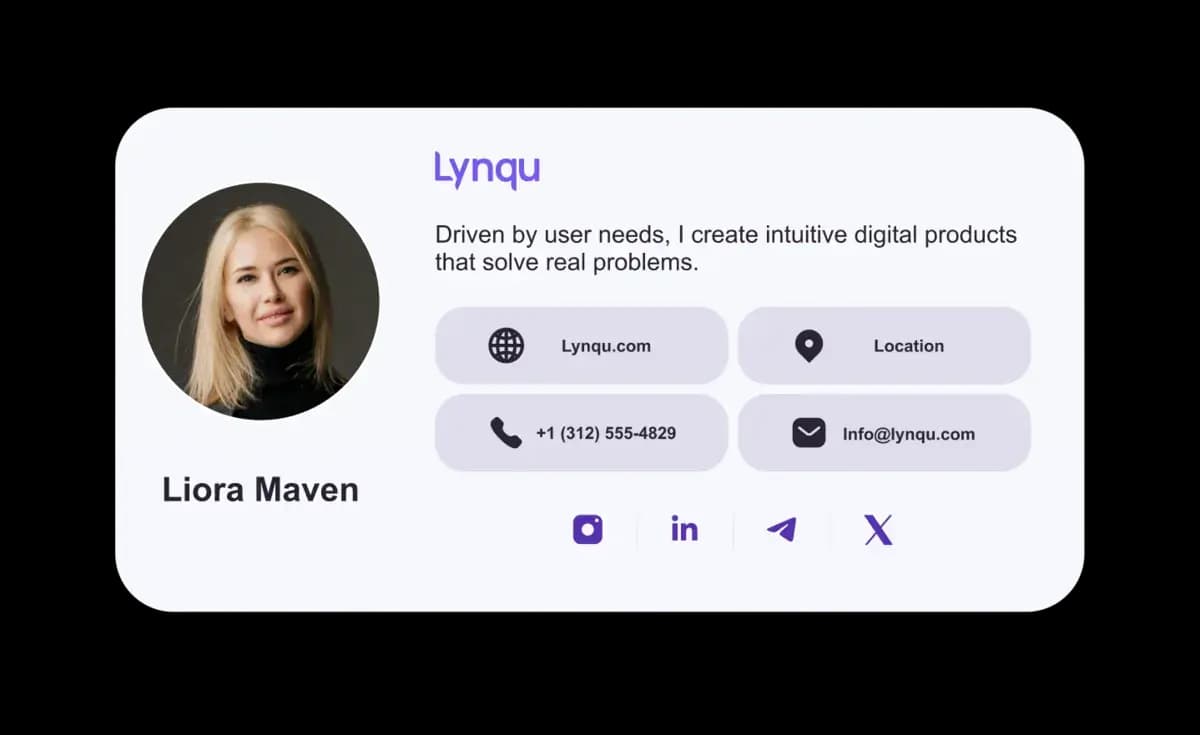



Let your signature do the work
Functional tools that keep your email signature consistent, current, and easy for people to act on.
Built to keep you consistent
Create one email signature that looks clean and professional across your devices and email clients, so your details never feel broken or out of place.
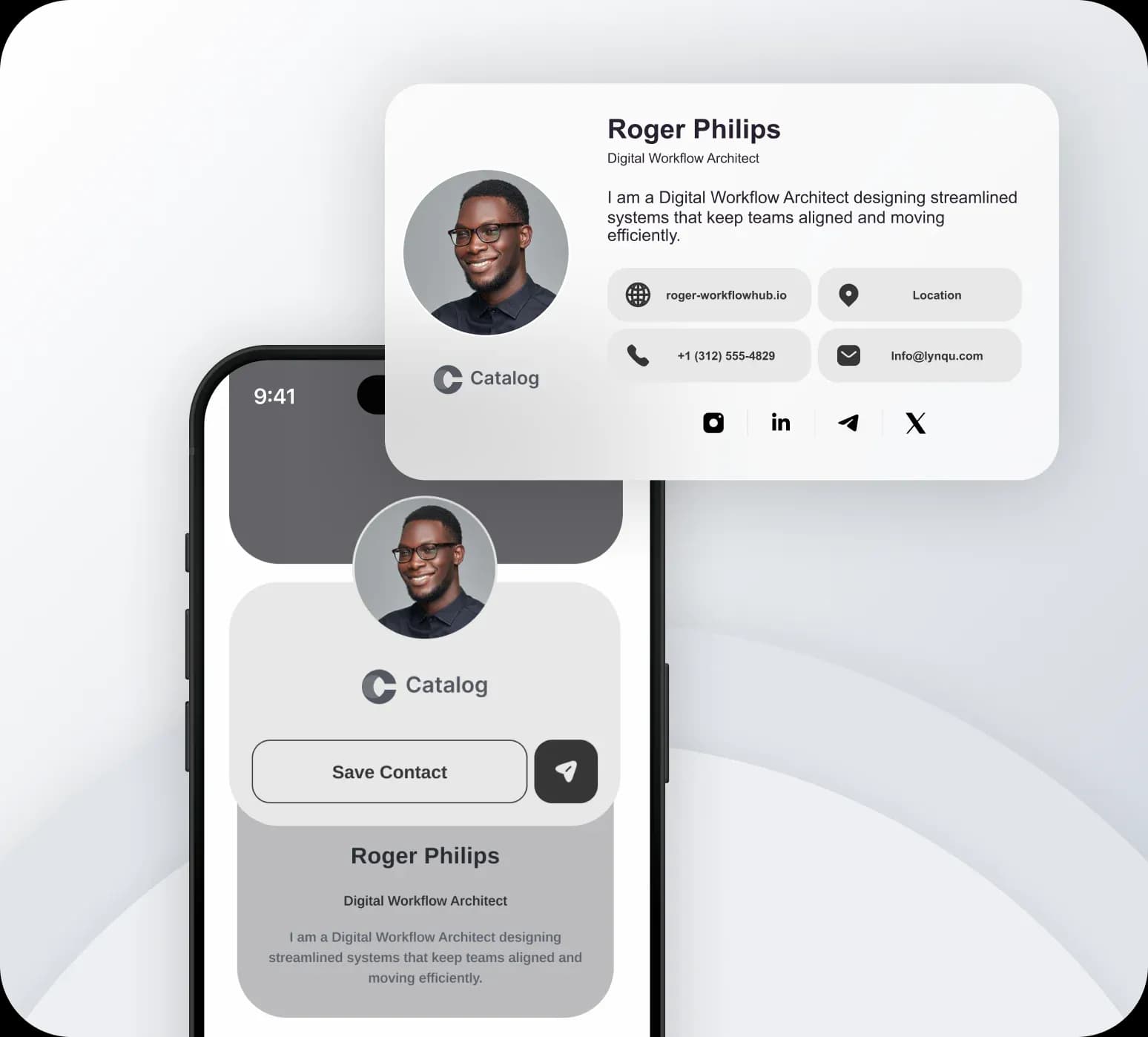
Built to drive action
Turn your signature into a simple way for people to view your digital business card, visit your links, and get in touch with you faster.
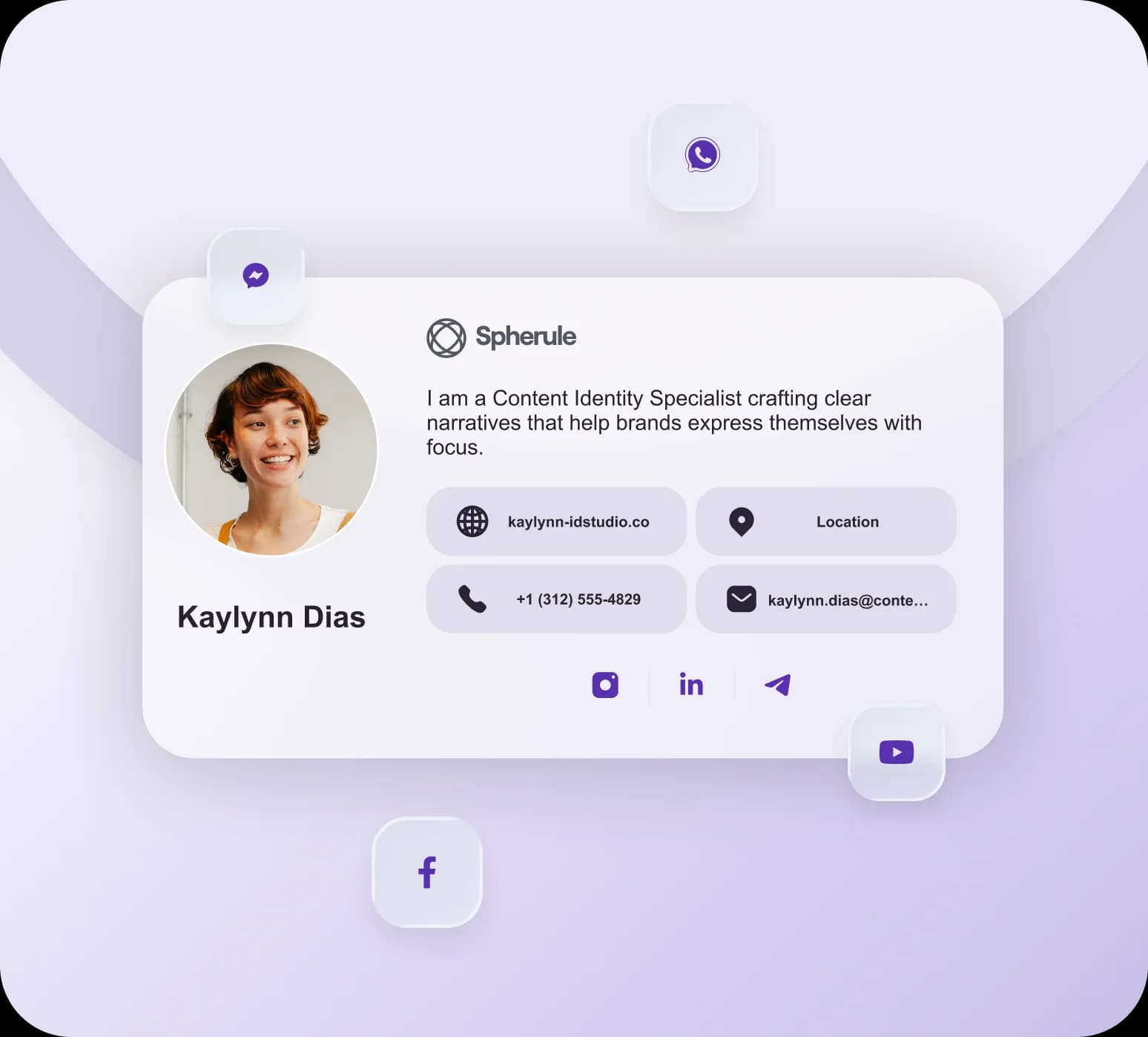
Frequently Asked Questions
Find answers to common questions about capturing leads, sharing your card, follow-ups, booking, and your account.
Generate a branded signature in Lynqu, then copy it into Gmail, Outlook, or Apple Mail. It includes a QR code and a link to your digital card, so every email you send becomes a way to share your full contact details.
Lynqu signatures work in Gmail, Outlook, and Apple Mail. You can export your signature as HTML or as an image, so it renders correctly across desktop and mobile email apps.
Yes. Because your signature links back to your Lynqu card, you can track how many people open your card from email and which details they tap most — useful for following up at the right moment.
Yes. Your email signature links to your live Lynqu card, so when you update your title, phone number, or links, anyone who opens it sees the latest version — no need to resend a new signature.
What is a branded email signature?
A branded email signature is a professionally designed sign-off block appended to every email you send. It includes your name, title, contact details, and a direct link or QR code to your digital business card. Lynqu generates responsive email signatures that work across Gmail, Outlook, and Apple Mail, turning every email into a networking opportunity.
You send dozens of emails a day, but a plain sign-off gives the reader no easy way to save you or take the next step.
A Lynqu signature turns every email into a one-tap path to your card and contact details — and every click becomes a trackable lead.
Three Teams Using Lynqu Email Signatures as a Growth Channel
An email signature is the most-viewed piece of content your team produces. These three teams treat it like a real marketing surface.
Recruiter
Booking interviews straight from the sig
A tech recruiter puts a Lynqu card-link plus a Calendly booking button in her email signature. Candidates who want to chat click the button and book a slot without a back-and-forth reply. Over a month she saved 11 hours of scheduling overhead — measured against her calendar, not estimated.
11h
Saved per month
1-click
Book a slot
0
Scheduling threads
Founder
Every email is a tiny landing page
A startup founder embeds a Lynqu card with an integrated demo video thumbnail in his email signature. Investors and early customers click through, watch the 90-second product demo, and land on the Lynqu card page with full contact info. The card's click-through rate is tracked like a regular landing page.
90s
Demo video in sig
Live
Click tracking
0
Extra marketing tools
Support Lead
Signature doubles as a knowledge-base gateway
A SaaS customer-success lead uses her signature to link to the Lynqu card and an inline 'Top 5 help articles' widget. Reply volume on repeat questions dropped noticeably because customers self-serve directly from the signature before replying. One signature became the top entry point into the knowledge base.
5
Help articles inline
Top
KB entry point
Lower
Repeat question volume
How a high-performing email signature actually works
Three details quietly decide whether your signature earns the space it takes — or wastes it.
One CTA, one verb
A signature is not a homepage. Replace “Click here for everything” with one verb-first action — “Book 15 mins”, “Save to phone”. A single primary CTA outperforms three equally-weighted links by roughly 30% in click-throughs.
Mobile-first by default
About 60% of recipients open email on a phone. Lynqu auto-stacks the avatar above the contact lines for narrow viewports and falls back to a table layout for Apple Mail, which strips most inline CSS.
Update once, propagate everywhere
A new role, phone number, or headshot updates instantly across every email you have ever sent — the signature points at your live Lynqu card, not a frozen rendered image. No “please update my contact” reply needed.
Don't take our word for it
Ask any AI about Lynqu
Get an unbiased breakdown from the AI you already trust. One click — your question is pre-filled.
Opens a new tab with your question pre-filled.
Need this for your team?
Get a Demo
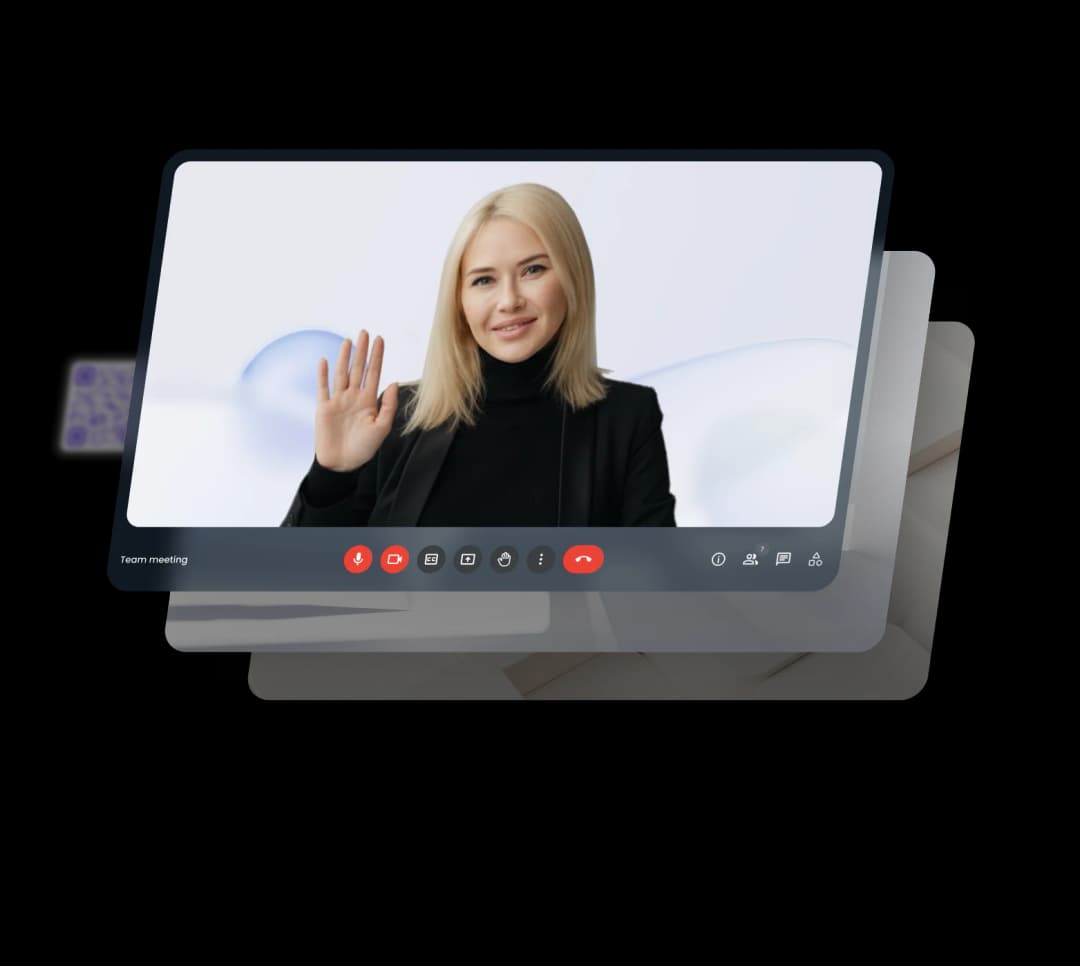
Look polished in every meeting
Use Lynqu Virtual Backgrounds to stay on-brand and distraction-free across Zoom, Teams, and Meet.