Free QR code generator
Paste a link, pick a world, and download your QR code as a PNG or a print-ready SVG. There is no sign-up, no watermark, no scan limit, and no expiry date on the code itself. Every code is generated in your browser at the highest error-correction level, so it keeps scanning even when it is printed small or partly covered by a logo.
How to make a QR code
- Paste the link you want people to open. A website, a booking page, a menu, a form, a video, anything with a URL.
- Choose a world. Each one restyles the code itself, not just the background, so the finder patterns and modules take on that world's materials.
- Tap the scene to flatten it. The camera tilts to look straight down, and what you are left with is the scannable code.
- Download it, or share the whole scene as a link that anyone can open and scan from their screen.
QR Worlds: ten scenes for one code
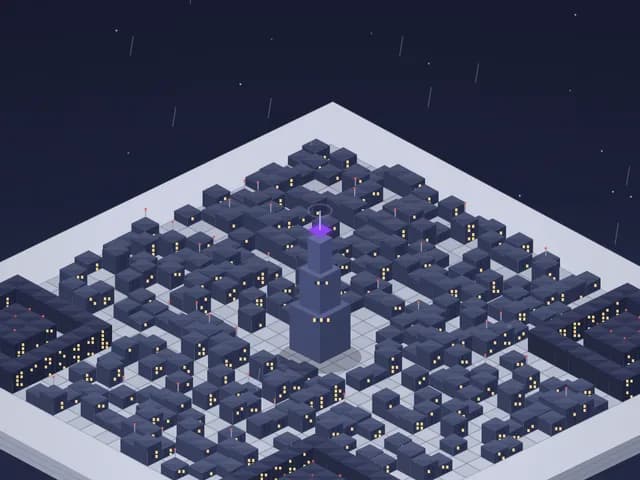
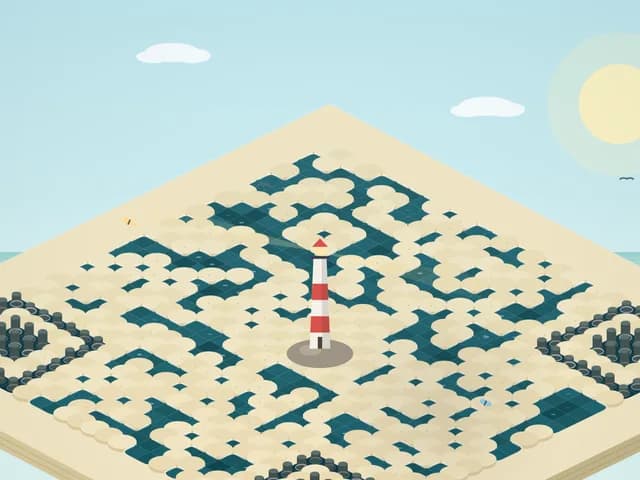
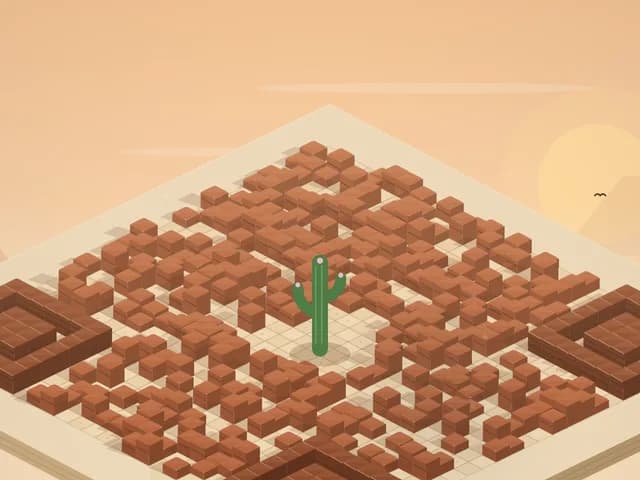
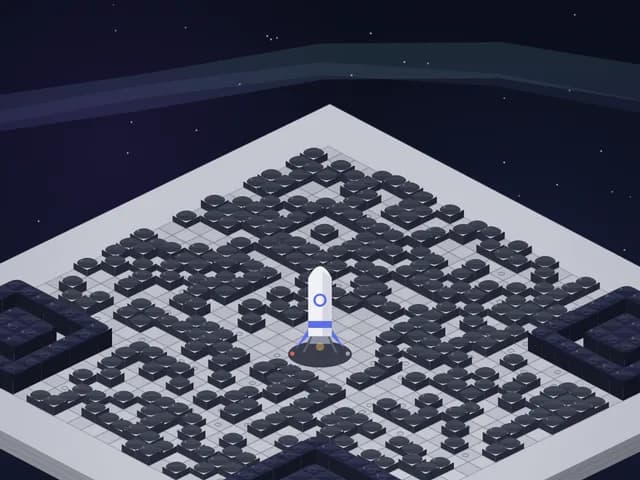
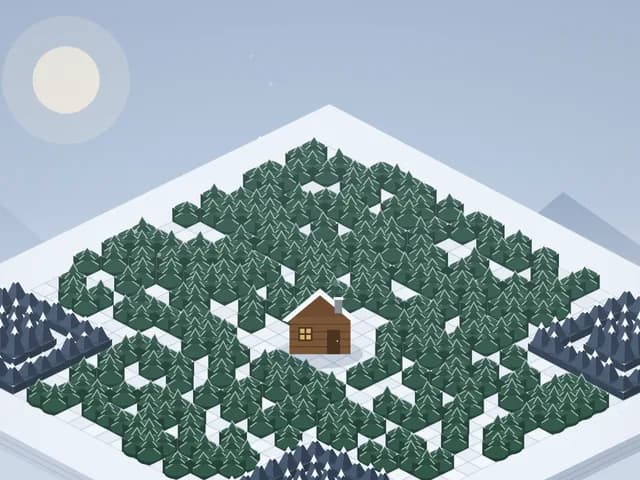
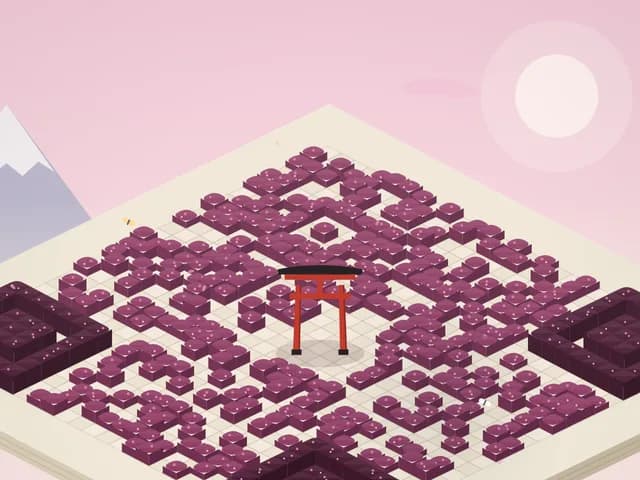
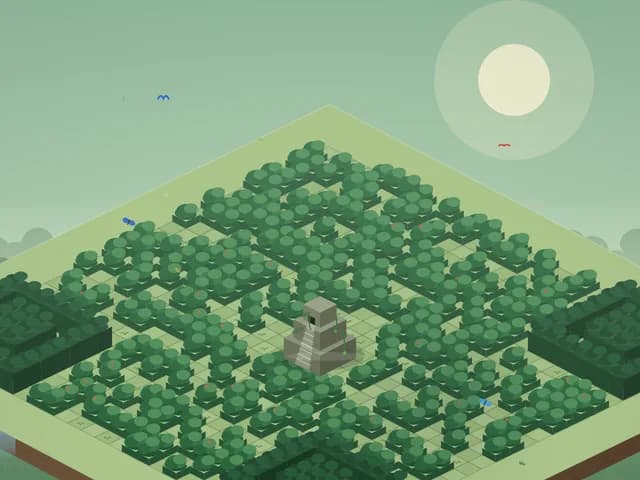
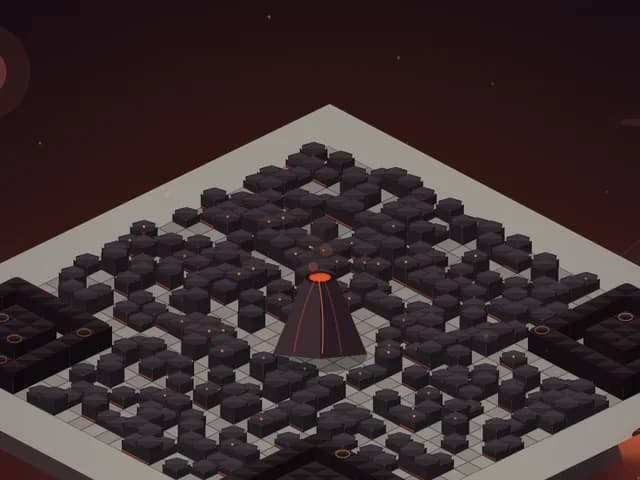
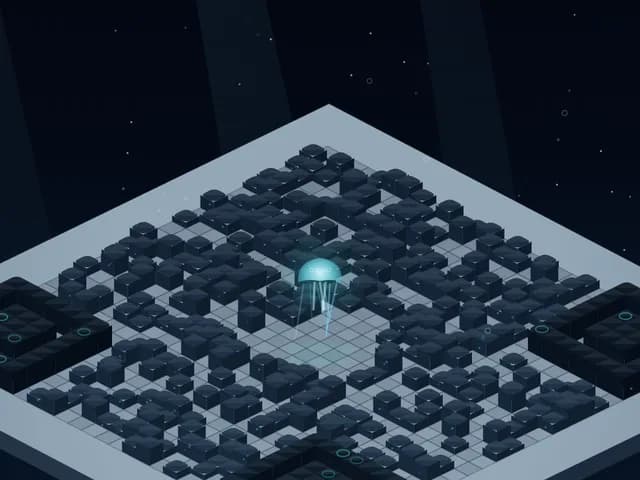
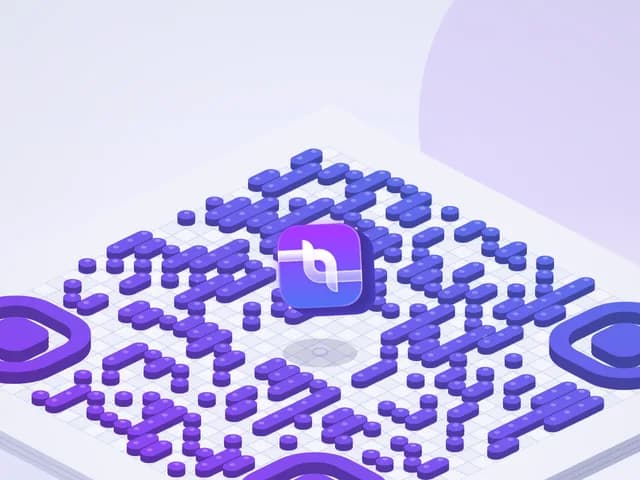
Every code you make here can be placed inside a QR World, a small animated scene built out of the code itself rather than sitting behind it. Metropolis turns the modules into a night city, Lagoon into a shallow reef, Mesa into desert rock, Lunar into a crater field, Alpine into snow, Sakura into blossom, Canopy into rainforest, Ember into a volcano's flank, Abyss into the deep sea floor, and Lynqu into the product's own palette. Tap the scene to flatten it and the world folds away, leaving the plain scannable code underneath.
PNG or SVG?
PNG is the one to grab for a slide, a social post or a screen. It captures the world you chose, at 2048 pixels square. SVG is vector, so it scales to a poster or a vehicle wrap without softening a single edge. It exports in the Lynqu house style, the same rounded-dot code our card QRs use.
Your code is yours, permanently
The QR code you download encodes your link directly. It does not route through Lynqu, we cannot switch off, and it will still work if this page never loads again. That also means it cannot be edited after it is printed and it cannot count scans, because there is nothing in the middle to count them.
Need to change where it points, or see who scanned it?
That is a different job, and it needs something behind the code. A Lynqu card gives you one QR that stays the same on the print run while you change what it opens, plus the scan history, the contact capture and the follow-up that turns a scan into a conversation.
What people make here
- Booth and stand codes that people scan from across the aisle
- Table codes for menus, wine lists and order pages
- Event codes for schedules, tickets and check-in pages
- Print codes for packaging, flyers, signage and business cards
- Screen codes for slides, streams and shop-window displays
QR Code is a registered trademark of DENSO WAVE INCORPORATED. Lynqu is not affiliated with DENSO WAVE.