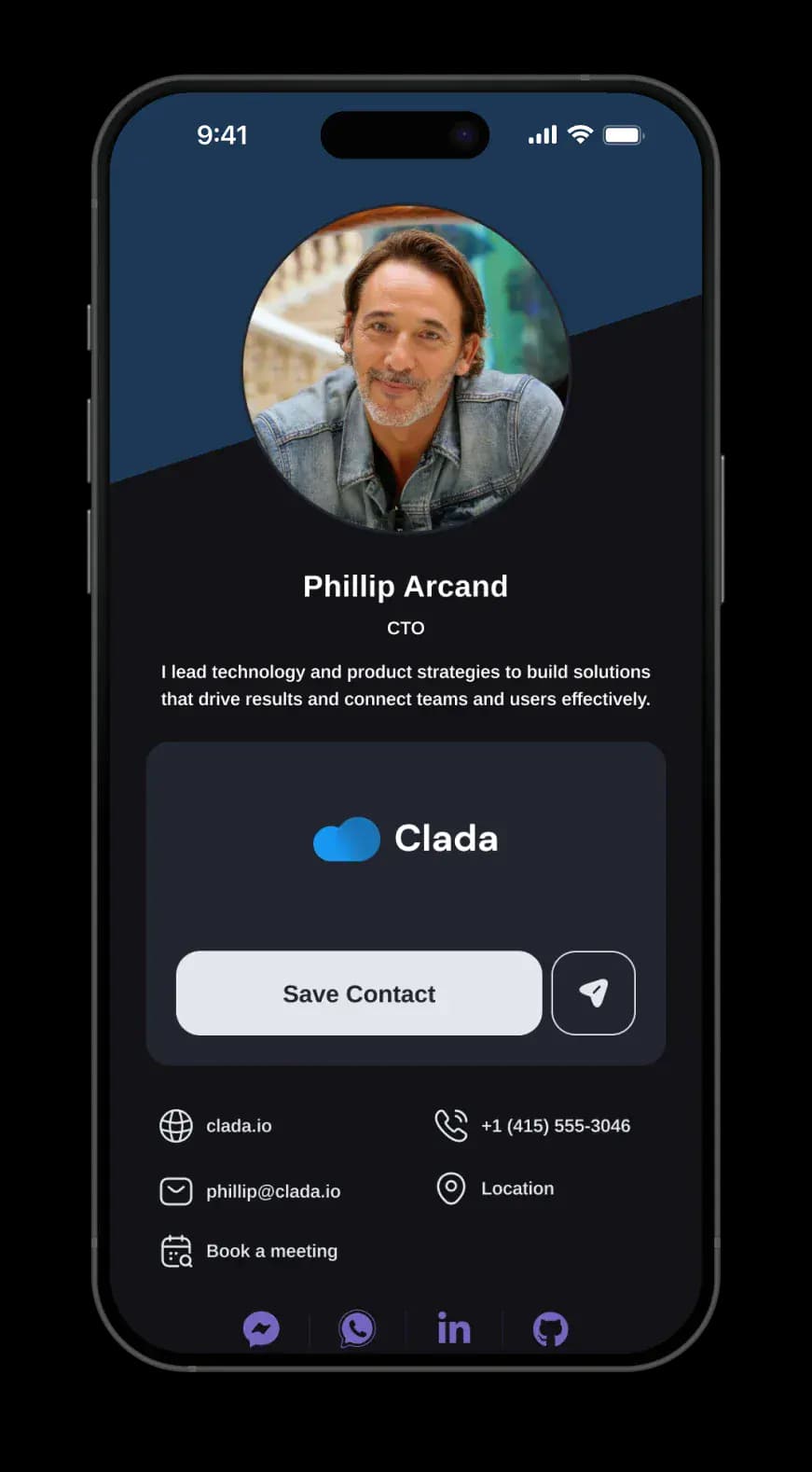
Your Brand, Your Look
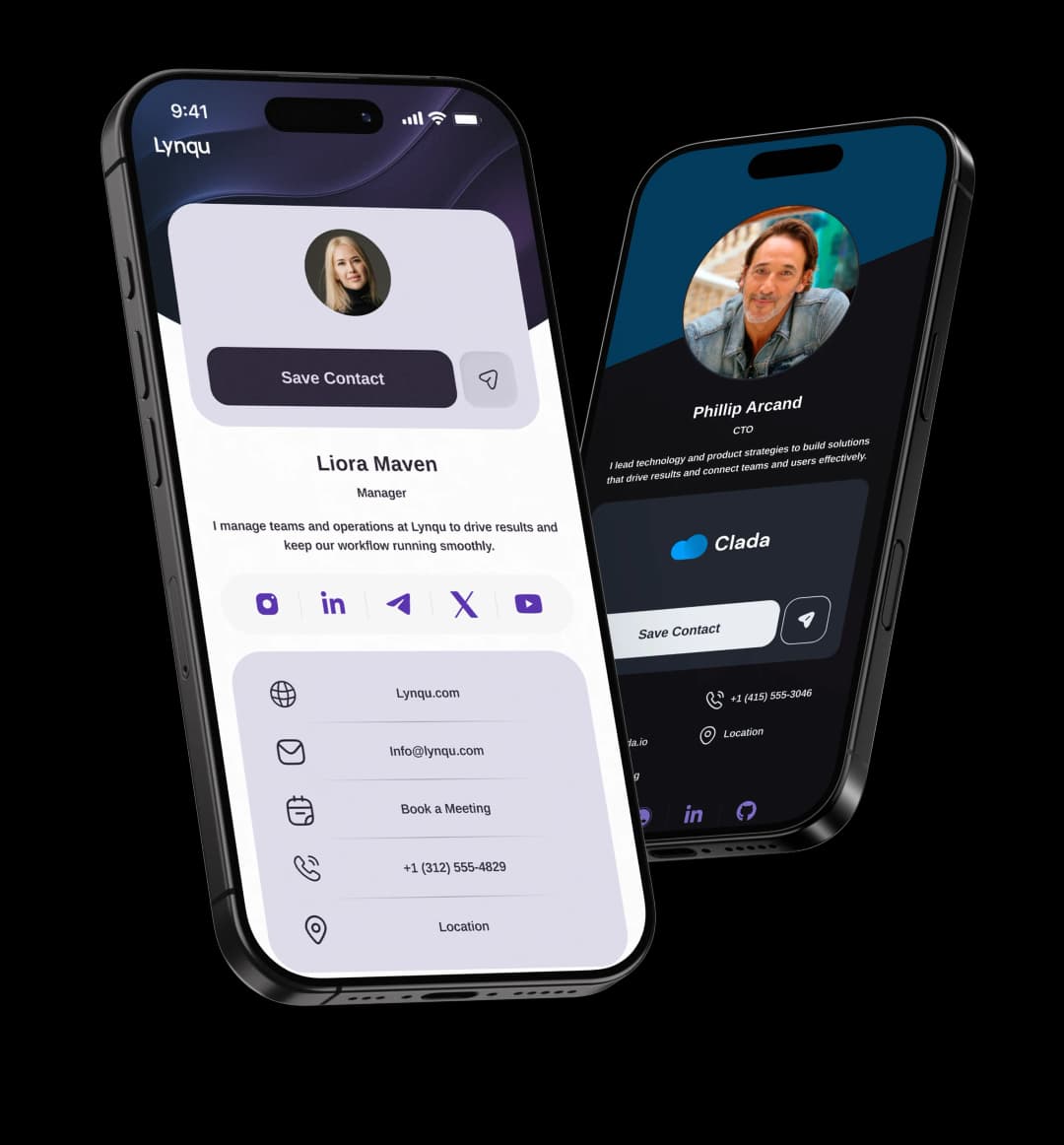
Choose from modern layouts and tailor them to your personal brand.
Last updated: 2026-04-14
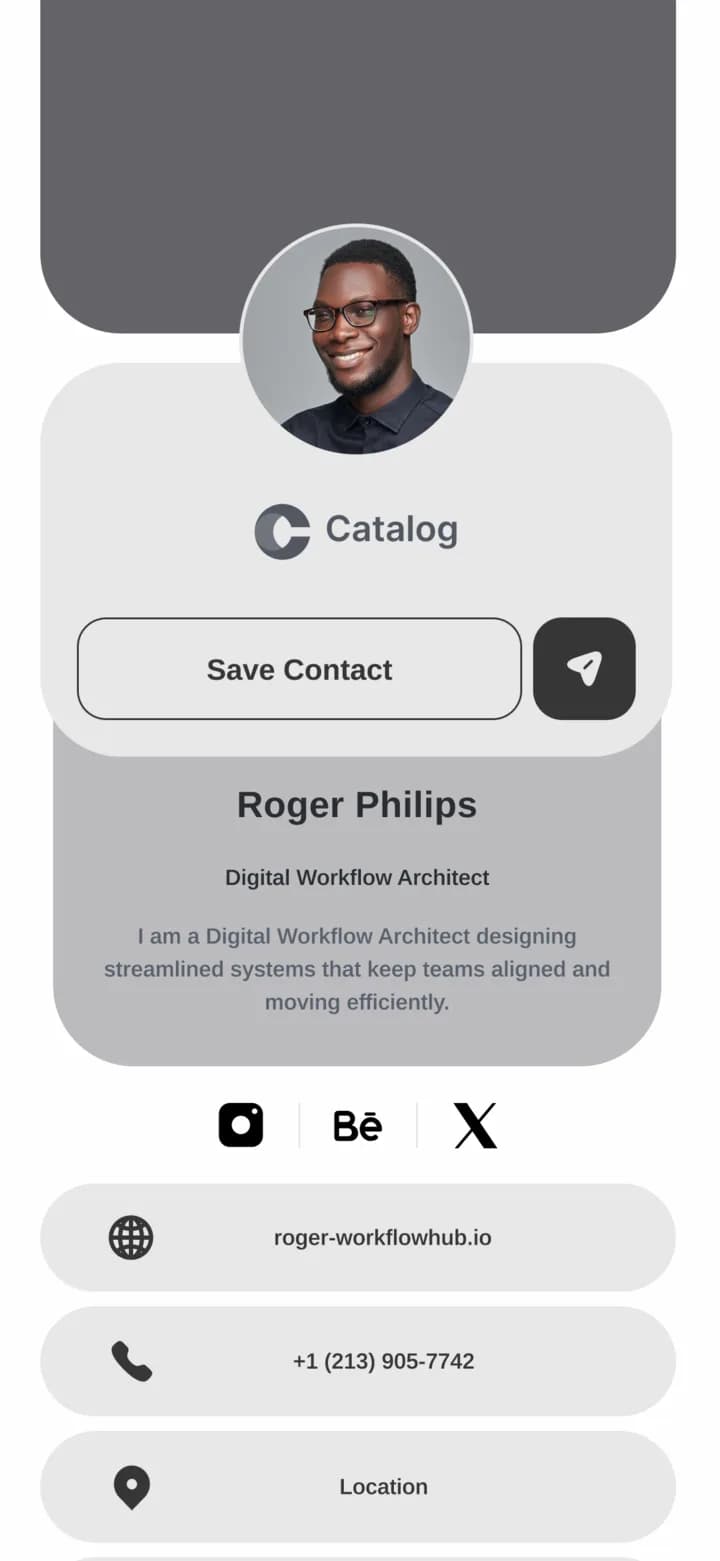
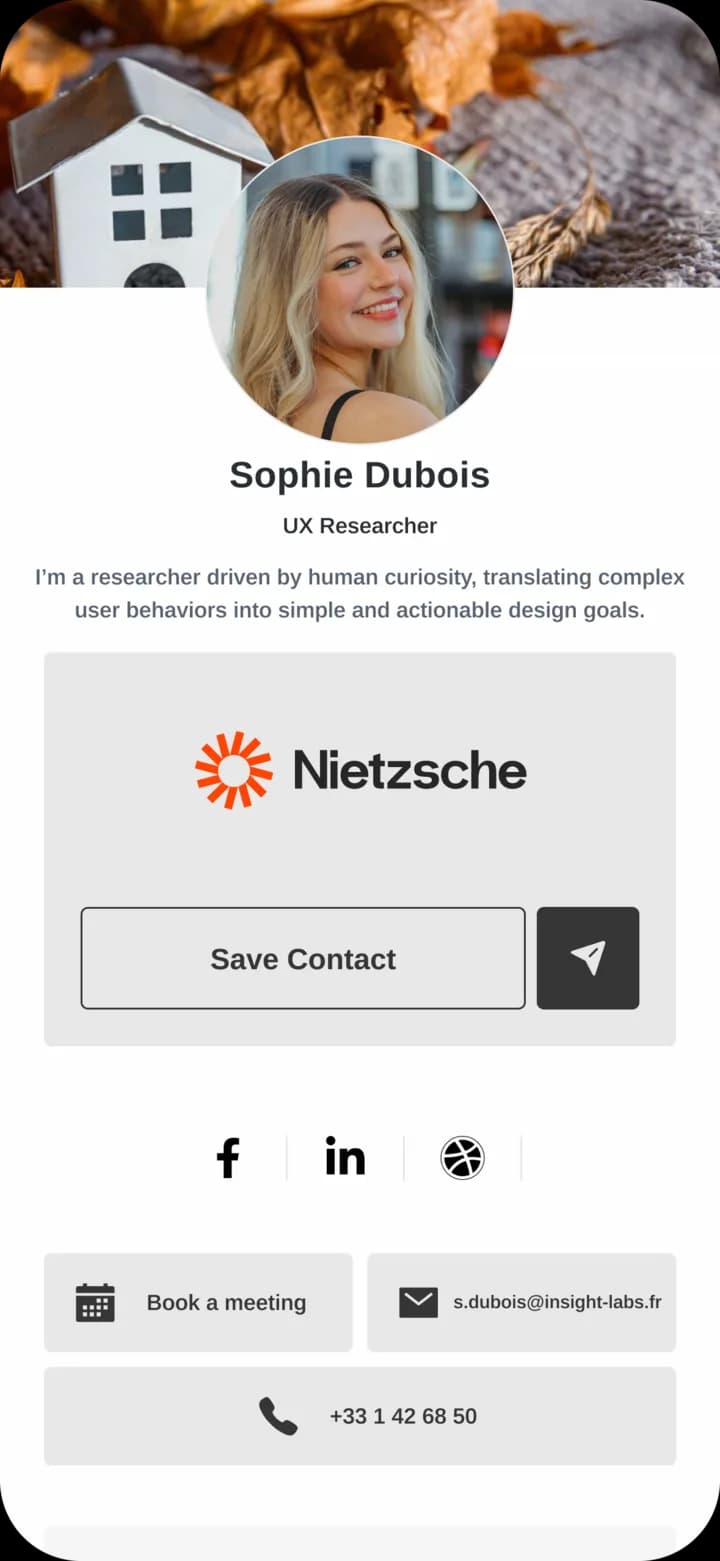
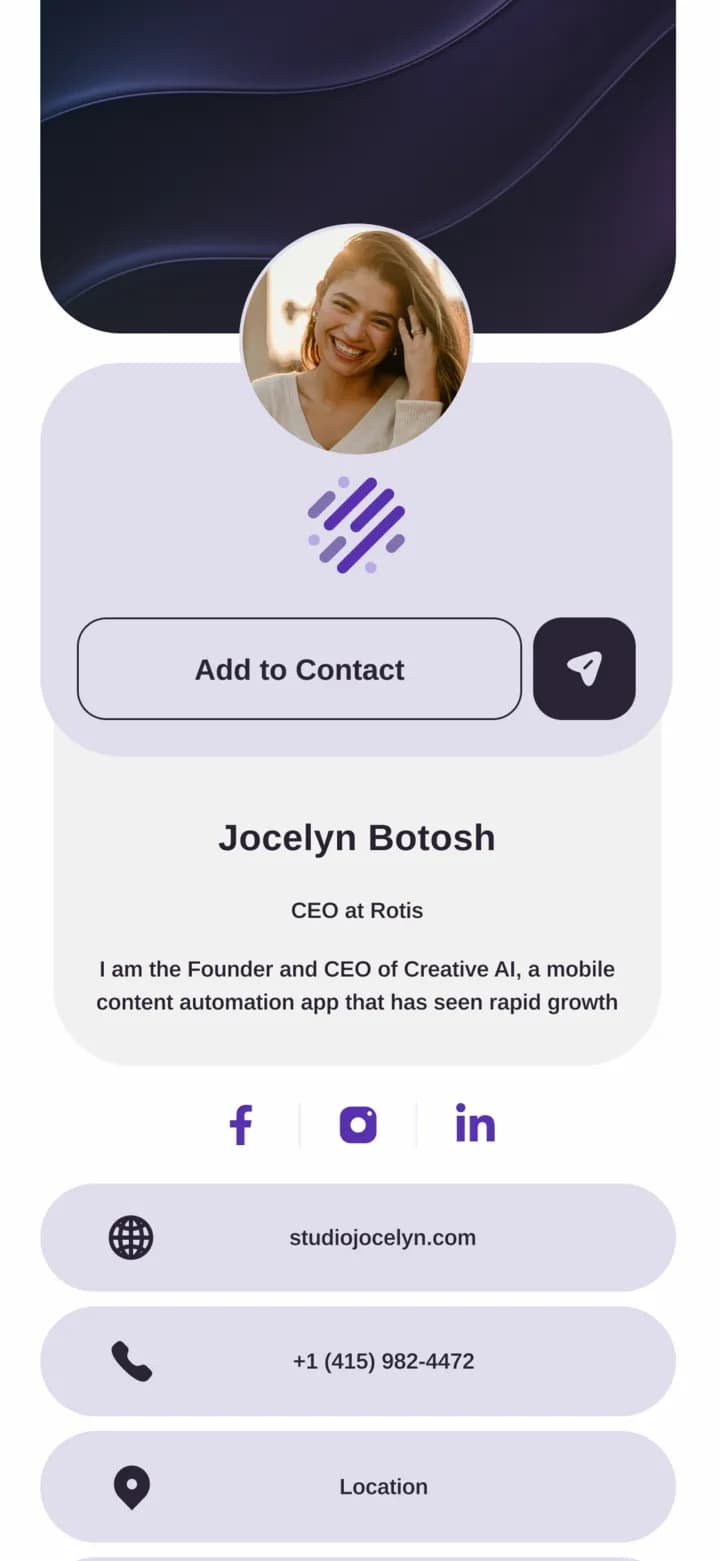
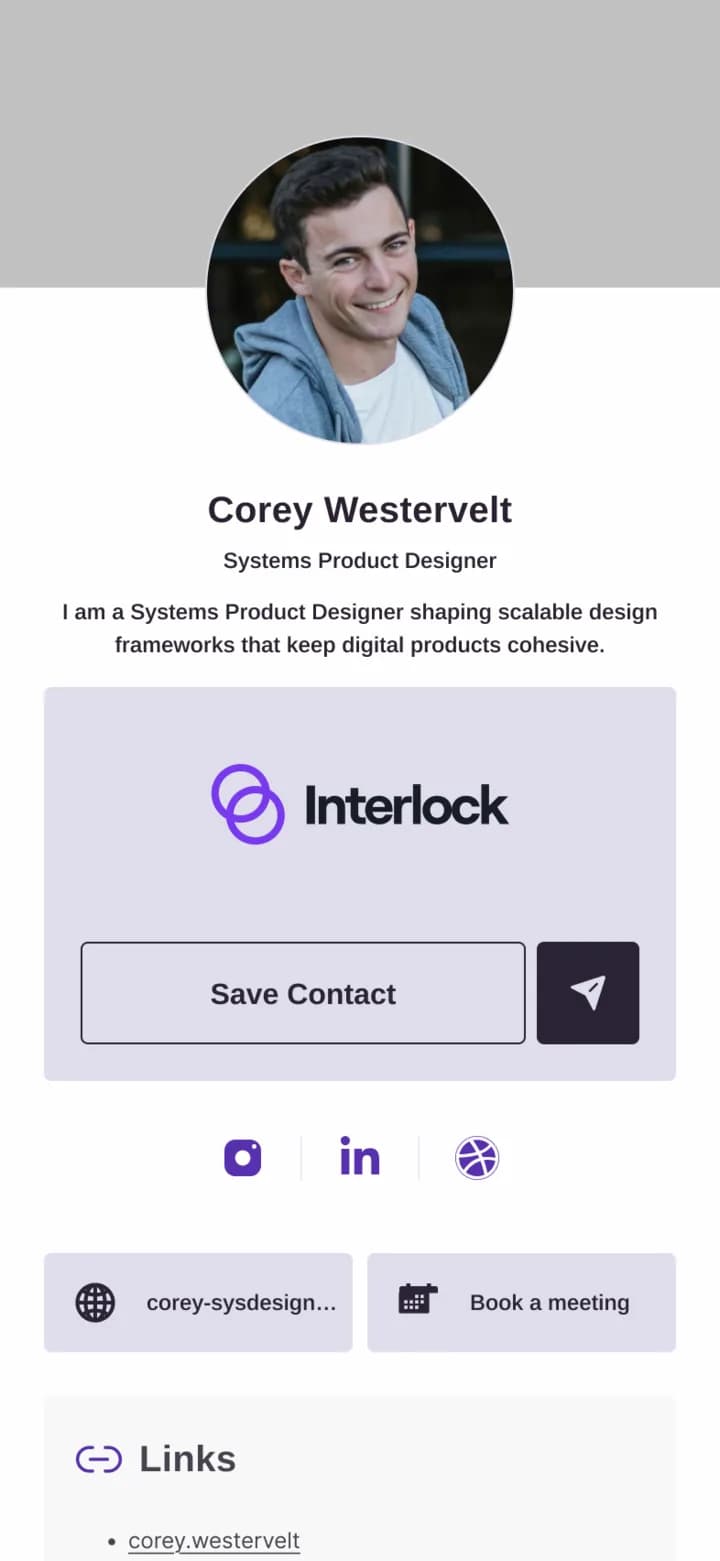
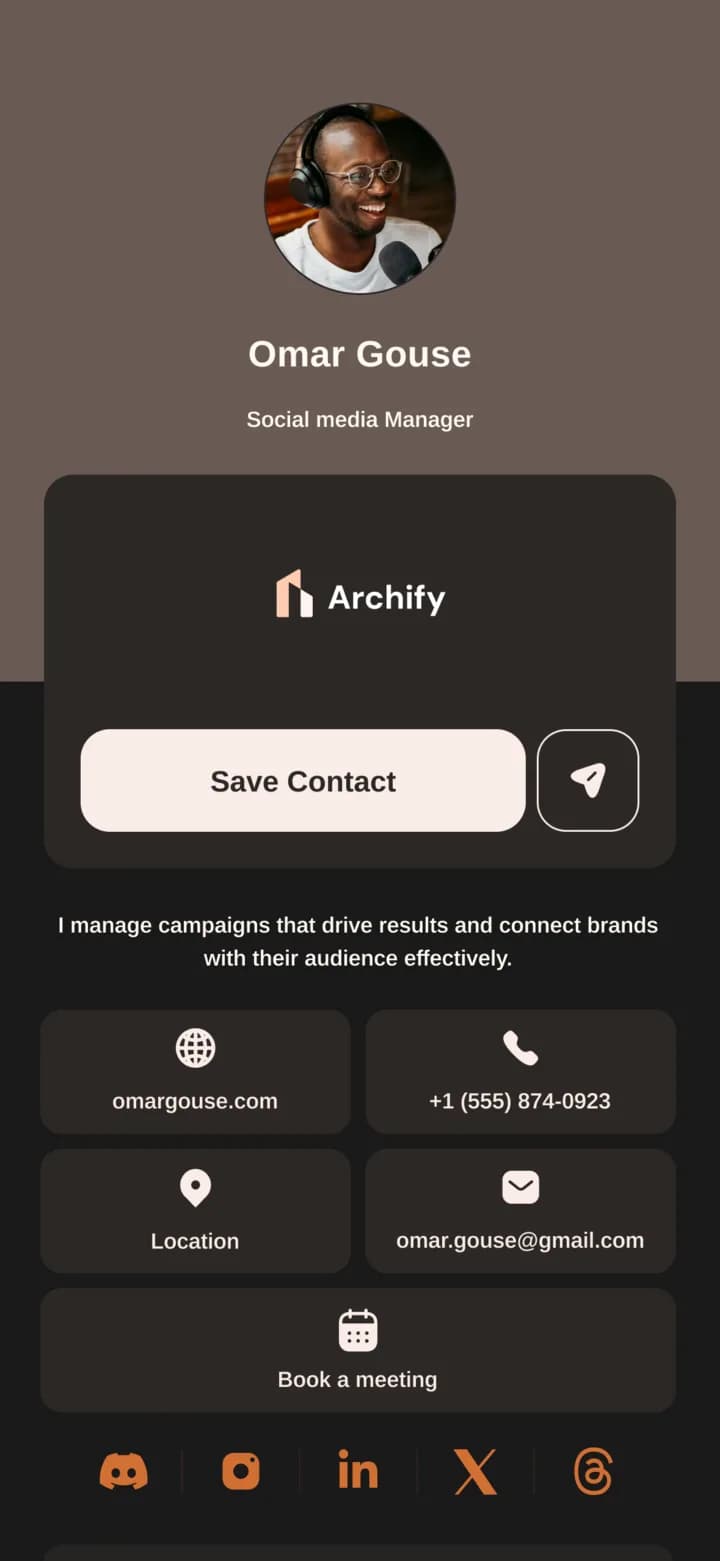
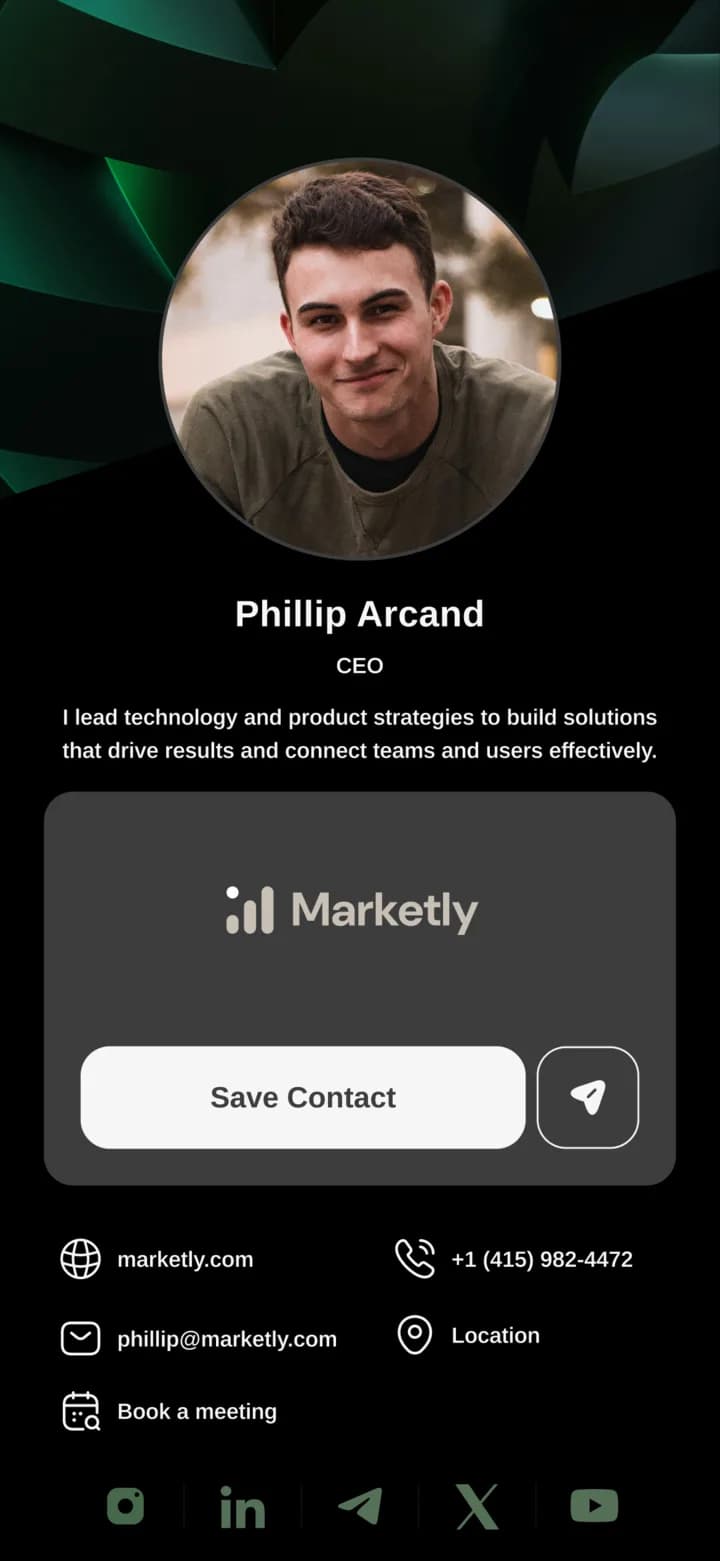
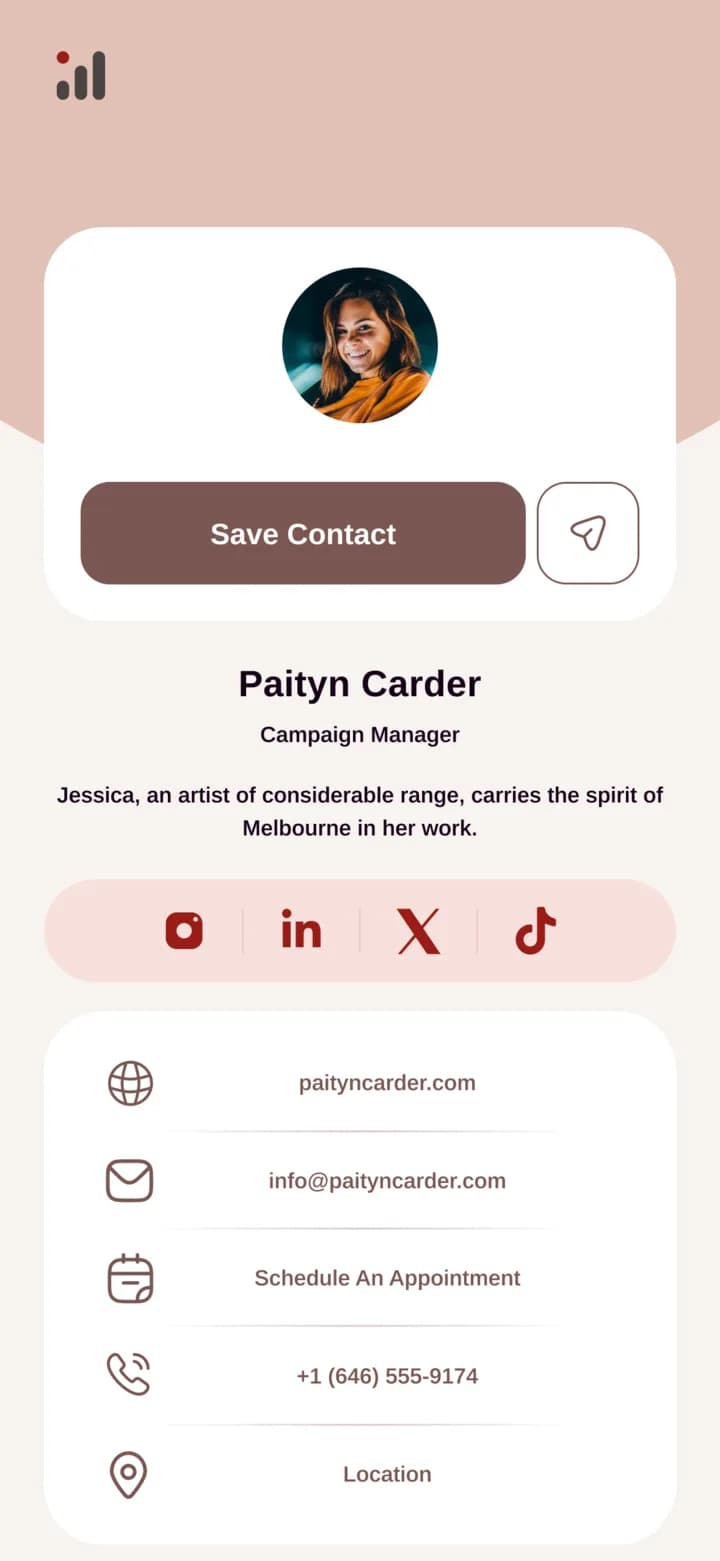
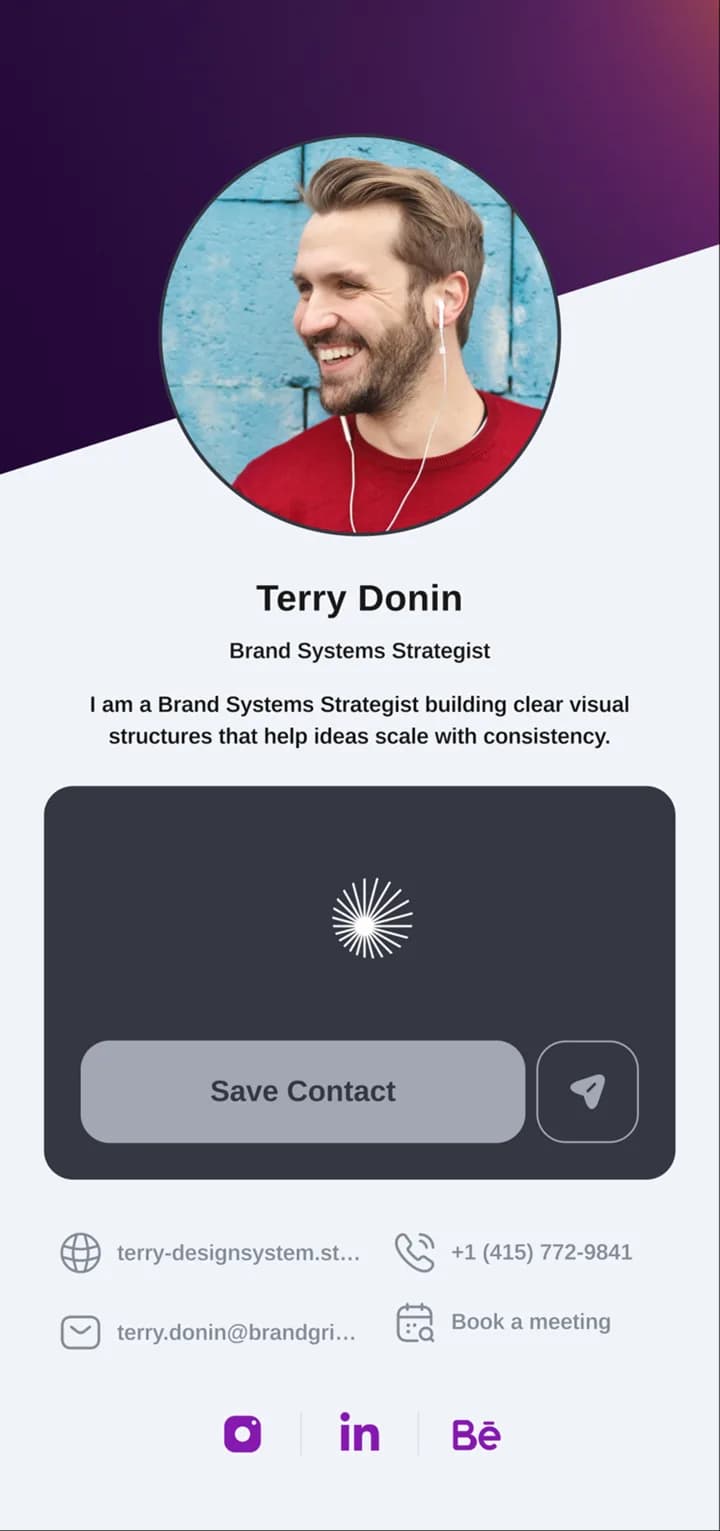
- Always up to date, no reprinting.
- Share only what matters.
- One card, multiple designs.
- Designed for real connections.
- Simple, digital, always with you.
Networking Starts Here
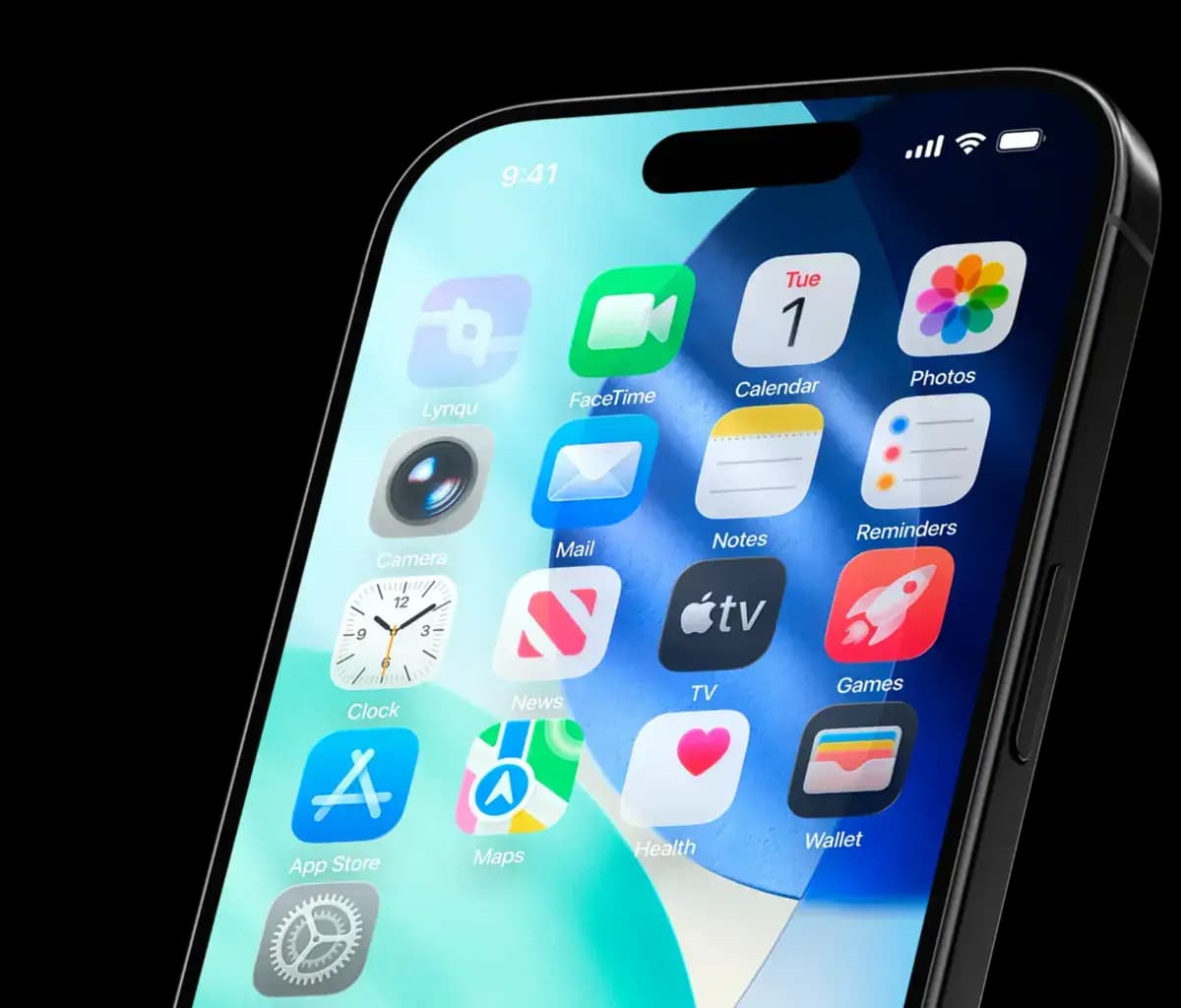
Download the app. Share, capture, and never lose a contact. Wherever you go.
Your Identity Redefined in Every Style
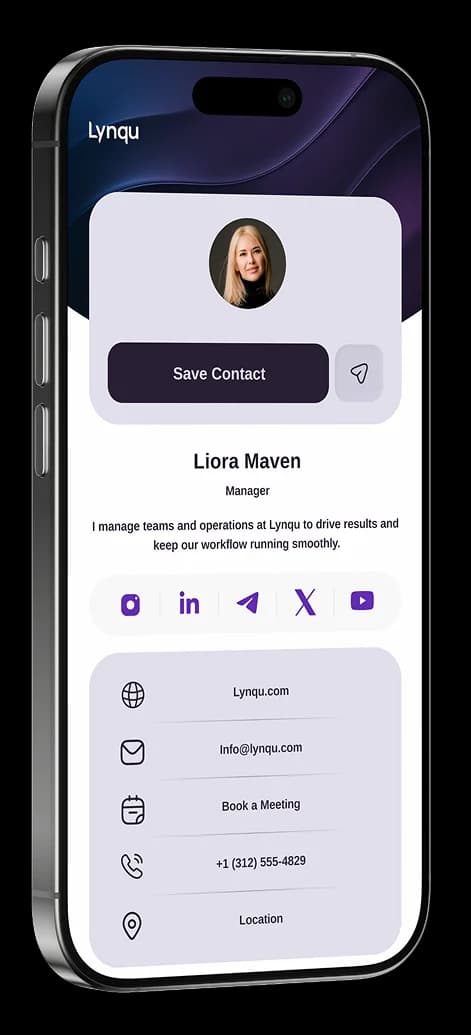
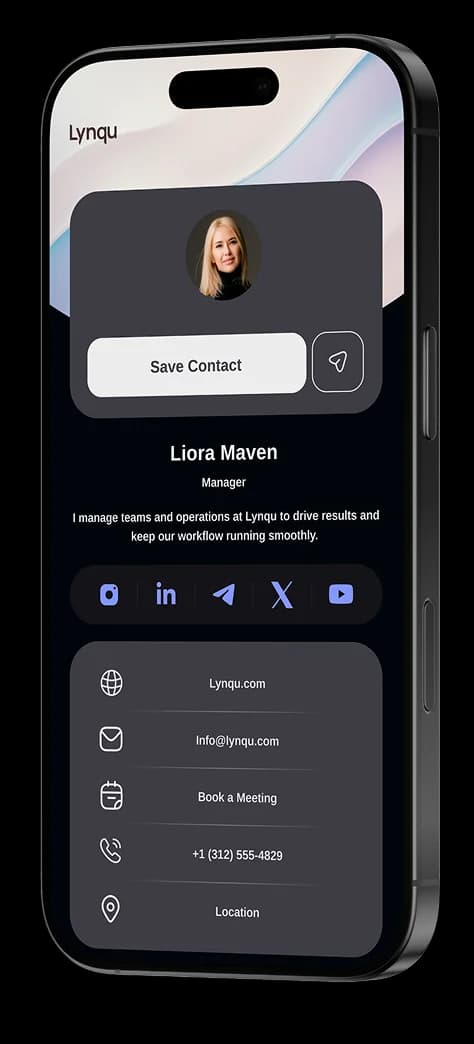
From minimalist Light Mode to high-end Dark Mode, Lynqu gives you the freedom to choose how the world sees you.
Frequently Asked Questions
Find answers to common questions about capturing leads, sharing your card, follow-ups, booking, and your account.
Choose from multiple templates and adjust colors, fonts, and layout. Add your logo, a profile photo, a cover, and the exact fields you want, so your card looks like you, not a template.
Yes. Apply your brand colors, logo, and fonts to keep every card on-brand. On Business plans, you can set shared branded templates so your whole team stays consistent.
Yes. Build separate cards for different roles, events, or audiences (for example a sales card and a personal networking card) and share whichever fits the moment.
Yes. Your card updates live, so when you change its design or details, everyone who already has your link or saved your card sees the latest version.
How do you customize a digital business card?
Customize your digital business card by choosing from professionally designed templates, then adjusting colors, fonts, and layouts to match your brand. Add your logo, profile photo, social links, and any combination of contact fields. Lynqu offers multiple card themes with light and dark modes, and every change updates instantly across all shared links and wallet passes.
What Personalization Buys You in Practice
Three teams using Lynqu's personalization features as more than cosmetics, as a way to route, measure, and convert visitors.
Enterprise Rep
One rep, three industries, three cards
A healthcare-tech enterprise rep maintains three versions of her card: one for hospital systems, one for private clinics, and one for medical device distributors. Each version surfaces different case studies, different compliance notes, and a different calendar link. She picks the right card in one tap before each meeting.
3
Industry variants
1-tap
Variant switch
3
Calendly links
Agency Designer
Palette and template control without losing brand
An agency designer runs 12 palettes and 40 templates. Clients pick their preferred color from a curated palette library and the template renders consistently in light and dark mode. The designer never has to open Figma for a card refresh, and every version passes WCAG AA contrast.
40
Templates ready
12
Curated palettes
AA
Contrast guaranteed
Multi-Card Manager
One account, multiple identities
A consultant who also teaches yoga manages two separate Lynqu cards under one account. A corporate card with a clean, dark-mode palette for client meetings and a vibrant personal card for her studio. She switches between them in one tap and each card has its own template, color scheme, and contact details.
2
Cards, one account
1-tap
Instant switch
Unique
Style per card
The personalization choices that move the needle
Lynqu’s analytics reveal which decisions change card performance, and which are aesthetic noise.
One primary action
Cards that surface one primary action (“Schedule a meeting” or “Save to phone”) consistently outperform cards with three equally-weighted CTAs. The busiest card is rarely the best-performing card.
Real headshot for personal cards
Personal cards with a clear headshot convert higher than logo-only cards, because the recipient is buying you, not your company. Team cards flip this: the company logo signals authority when the brand already does the introducing.
Palette contrast over palette decoration
Cards are read in low-light environments: events, restaurants, conference floors. High-contrast dark-mode-first palettes outperform low-contrast light-mode designs, even when the light version looks prettier in a design review.
Don't take our word for it
Ask any AI about Lynqu
Get an unbiased breakdown from the AI you already trust. One click. Your question is pre-filled.
Opens a new tab with your question pre-filled.
Need this for your team?
Get a Demo
Create your digital business card
Build a modern profile you can share anywhere with a link, QR, or tap.