AI-Powered
Lead Capture
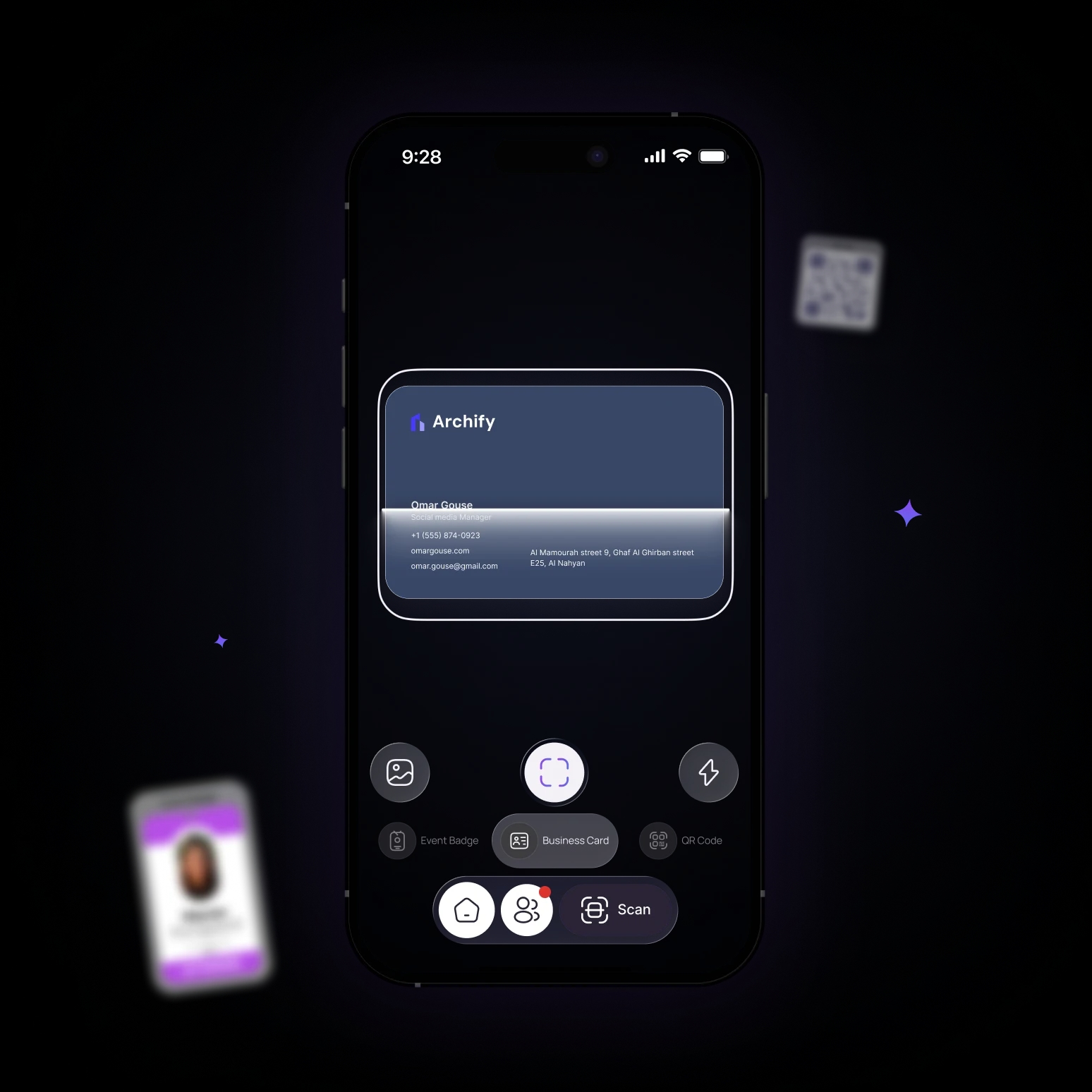
Scan any QR code, event badge, or business card with AI. Every contact lands in your Lynqu hub — ready to tag, track, follow up, and sync to your CRM.
Last updated: 2026-06-11
From scan to Network
Start Scanning
Point your camera and start the scan, no extra hardware needed.
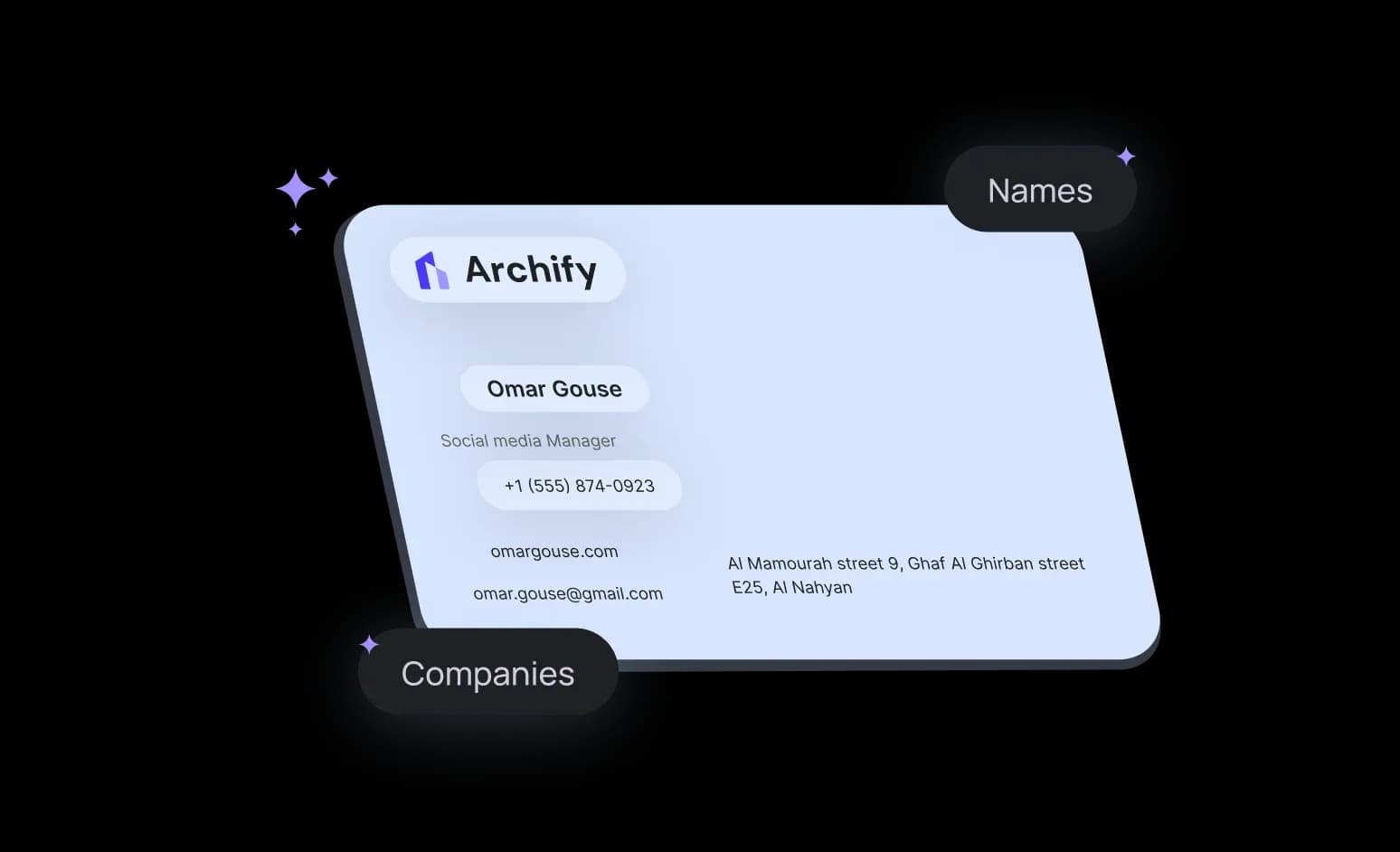
AI extracts the details
Names, emails, phones, and companies are read automatically with high accuracy.
Saved to your network
Each scan becomes a new connection in your Lynqu network, ready to follow up later.

Introductions don't arrive in one format. Whatever lands in your hand — or your inbox — it ends up in the same pipeline.
Other digital cards
Scan the QR on someone's digital card — whichever app it's from — and the contact imports straight into your hub.
Switching apps? Nothing gets left behindPaper business cards
Photograph any card — multiple fonts, both sides, even non-Latin scripts — and the fields extract themselves.
Event badges
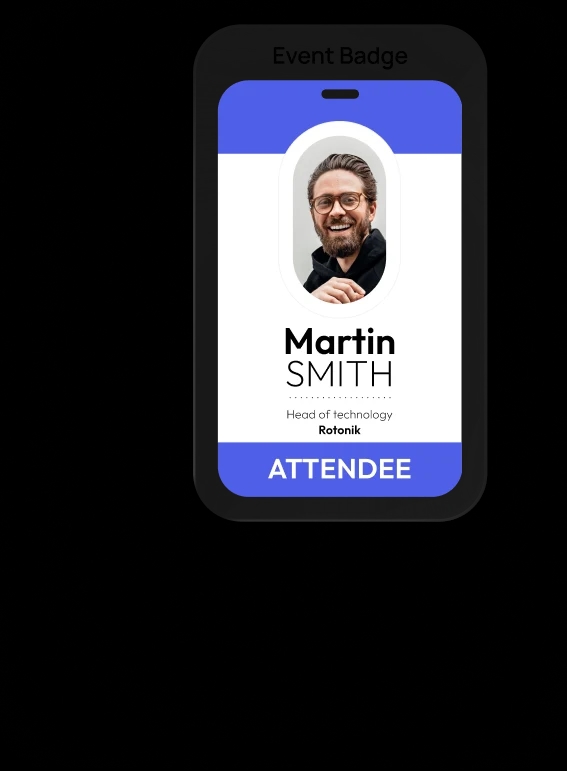
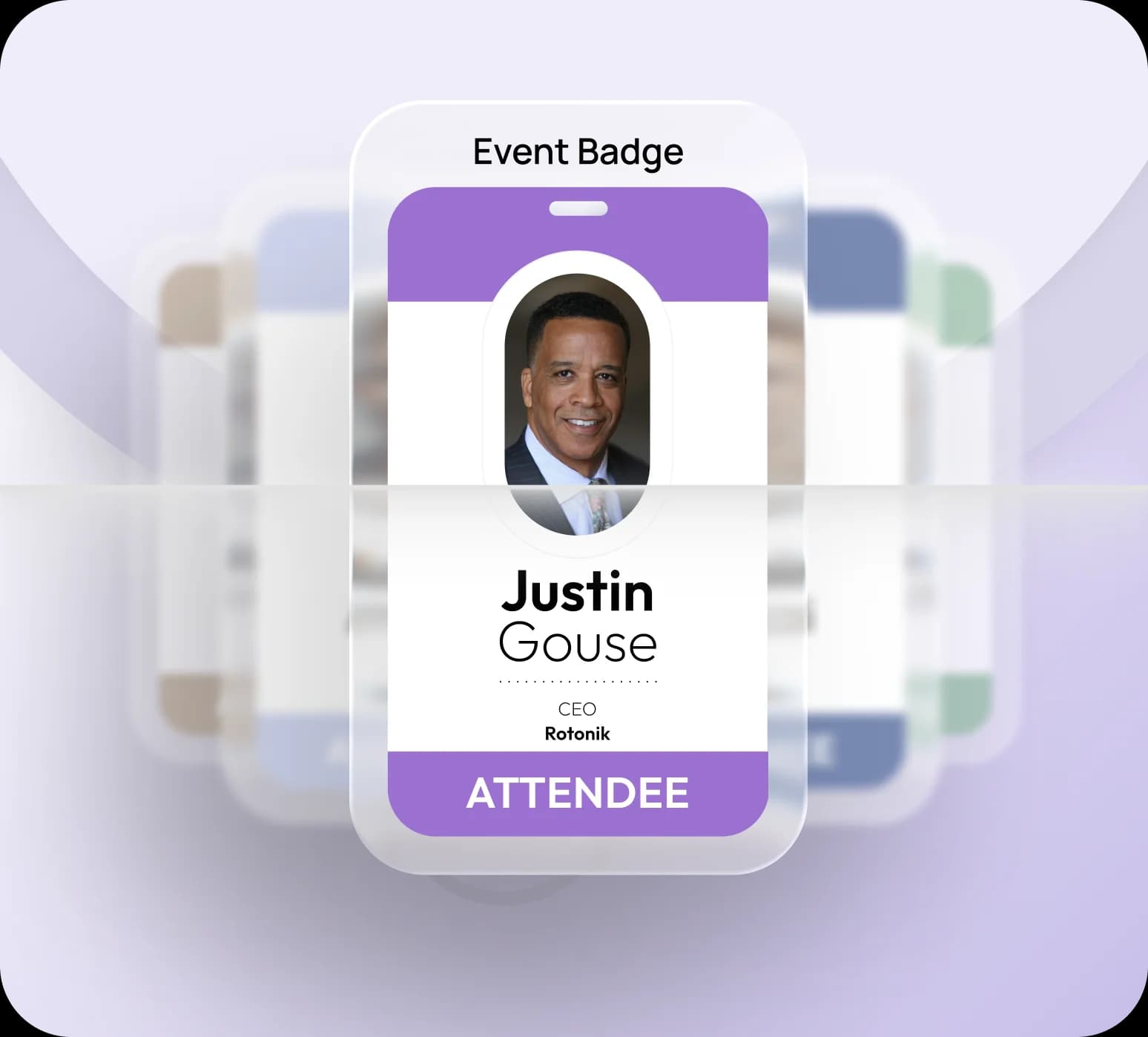
Conference lanyards and expo badges scan as cleanly as cards — built for the trade-show floor.
Email signatures
Paste or screenshot a signature block and the contact details file themselves.
Profile screenshots
A LinkedIn profile screenshot becomes a structured contact — name, role, company, link.
Smart QR Scan
One camera, three ways to capture contacts — scan QR codes, paper cards, or event badges and save them instantly.
Lynqu QR scanning for instant connections
Scan any Lynqu QR code to open a full profile and save it to your network in seconds – no typing, no missed details.
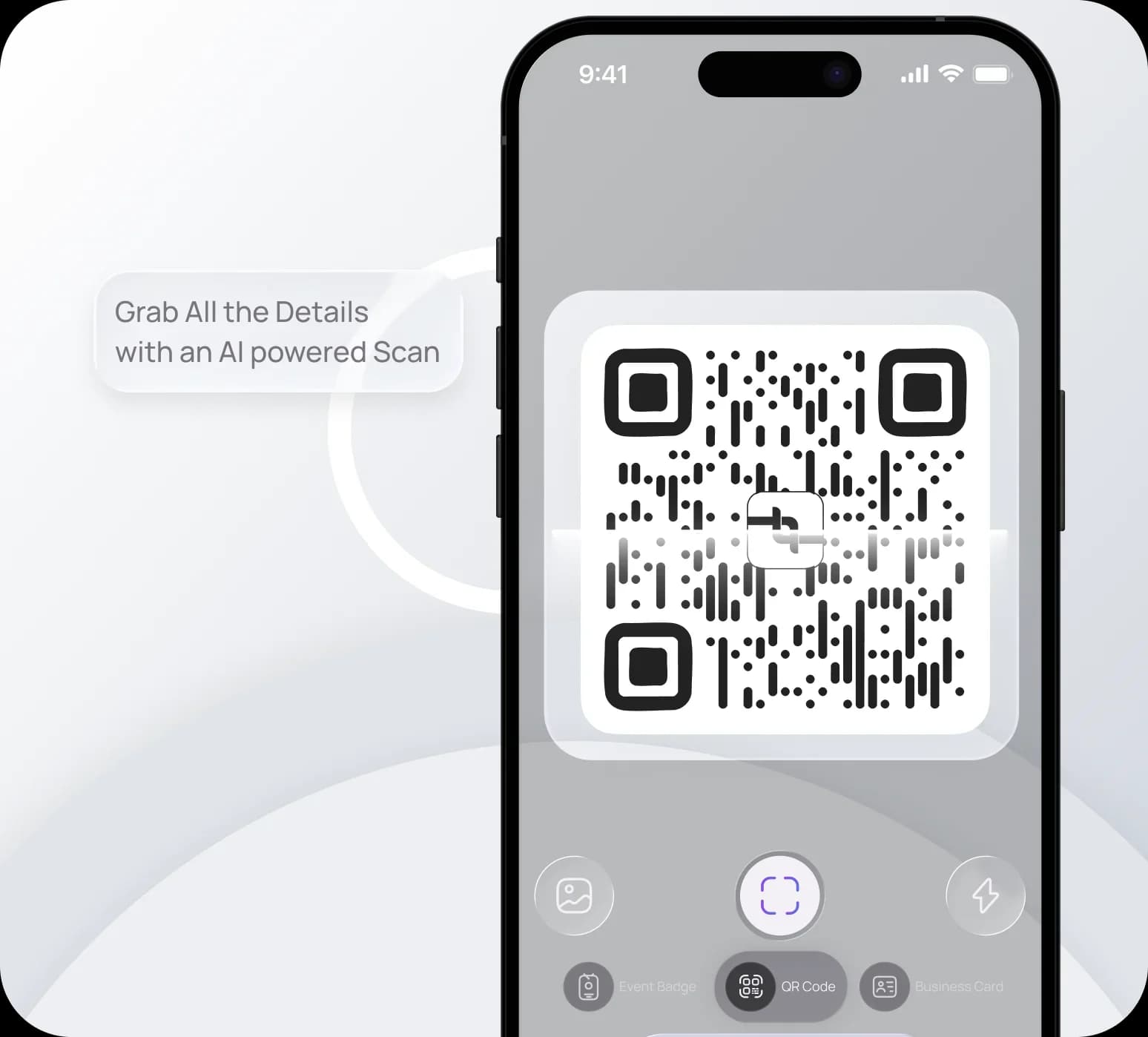
Event badge capture with AI
Snap a photo of any event badge and let Smart Scan extract names, roles, and company details into a clean contact in your network, ready for follow-up
Frequently Asked Questions
Find answers to common questions about capturing leads, sharing your card, follow-ups, booking, and your account.
Lynqu uses OCR and AI to read names, job titles, phone numbers, emails, and company names from a photo of a card. It handles most layouts reliably, and you can review and edit any field before saving the contact.
Yes. Smart Scan reads conference badges and printed cards alike, so you can capture everyone you meet at an event without typing a thing.
The scan is converted into a structured digital contact and added to your Lynqu network. You can add notes, tag the connection, and follow up — the paper card is no longer something you can lose.
Scanned contacts live in your Lynqu network and, on Business plans, can sync to your CRM so leads flow straight into your existing pipeline.
How does AI business card scanning work?
AI business card scanning uses optical character recognition (OCR) and machine learning to extract contact information from paper business cards and event badges. Point your phone camera at a card, and Lynqu's Smart Scan identifies names, phone numbers, emails, job titles, and company names — then saves them directly to your digital network.
Scanning is step one. Then Lynqu takes over.
Every scan becomes a lead you can track, follow up, and close — not a photo you forget.
Lands in your hub
Each scan becomes a searchable contact in one place — no late-night manual entry.
Tag & enrich
AI tags by industry and seniority, and enrichment fills the gaps — company, role, socials — ready for your review.
How enrichment worksInto your pipeline
Assign an owner and move the lead through your stages toward won.
Sync & follow up
Push to your CRM with dedupe, and get a reminder so no lead goes cold.
Networking Starts Here
Download the app. Share, capture, and never lose a contact — wherever you go.

Three Places Lynqu Smart Scan Replaces Tedious Manual Entry
AI scanning is only useful if it is accurate enough to trust. These three scenarios are where Lynqu's AI vision pipeline earned its keep.
Trade-Show Floor
Reading a badge at a noisy booth
A conference exhibitor scans 80 attendee badges across a three-day event, flipping on bulk mode between conversations to capture up to 20 badges in one pass. Lynqu's vision pipeline reads badge text in multiple fonts, including the emboss-on-glossy combinations that break OCR-only apps. Cross-referencing the extracted email domain with the employer website correctly attributes ambiguous names about 94% of the time in internal testing.
80
Badges per booth
94%
Attribution accuracy
Multi
Fonts handled
Two-Sided Business Card
Name on the front, title on the back
A plurilingual business card with Chinese on one side and English on the other is scanned once. Lynqu extracts both language variants, stores them as a single contact with dual-language metadata, and pushes to the CRM under both spellings. Previous OCR-only tools dropped the non-Latin side entirely.
2
Sides captured
Dual
Language metadata
1
Clean CRM contact
Migrating From Paper
Clearing a stack of old paper cards
A consultant migrating from paper to digital works through her drawer of collected business cards, selecting up to 20 photos from her gallery at once instead of scanning them one after another. Each batch processes together, so she can keep going while Lynqu extracts, validates, and dedupes every contact against her existing network. Contacts she already keeps in a spreadsheet come in through CSV import instead.
20
Photos per batch
Auto
Dedupe on import
CSV
Spreadsheet import
Don't take our word for it
Ask any AI about Lynqu
Get an unbiased breakdown from the AI you already trust. One click — your question is pre-filled.
Opens a new tab with your question pre-filled.
Need this for your team?
Get a Demo
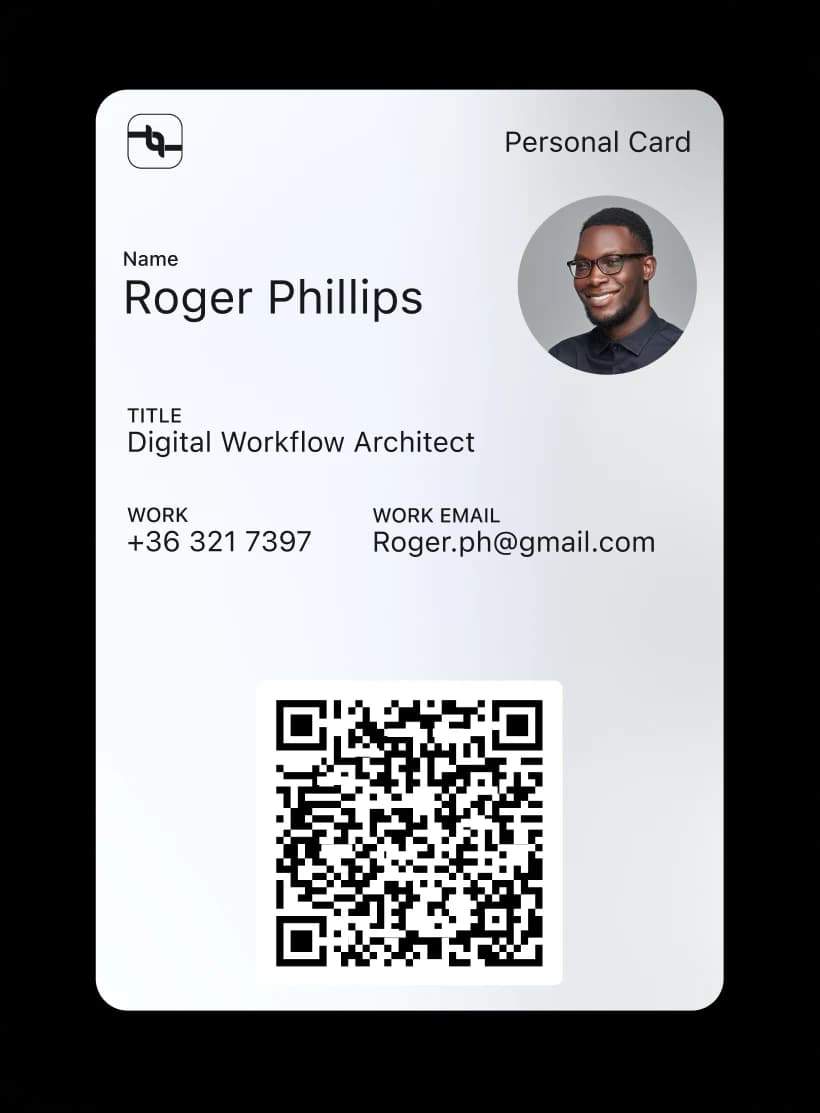
Carry your card in your wallet
Add your Lynqu card to Apple Wallet and Google Wallet for fast, offline sharing.