The meeting scheduler that turns interest into a booked meeting
A personal booking page with its own link: share it from your card, your email signature, or anywhere else. Visitors pick an open slot and the meeting lands in both calendars.

Amelia Chen
Book a time
 30-min intro call
Lynqu gives you a personal booking page with its own shareable link, and puts the same page one tap away on your digital business card. You define services with their own durations, set weekly availability with date exceptions, and share the link anywhere: email signatures, chat, social bios, or the card itself. Visitors pick an open time slot and book without creating an account. Both sides receive an email confirmation with a calendar invite, every booking includes self-serve reschedule and cancel links, and slot holds prevent double-booking. Teams on Business plans can add shared team booking pages (Advanced booking) that show combined availability and route each booking to the right person automatically.
How does a booking link work?
Lynqu gives you a personal booking page with its own shareable link, and puts the same page one tap away on your digital business card. You define services with their own durations, set weekly availability with date exceptions, and share the link anywhere: email signatures, chat, social bios, or the card itself. Visitors pick an open time slot and book without creating an account. Both sides receive an email confirmation with a calendar invite, every booking includes self-serve reschedule and cancel links, and slot holds prevent double-booking. Teams on Business plans can add shared team booking pages (Advanced booking) that show combined availability and route each booking to the right person automatically.
The meeting books itself while you talk
Four steps from a shared link to a meeting on both calendars, with your team covering every request.
Share your link
QR, card tap, email signature, or a plain link. Your booking page opens anywhere, no app needed on their side.
They pick a slot
Visitors choose a service and an open time from your availability rules. Slot holds stop double-booking.
Both calendars invited
Email confirmations with calendar invites go to both sides, with reschedule and cancel links built in.
Your team claims it
Requests from campaigns and events land in a shared booking inbox, ready to claim on web, iPhone, or Android.
Put your booking link everywhere you already show up: Email signatureDigital business cardWallet pass
The interest is real in the moment, then the meeting dies somewhere in a week of scheduling emails.
Your booking link takes the meeting on the spot: they pick a slot, you both get the invite, and the follow-up is already on the calendar.
One Booking Page, Every Channel
Scheduling tools assume the lead will click a link in an email later. Lynqu's scheduling page books the meeting in the moment: from your card, your link, or wherever the conversation happens.
No account, no app, no friction
Anyone who opens your booking link can book you. Visitors pick a service and a time slot right on the public page, with no signup and no calendar access requested.
Availability you actually control
Weekly availability rules, date exceptions for travel and holidays, and booking limits keep your calendar honest. Connect your Outlook or Google calendar (Google rolling out) and booking automatically respects your real busy times. What visitors see is only what you decided to offer.
Calendar-true from the first hello
Confirmations go out by email with calendar invites for both sides, and confirmed meetings land natively on your connected calendar. Slot holds stop double-booking, every booking carries its own reschedule and cancel links, and on AI plans an AI-generated brief arrives the day before each lead-linked meeting.
Where Lynqu Booking Does the Work
Three ways teams and independents use Lynqu's booking engine to turn a handshake into a scheduled next step.
Field Sales Rep
Booking the follow-up at the booth
A rep working a trade-show booth shares her booking link from her card and asks the visitor to grab a slot for next week while they talk. The visitor books a 30-minute demo on the spot, both get the calendar invite, and the booking shows up in the team calendar before the visitor has left the stand.
1-tap
Share link
Both
Calendars invited
0
Scheduling threads
Independent Consultant
Different services, different durations
A consultant offers a 20-minute intro call and a 60-minute working session as separate services on one booking page. Prospects choose the right one themselves, booking limits keep sessions from stacking, and self-serve reschedule links absorb calendar changes without email ping-pong.
2
Services, one link
20/60
Minute durations
Self-serve
Reschedules
Event Marketing Team
Campaign requests, one shared inbox
Booking requests coming from campaign and event pages land in a shared requests inbox, labeled with their source. Team members claim the ones that are theirs with a tap, on the web dashboard or from the iPhone and Android apps, so no request waits for whoever checks email first.
1
Shared inbox
Tap
To claim
3
Platforms
Booking Link Questions, Answered
No. Anyone with your link picks a service and a time slot and books on the spot: no signup, no app, and no access to their calendar requested.
Yes. Your booking page has its own link that stands alone: put it in email signatures, chat, or social bios. The card simply keeps the same page one tap away when you meet in person.
Every confirmed booking emails both sides a confirmation with a calendar invite attached, so the meeting lands in your calendar and theirs without any sync setup.
Each booking carries its own self-serve reschedule and cancel links, and slot holds keep the freed time from being double-booked.
Don't take our word for it
Ask any AI about Lynqu
Get an unbiased breakdown from the AI you already trust. One click. Your question is pre-filled.
Opens a new tab with your question pre-filled.
Need this for your team?
Get a Demo
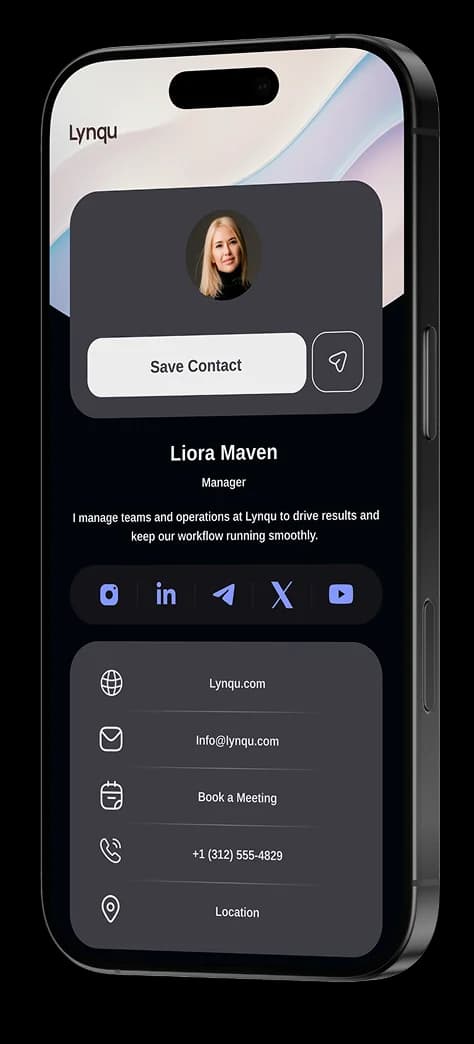
Your brand, your look
Explore Our Difference. Modern layouts and personalization so the world sees you your way.