Your Networking
Always-On
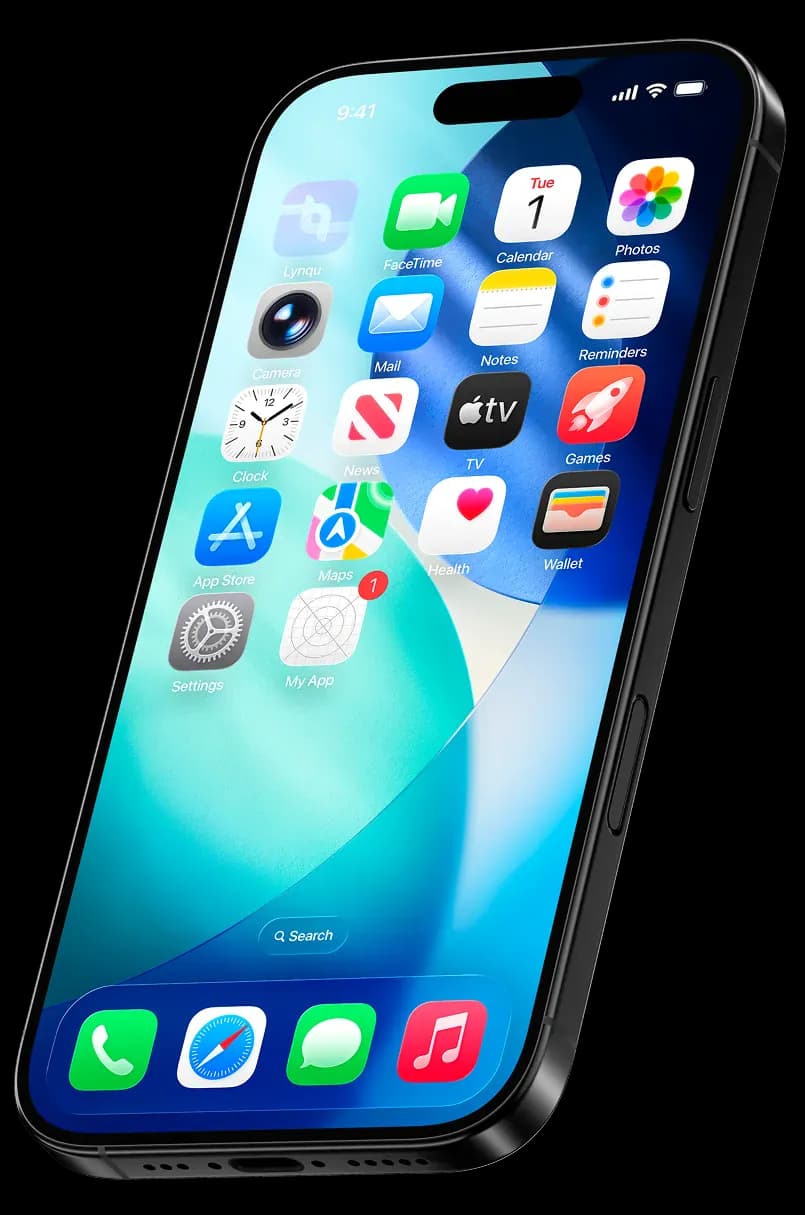
Lynqu integrates directly with the OS wallet you already use, ensuring your professional identity is just a double-tap away.
Last updated: 2026-04-14
 Apple Wallet
 Google Wallet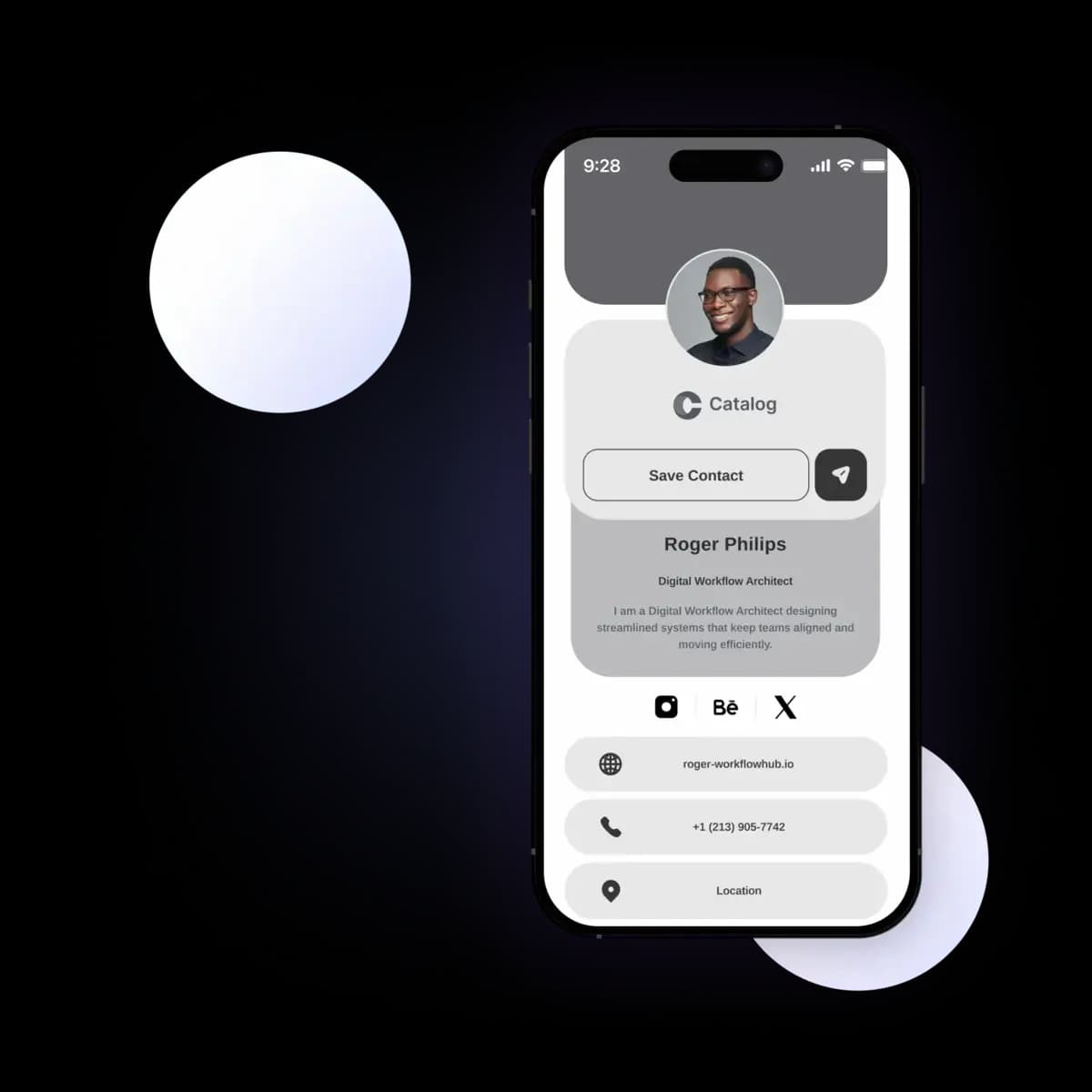
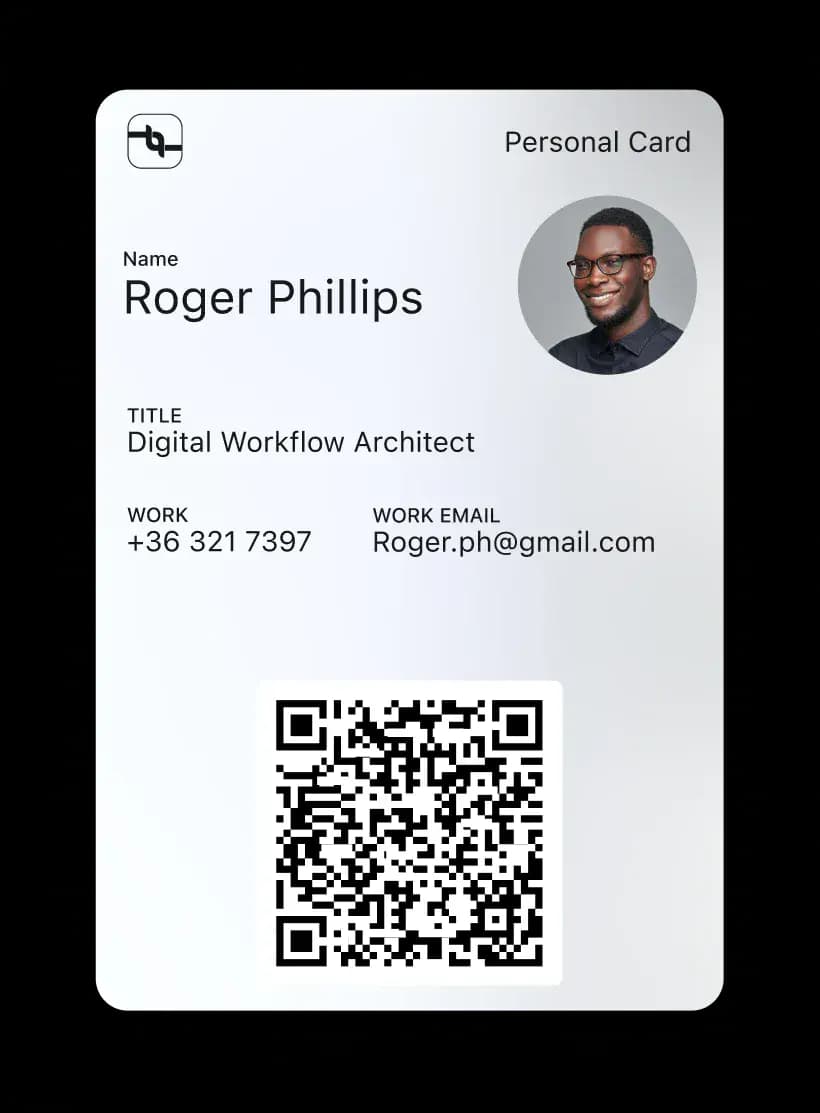
Your Card, Always on Hand
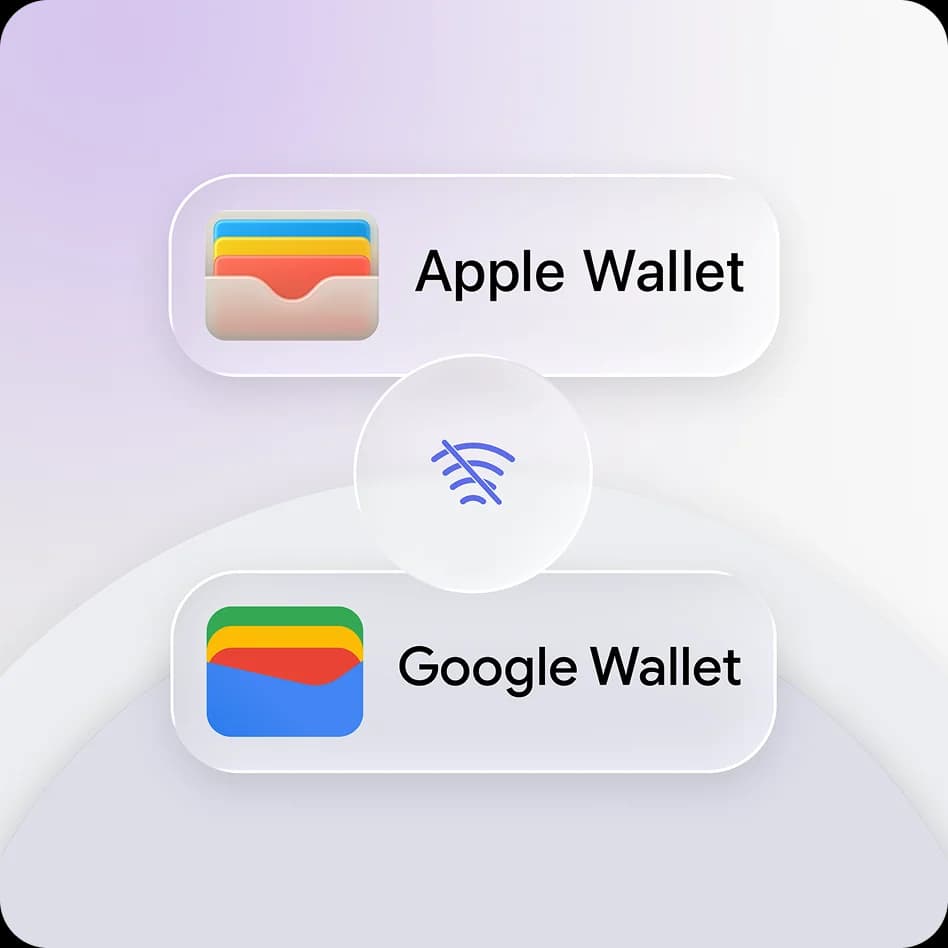
Internet Not Required
Your Wallet pass lives natively on your device. Share your QR code at conferences, flights, or underground events, even without a data connection.
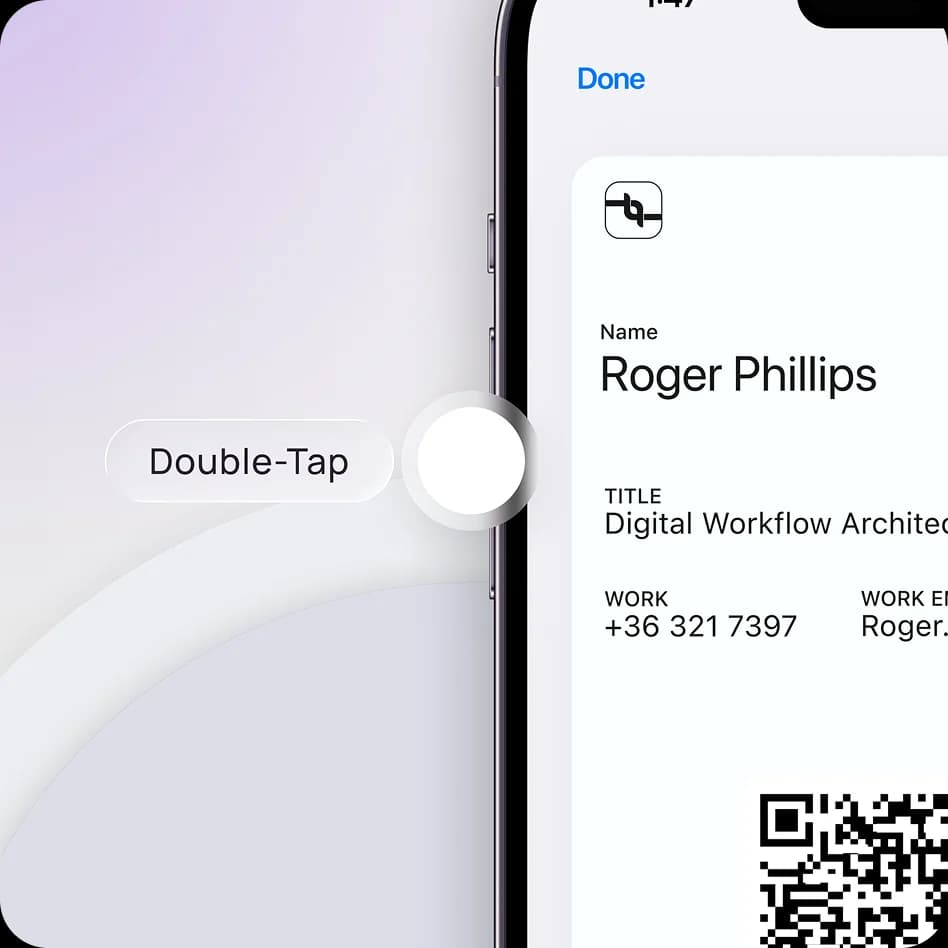
Instant Access
Skip the app. Access your card directly from your lock screen or quick menu. Share in a second, even when the phone is locked.
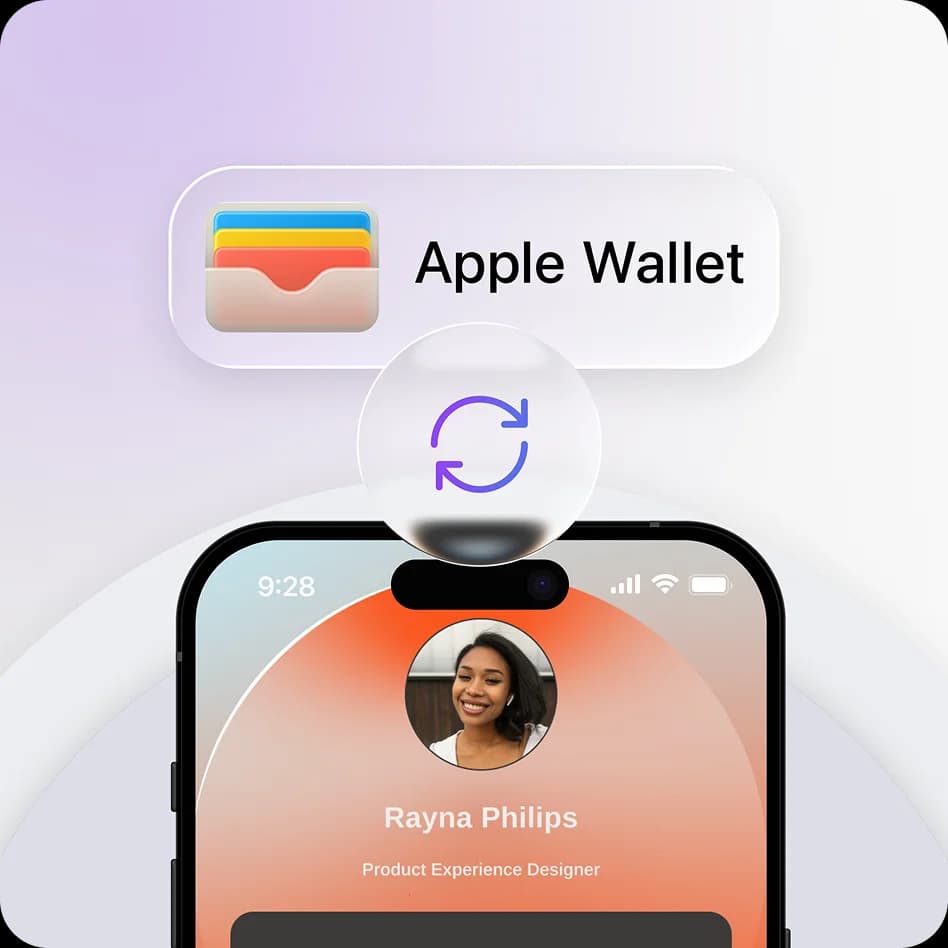
Always Up to Date
Changed your phone number or job title? Update it in Lynqu, and your Wallet pass updates automatically in real-time. No re-downloading needed.
From Card to Wallet
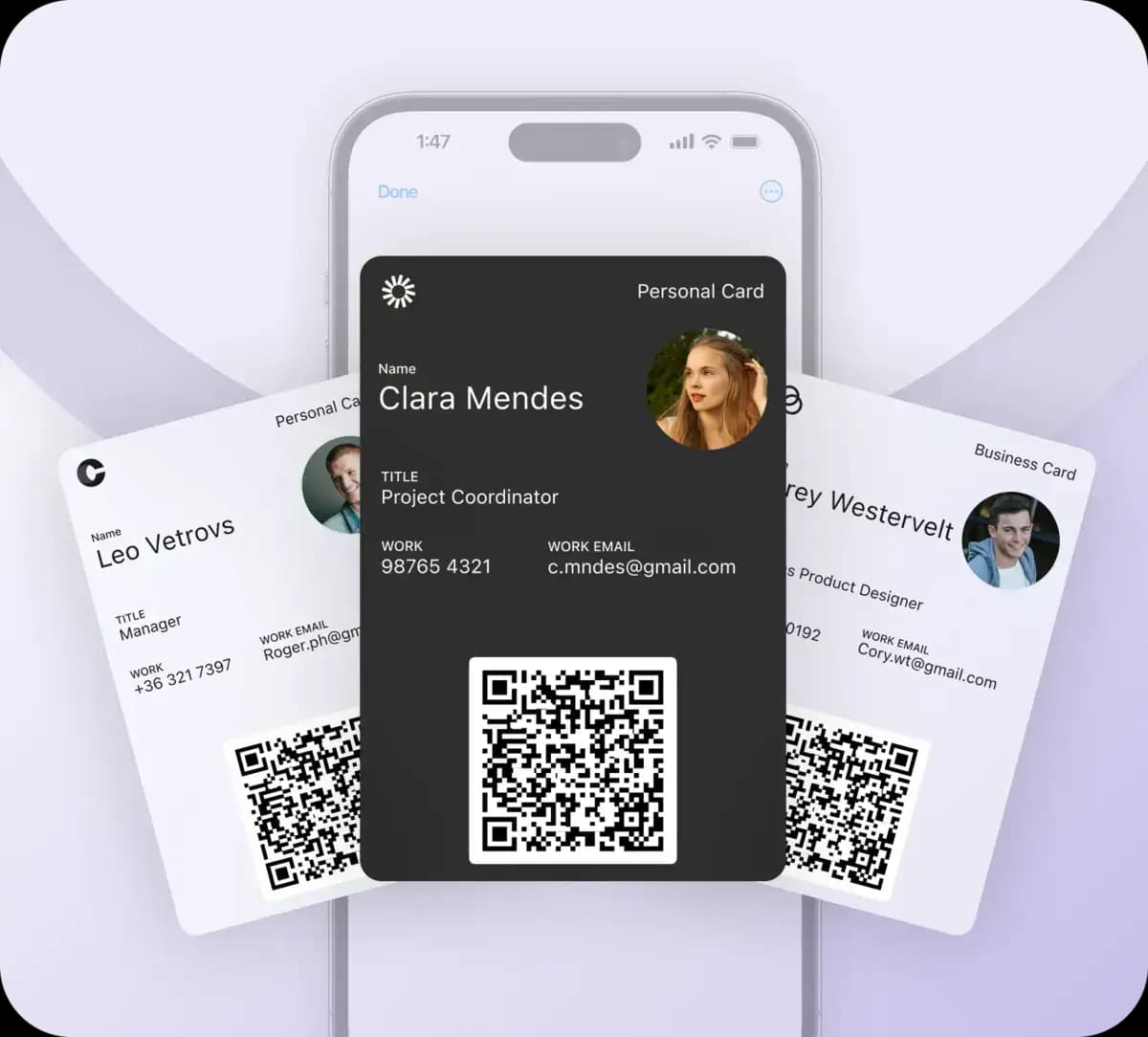
Create your card once, carry it everywhere. Right inside Apple Wallet and Google Pay.
Build Your Identity
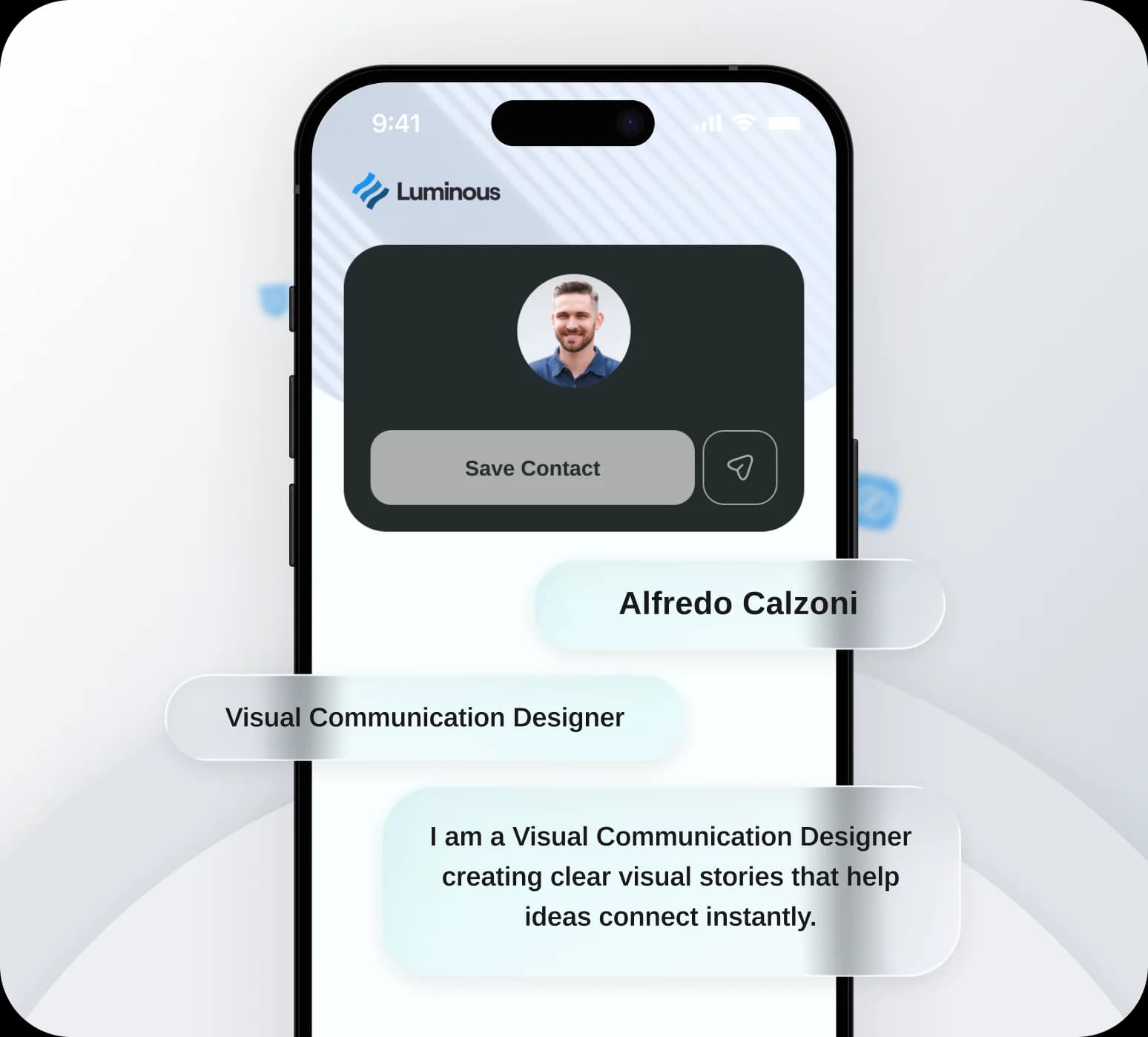
Design a digital business card that reflects your professional brand. Customize colors, links, and details in seconds.
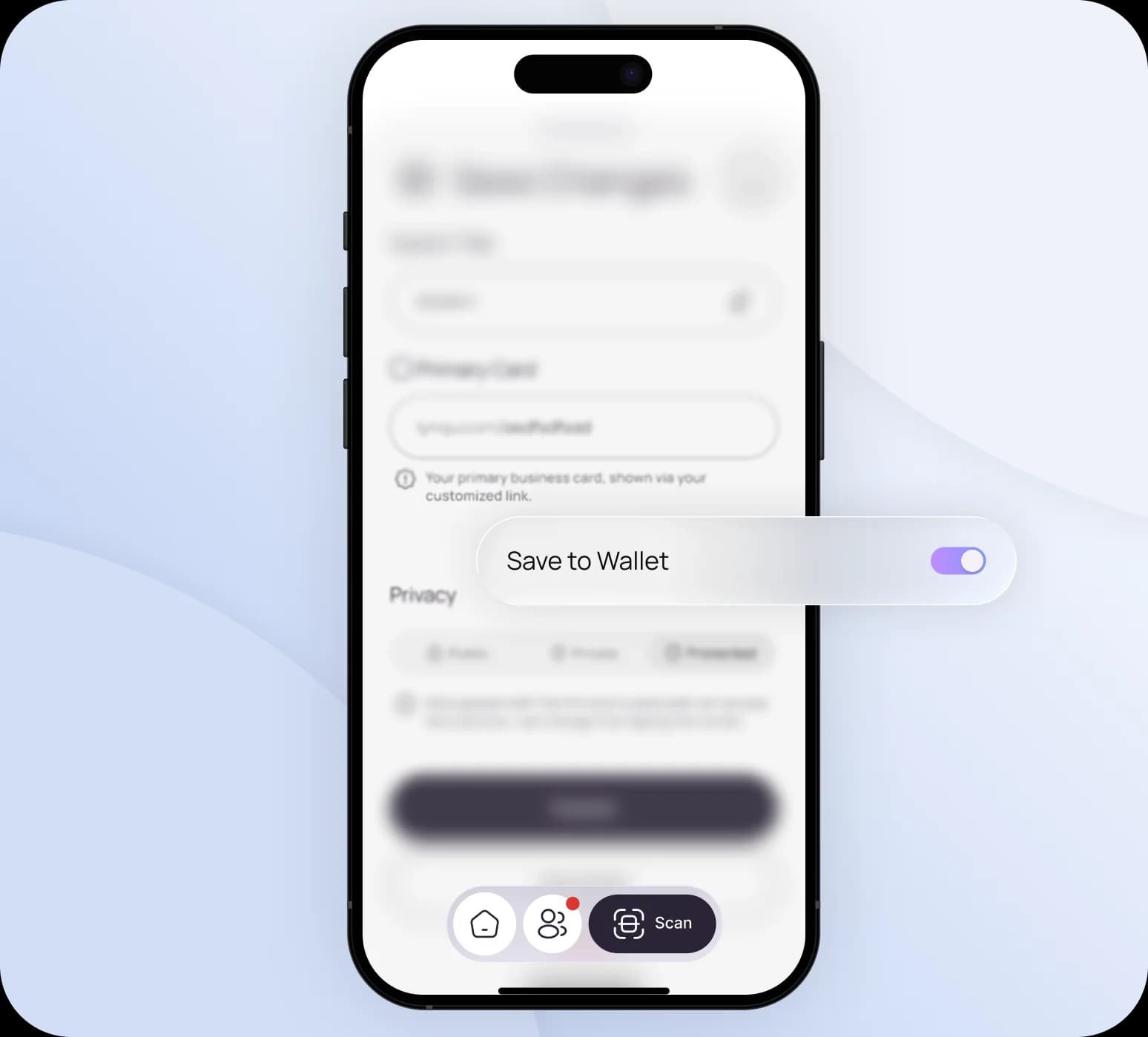
Enable Instant Access
While saving your new card, simply flip the "Save to Wallet" toggle. This prepares your card to live natively on your phone for lightning-fast sharing.
Scan and Connect
Meet someone new? Just scan their badge, business card, or QR code with Lynqu's Smart Scan. Their details are captured instantly and saved to your network. No typing, no delays.
Frequently Asked Questions
Find answers to common questions about capturing leads, sharing your card, follow-ups, booking, and your account.
From your Lynqu card, tap Add to Wallet and the pass is saved to Apple Wallet or Google Wallet in seconds. Your QR code is then one swipe away whenever you need to share your details.
Yes. Once saved, your wallet pass and its QR code work without an internet connection, so you can share your card even when you have no signal.
Yes. The pass links to your live Lynqu card, so updates to your role, phone number, or links are reflected automatically. No need to re-add the card.
No. Anyone can scan your wallet card's QR code with their phone camera to open and save your contact details. They don't need an account or the Lynqu app.
How do digital wallet business cards work?
Digital wallet business cards are contact passes stored in Apple Wallet or Google Wallet on your phone. Once added, your card is always accessible, even offline and without an app. Share it by tapping your phone or showing the pass's QR code. When you update your Lynqu card, the wallet pass updates automatically so contacts always have your latest info.
Paper cards get lost in wallets and drawers, and the contact info goes stale the day your role or number changes.
A Lynqu wallet pass never gets lost, updates itself when your details change, and is always one tap away. Online or off.
Apple & Google Wallet: Three Moments Where It Pays Off
A wallet pass is not just a novelty. These three moments are where wallet-integration turns into real contact retention.
Conference Attendee
Add once, share with a double-click
A product manager at a five-day industry conference adds her Lynqu card to Apple Wallet on day one. For the rest of the week she shares it from her lock screen with a double-click, without even unlocking her phone. She shared her card 47 times that week, up from 12 the previous year when she used a static QR.
47
Shares per week
2-click
Lock-screen share
0
Unlocks required
Real Estate Agent
Instant offline access at every open house
A real estate agent adds her Lynqu card to Apple Wallet before an open house weekend. At each property she shows the wallet pass QR to prospects. No app to launch, no signal needed. Between three open houses she captured an average of nine new contacts simply by having her card one tap away on the lock screen.
9
Contacts per weekend
Offline
Always ready
1-tap
Share flow
Event Organizer
Refresh every attendee's card mid-event
An event organizer updates the session schedule on all attendee wallet passes on the morning of day two. Everyone with the pass installed sees the refreshed schedule the next time they open their wallet: no push, no email, no app install. One push replaces an email blast that used to take 40 minutes to draft and send.
1
Push updates all passes
0
Email blasts required
Live
Schedule refresh
What changes when your card lives in Apple Wallet or Google Wallet
Wallet integration moves your card from a URL to an OS-level pass, with both upsides and constraints worth knowing.
Always available, never online
Wallet passes render natively in iOS and Android. The QR code on the back scans even on a flight, in a basement, or with airplane mode on. No browser tab, no JavaScript, no battery cost.
Updates push automatically
Change your phone number, headshot, or job title in Lynqu and Apple or Google’s pass-update protocol delivers the new version to every device that holds your card. No re-sharing the link, no “please save my new info” email.
Lock-screen and Wallet widget
iOS promotes recently-used passes to the lock screen and the Wallet widget; Android surfaces them from the home-screen Wallet stack. A card you used yesterday at a meetup surfaces the moment you walk into the follow-up coffee.
Don't take our word for it
Ask any AI about Lynqu
Get an unbiased breakdown from the AI you already trust. One click. Your question is pre-filled.
Opens a new tab with your question pre-filled.
Need this for your team?
Get a Demo
Meeting Booking
Turn a shared link or card tap into booked meetings with availability rules, calendar invites, and a shared request inbox.