
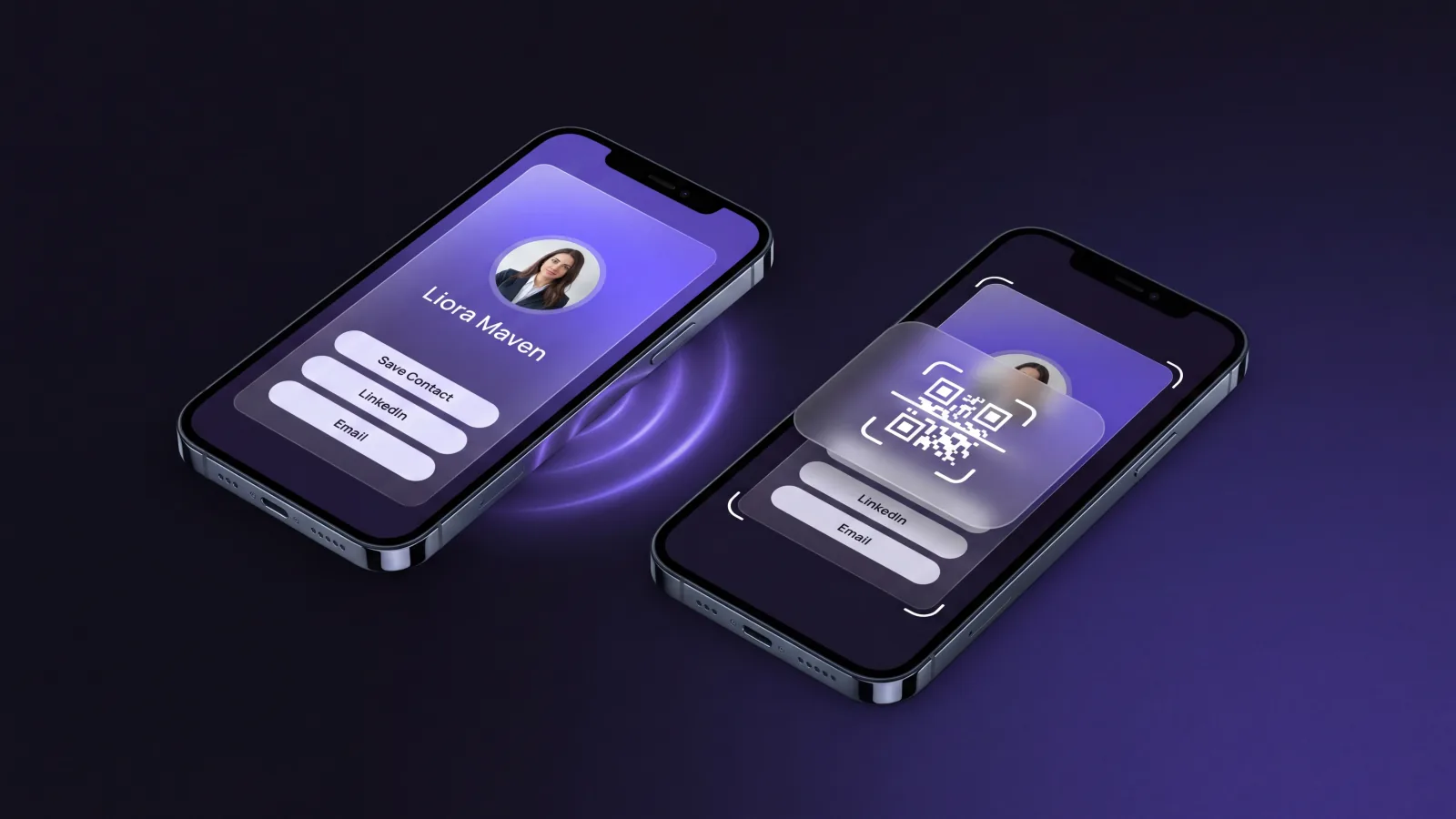
Five years ago, sharing a digital business card meant emailing a vCard or asking the other person to type your details. Today, the two dominant options—NFC tap and QR scan—are universally supported, work in seconds, and require nothing on either side beyond a modern smartphone. Both are excellent. Neither is strictly better. The right choice depends on who you meet, where, and how often.
This guide breaks down both technologies side by side: how they work, which devices support them, what they actually feel like to use in the wild, what each costs, what data each can capture, and where each one quietly fails. By the end, you will have a clear framework for picking the right approach for your role—or, more likely, deciding to use both.
NFC vs QR at a Glance
| Factor | NFC tap | QR scan |
|---|---|---|
| Device support | Most recent phones; spottier on older Android | Effectively every smartphone with a camera |
| Speed | About a second — tap and done | A few seconds — open camera, frame, tap link |
| Cost | Requires an NFC smart card or tag | Free — printable or shown on any screen |
| Durability | Chip survives wear but cannot be reprinted | Print can fade, but reprinting is trivial |
| Analytics | Tap events per card | Scan events per placement or campaign |
| Best for | High-volume in-person networkers | Universal reach: print, screens, signage |
How NFC and QR Actually Work
The two technologies solve the same problem with very different mechanics, and understanding the difference matters more than it sounds.
NFC: A Two-Way Radio Handshake
Near Field Communication is a short-range radio standard operating at 13.56 MHz, originally derived from the same RFID family used in transit cards and contactless payments. When two NFC-capable devices come within roughly 4 centimeters of each other, the active device (your phone) energizes a passive chip or another device, exchanges a small payload of data, and disconnects. The whole transaction takes around 100 milliseconds.
For digital business cards, NFC most commonly carries a URL pointing to a hosted card profile. The receiver taps, their phone reads the URL from the chip, and the browser opens the card. No camera, no app, no configuration. The interaction feels less like a digital action and more like a physical handshake.
QR: A Visual Encoding That Anything With a Camera Can Read
Quick Response codes were invented in 1994 by Denso Wave, originally to track parts in Toyota factories. They are two-dimensional barcodes that encode data—most often a URL—in a pattern of black and white squares. Any device with a camera and a QR-capable scanner reads the pattern, decodes the URL, and follows it.
For digital business cards, the QR code points to the same hosted profile as an NFC tap would. The receiver opens their camera, frames the code, and a notification offers to open the link. There is no radio, no chip, and no battery requirement on the QR side. A printed code on paper, on a plaque, or on a screen all work the same way.
Device Compatibility: The Single Biggest Practical Difference
This is the dimension where NFC and QR diverge the most, and it is the most common reason teams pick one over the other.
QR Works on Effectively Every Smartphone
Every iPhone made since 2017 (iOS 11) reads QR codes natively from the camera app. Every modern Android phone running Android 8 or newer does the same. Older Android devices may need a third-party app, but those phones are now a small minority of active users. Industry penetration data shows that essentially all smartphones in the United States, EU, and most of Asia in 2025 can scan a QR code without any extra software.
For sharing with strangers, this universality is the killer feature. You never have to ask can your phone do this?—you can assume it can.
NFC Has a More Complicated History
Android phones have supported NFC for digital business cards since around 2012, with reading enabled by default in nearly every flagship and mid-range device since 2015. iPhones tell a more complex story.
- iPhone 6 (2014) introduced NFC, but locked it to Apple Pay only. No third-party reads or writes were possible.
- iPhone 7 (2016) opened NFC reading via apps, but only when an app was open and explicitly invoked.
- iPhone XS (2018) introduced background tag reading, where iOS would detect an NFC tag without an app open, but only on certain models and only for the user-initiated “tap” gesture from the lock screen.
- iOS 14 (2020) made background NFC reading automatic on iPhone XS and newer. From this release on, an iPhone simply held near an NFC tag triggers a notification with the embedded URL. This is the moment NFC became truly viable for business cards on iOS.
The practical implication: if you are meeting people whose primary device is an iPhone older than the XS (released in 2018), they may need to enable NFC reading manually or simply will not have the feature. For most professional audiences in 2026, this is no longer a real concern. But it is a concern in markets with longer device-replacement cycles.
Verdict on compatibility: QR wins for absolute universality. NFC wins for everyone meeting professionals on 2019-or-newer phones—which, in most enterprise and Western consumer markets, is essentially everyone.
Speed and User Experience
Both methods are fast, but they create different physical interactions.
The NFC Experience
NFC feels like a gesture. You hold your phone near a card or another phone, there is a faint haptic confirmation, and the receiver sees a notification with your name. Most people perceive the entire exchange as roughly one second. There is no aiming, no light dependency, and no requirement that either party look at their screen during the share.
Because it is gestural, NFC tends to outperform QR in social or fast-moving settings. People at networking events do not have to break eye contact, which preserves the conversational rhythm.
The QR Experience
QR requires aiming. The receiver opens their camera, points it at the code, waits for the code to come into focus, and then taps the notification. In good lighting and within arm’s reach, the whole process takes 3 to 5 seconds. In low light, behind a glass screen with reflections, or at distance, it can take longer or fail entirely.
QR does have one strong UX advantage NFC cannot match: distance. A QR code projected on a screen during a presentation can be scanned by an audience of hundreds at once. NFC requires physical proximity that does not scale. This is why conferences, events, and broadcast contexts almost universally favor QR over NFC for sharing speaker contact details, session links, or registration flows.
Cost: Printed Cards, Smart Cards, and Phone-to-Phone
This is where the analysis gets nuanced because the cost question depends on what physical object you are sharing from.
Phone-to-Phone Sharing
If you are sharing your card directly from your phone—the most common pattern—both NFC and QR are free. Modern digital business card platforms generate a QR code for your card automatically and most also support NFC sharing through the device’s native NFC chip. There is no per-share cost, no consumable, and no hardware to buy.
Printed QR on a Paper Card
If you still want a paper artifact, printing a QR code on a card costs nothing extra beyond the printing itself. A typical batch of 250 single-sided cards costs roughly $20 to $40 in 2026, regardless of whether a QR code is on it.
The downside: paper QR codes inherit all the drawbacks of paper. They can fade in sunlight, smudge, get water damage, or peel. Independent durability testing has consistently shown that uncoated inkjet-printed QR codes maintain scannable contrast for roughly a year of typical office light exposure before the false-read rate begins to climb. Laminated or thermal-printed cards perform far better, but those add cost.
NFC-Enabled Smart Cards
An NFC-embedded plastic or metal card costs significantly more—typically $5 to $30 per card depending on material, design, and quantity. A premium metal NFC card with custom engraving can run $40 or more. The chip itself is the cheapest component (around $0.30); the cost is in the substrate, fabrication, and shipping.
The economics shift if you reuse the card. Unlike a paper card you hand out and cannot recover, an NFC card stays with you. You can show it, tap it on someone’s phone, and put it back in your pocket. One $15 card replaces what might otherwise be 1,000 paper cards across a year of networking. Many sales professionals find that the per-share cost falls below paper within the first quarter of regular use.
Durability and Long-Term Reliability
Both technologies have known failure modes, and they happen for different reasons.
QR Code Durability
A QR code stops working when its visual contrast or pattern integrity is degraded. The most common causes are fading from UV exposure, abrasion, water damage, glass reflections (when laminated cards are scanned at certain angles), and physical bending that distorts the squares. QR codes also fail when the encoded URL itself stops working—which is a function of the card platform’s URL stability, not the QR pattern.
Field reports from card platforms consistently observe a noticeable failure rate—typically in the range of 8% to 12% within 24 months—on printed QR codes that have spent serious time in active wallet use, almost entirely due to surface degradation.
NFC Chip Durability
NFC chips are passive—they have no battery, no moving parts, and almost nothing that wears out. The chip itself has a rated lifespan of more than 10 years and a write-cycle endurance of 100,000 cycles or more, far in excess of what any business card use would require. The most common failure mode is mechanical: the chip’s tiny antenna can be cracked by sharp bending, drilling holes through the card, or extreme heat. In normal use, an NFC card will outlast the contact information printed on it.
Analytics: What Each Method Can Actually Measure
For sales teams, marketers, and anyone tracking networking ROI, what you can measure matters as much as what you can share.
Both methods can hand off to the same analytics layer once the URL is loaded. The card platform can record a view, identify the geo-region, the referring device type, the time of day, and any subsequent action (saving the contact, requesting a meeting, downloading a vCard).
The differences show up before the page loads.
QR Analytics Advantages
- Source attribution. A QR code can carry UTM parameters in its encoded URL, letting you track exactly which printed material, which event, or which campaign produced each scan. Different codes for different contexts.
- Distance and context inference. Because QR scans almost always involve a deliberate camera action, the conversion intent is high—people do not scan accidentally.
- Cross-channel use. A QR code on a poster, in a slide, or in an email signature is the same data primitive. One platform, one analytics view.
NFC Analytics Advantages
- No accidental triggers, but high deliberateness. NFC reads are almost always intentional, just like QR scans.
- Tap counts. A reusable NFC card can show you how many distinct interactions it has produced—something you cannot ask of a stack of paper cards once they leave your hand.
- Lower funnel friction. Because the URL opens directly without a camera intermediation, NFC interactions have measurably higher completion rates—the receiver almost always views the card after a tap, where some QR scans bounce.
For most teams, the analytics question is not which is better but which is observable. A modern digital business card platform records events from both NFC and QR sources into the same dashboard, so the choice does not affect downstream measurement. (For a deeper look at attribution mechanics, see the companion guide on how to measure networking ROI.)
Regional Adoption: Where Each Method Dominates
If you do business across regions, adoption patterns matter.
Asia-Pacific is overwhelmingly QR-first. WeChat, Alipay, LINE, Paytm, and dozens of other apps trained an entire generation of users to scan QR codes for everything from payments to event check-in. Analyst projections from firms tracking mobile commerce in the region put QR-based mobile interactions in Asia-Pacific at billions per month. NFC works there, but QR is the cultural default.
Europe is mixed but NFC-comfortable. Contactless payment ubiquity normalized the tap gesture for almost everyone. NFC business cards land naturally in the UK, Germany, the Netherlands, and the Nordics in particular.
North America has shifted dramatically since 2020. Pre-pandemic, most North American consumers had never scanned a QR code outside an airline boarding pass. The pandemic-era restaurant menu boom changed that. Survey data since then consistently shows that the overwhelming majority of US smartphone users have now used QR codes for non-payment purposes within the last quarter. NFC adoption is also strong, driven by Apple Pay and Google Wallet.
Latin America and Africa lean toward QR because installed-base smartphones are more variable, and QR works on essentially anything with a camera.
The practical implication for travelling professionals: if your network spans regions, you will want both, but if you must choose one, QR has the broadest reach.
Decision Framework: Which Should You Use?
Use this five-question framework to pick the right primary method.
- How frequently do you share your card? If you share at least weekly, an NFC card or NFC-capable device pays for itself in convenience. If you share monthly or less, the marginal upgrade is smaller.
- Do you meet people one-on-one or address audiences? One-on-one and small groups: NFC creates a smoother gesture. Audiences and large groups: QR scales infinitely.
- Where do your contacts come from? If most are on iPhones from 2019 or newer, both work. If your network includes older devices or international audiences in QR-first regions, lead with QR.
- What is your environment? Bright outdoor light, motion, or distance favors QR. Quiet conversational settings favor NFC.
- How important is brand consistency on a physical artifact? A premium NFC metal card produces a stronger first impression than a paper QR card. If brand-as-object matters, NFC has the edge.
The Hybrid Approach
Most professionals will end up using both, and that is the right answer for the majority of use cases. The dominant pattern in 2026 looks like this:
- Phone screen with both an NFC share gesture and a visible QR code, used as the default for in-person meetings.
- One physical NFC card kept in a wallet for higher-stakes interactions where the brand-as-object effect matters.
- QR code in email signature, on social profiles, in slide decks, and on conference signage for asynchronous and broadcast contexts.
The unifying principle: the underlying card profile is the same. NFC and QR are simply two doorways into one resource. A modern card system generates both automatically, and any updates to the card—new role, new email, new portfolio link—flow through to every share method without re-printing or re-encoding anything. The same logic extends to scanned paper cards: see how AI is changing business card scanning for the inverse direction of the same flow.
Common Pitfalls to Avoid
A few patterns reliably go wrong, regardless of which technology you choose.
Static URLs You Cannot Update
Some printable QR generators and cheap NFC chips embed a fixed URL. If your contact details change, the card becomes wrong, and you cannot fix it without reprinting or re-encoding. Always use a card platform that gives you a stable share URL pointing to a profile you control. Then you can update the destination at any time without changing the QR code or the chip.
Skipping the Mobile Preview Test
Test your card on the smallest, oldest phone you can find. Many professionally designed cards look beautiful on the designer’s 6.7-inch screen and become illegible on a 5.4-inch device. The real test of a card is whether the recipient—whose phone you cannot pick—can read your name, role, and contact button without zooming.
Overloading the Card
Both NFC and QR can carry rich payloads, but the card profile they open should be lean. Five focused links beat fifteen scattered ones. The recipient is in social mode, not research mode. Make the call to action obvious: save my contact, book a meeting, send a message.
Forgetting Analytics Hygiene
If you use multiple QR codes—one for events, one for email signature, one for printed materials—tag each with a UTM parameter. Without this, your dashboard will show that QR codes work but will not tell you which one is producing the leads, and you will keep over-investing in the channel that does the least.
How to Choose, Practically
Both NFC and QR are mature, reliable, free at the point of use, and supported by every major digital business card platform. For most professionals, the right answer is to use both, choose the right method for the moment, and let the underlying card profile do the heavy lifting.
If you want a default rule: lead with the QR code on screen and signage, keep an NFC tap available for one-on-one moments, and never make the recipient install anything. The technology should disappear; the impression you make is what they remember. For event-heavy professionals, pair this default with the tactics in the conference networking guide, which leans heavily on both modes.
Start with one card profile, share it through every available channel, and measure what comes back. The mechanics of NFC and QR will keep evolving, but the underlying job—making it effortless to be remembered after a meeting—is the same as it has always been.