
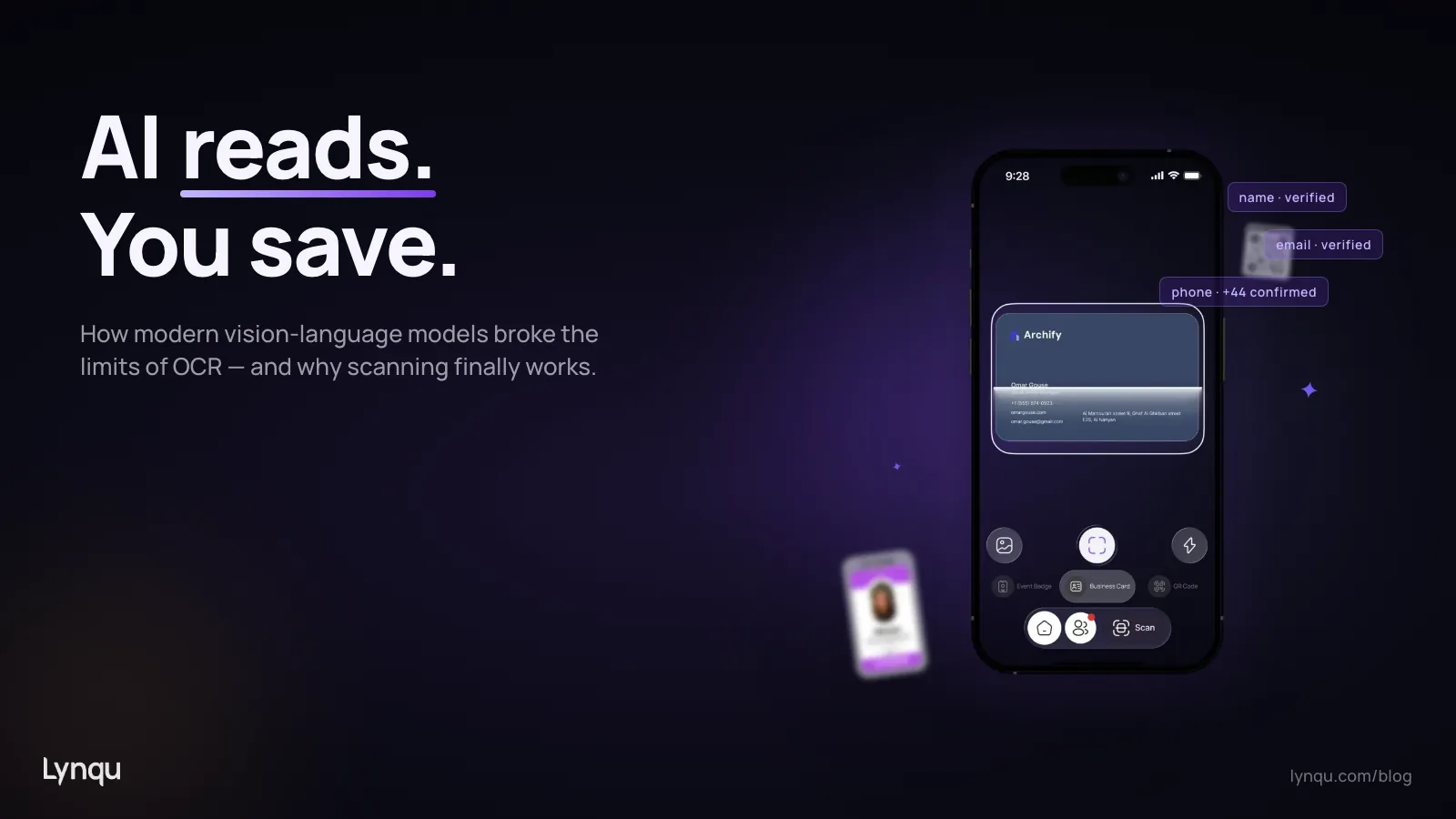
For thirty years, scanning a business card meant photographing it with one of three pieces of software: a desktop OCR tool from the 1990s, a CamCard-style mobile app from the 2010s, or a paid corporate scanner that promised perfect accuracy and rarely delivered. The category had been called “solved” many times. It was not. Anyone who has spent a long evening cleaning up “Senior Vice Presjdent” entries in a CRM after a trade show knows why.
Something has finally shifted. Vision-language models—the same family of AI systems that can describe an image in fluent prose—have changed what it means to read a business card. The shift is not incremental. On the cards that broke older systems most reliably (decorative typography, vertical layouts, multi-language details, dense iconography), modern AI scanning is roughly an order of magnitude more accurate. On the cards that always worked, it is faster and more confident.
This post explains what actually changed under the hood, what still goes wrong, and how to evaluate any vendor’s claim about scanning accuracy without being fooled by demos.
Why Traditional OCR Failed on Business Cards
OCR—optical character recognition—has been around since the 1970s, and by the 2010s it was very good at one specific thing: turning a clean, high-contrast page of body text into a string. Bank checks, invoices, ID documents, and standard-format printed materials. On those, accuracy reliably exceeded 99%.
Business cards broke OCR for reasons that have nothing to do with text recognition itself.
Layout Is the Hard Problem, Not Reading
A business card is the most layout-diverse document a person regularly hands out. Some cards put the name in the center, some at the top, some sideways. Some put the email above the phone, some below. Some use icons instead of labels. Some include a tagline that looks like a job title to a parser. The actual reading of the characters is not the bottleneck—the bottleneck is understanding which character string is the name and which is the company.
Traditional OCR systems addressed this with rule-based heuristics: if a string contains an @ symbol, it is an email; if it matches a phone number regex, it is a phone. This worked for the easy fields and failed catastrophically on names, titles, and companies. There is no regex for “person’s name in Latin script.”
Typography Was a Constant Adversary
Designer cards use script fonts, condensed sans-serifs, custom logotypes, and decorative ligatures. Each of these introduced character ambiguity that pre-AI OCR could not resolve from context. The classic failures were predictable: I and l swapping, 0 and O swapping, accented characters losing their accent, and any letter inside a stylized logo getting transcribed as a random glyph.
International Cards Were Worse
A business card from Japan often has Japanese on one side and English on the other, with vertical text, kanji-only company names, and a phonetic guide alongside. Cards from China, Korea, Israel, and the Arab world have similar dual-script conventions. Pre-2020 OCR engines were trained per-script and did not handle mixed-script cards well at all. Even when each side was processed separately, the system rarely understood that the two sides described the same person.
The cumulative effect of these limitations was a category that always disappointed. Even the better paid scanners were closer to 70% per-field accuracy on a typical international stack of cards. That is not good enough for sales operations. It is not good enough for anything.
What Vision-Language Models Changed
Around 2023, a new class of model arrived that approached document understanding from a completely different direction. Instead of running OCR first and then trying to interpret the strings, vision-language models read the image directly as a single multimodal input and reason about it as a whole. The model sees the layout, the typography, the language, the logo, and the relationship between fields all at once—the same way a person does.
The practical consequences for business cards turned out to be enormous.
Layout Becomes Context, Not Noise
A vision-language model does not need to be told that the larger text near the top is probably the name. It infers that from millions of examples of business cards in its training data. The same applies to job title, company, contact methods, and address. The model understands a business card the way a human does on first glance.
This is the single biggest accuracy improvement. Names, titles, and company fields—the ones that broke older systems—are now extracted reliably even when their position on the card is unusual.
Multilingual Cards Are No Longer a Special Case
The same model can handle a card with English on the front and Japanese on the back. It can spot that the romaji name on one side and the kanji name on the other refer to the same person, and merge them into a single contact with both writing systems preserved. Older systems either ignored one side or treated them as two separate contacts.
This matters more than it sounds. A meaningful share of business cards exchanged at international trade events—particularly in Asia, the Middle East, and dual-language European markets—use a dual-script layout. For sales teams operating globally, those cards used to be the cards that did not get into the CRM cleanly.
Decorative Typography Is Just Typography
Vision-language models read script fonts, custom logotypes, condensed sans-serifs, and rotated text without breaking stride. The same is true of pictographic icons used in place of field labels. The classic failure modes—I and l swapping, accented characters losing their accent, ligatures producing garbled output—largely disappear, because the model uses surrounding context to disambiguate.
Why Cross-Reference Validation Is the Real Quality Multiplier
Reading a card accurately is necessary but not sufficient. The next problem is verifying that what you read actually belongs together. This is where modern AI scanning systems start to differ from each other.
The most useful technique is what we call cross-reference validation. The idea is simple: most of the fields on a card encode small pieces of information about the same person and organization, and you can check that they are consistent.
- If the email domain is
jane@acme.com, the website should plausibly beacme.comor a subdomain. - If the company is “Acme Logistics, GmbH,” the country code on the phone number is more likely +49 than +1.
- If the role is “Director, Tokyo Operations,” the address is more likely in Japan than in Brazil.
- If the scanning system extracts a phone number that looks valid but the country code is mismatched with the rest of the card, that is a high-quality signal something went wrong on that field specifically.
This kind of consistency check used to require manual review. Modern AI systems can run dozens of these checks automatically and either correct the field or flag it as low-confidence so a human can review it. Lynqu’s smart scan applies cross-reference validation between the email domain, website, company name, and phone country code on every scan, and surfaces any mismatches as a confidence indicator on the extracted contact. Tesseract OCR is still used as a hint to the vision model, not as the primary extractor—it adds a second source of signal without slowing things down.
What Cross-Reference Catches
The two most common failure modes in card scanning are not character errors. They are cross-field errors: the scanner extracts a real string but assigns it to the wrong field. A common example is a card with two phone numbers, one for the desk and one for the mobile. The scanner reads both correctly but swaps which is which, because the labels were tiny icons it misclassified.
Without cross-reference validation, the contact looks complete and correct. Two months later, someone calls the “mobile” number to follow up on a hot lead and reaches a desk phone that no one answers. With cross-reference validation, the system can spot that the format of the number flagged as “mobile” matches the local desk-line pattern, and either swap them or flag for review.
How Modern Scanning Actually Performs
It is easy to make AI scanning sound magical. It is more useful to be honest about how it actually performs in production.
Per-Field Accuracy on a Standard Test Set
A useful internal test for any scanning system is to run it against a curated set of 500+ cards drawn from real-world conditions: dim lighting, slight angles, glossy finishes, multilingual content, decorative typography, dual-sided layouts. Based on internal testing on representative card sets, reasonable expectations from current vision-language pipelines look roughly like the following—use these as starting calibration points, not absolute targets:
- Email: 99%+ accuracy. The pattern is unambiguous.
- Website: 98%+ accuracy.
- Phone: 95%+ accuracy. Most errors come from formatting (country code prefixes, extensions).
- Name: 95%+ accuracy. Errors are now mostly in transliteration choices for non-Latin scripts.
- Job title: 92%+ accuracy. The hardest field. Titles vary by industry, language, and corporate convention.
- Company name: 96%+ accuracy. Most errors are in legal-form abbreviations (GmbH, S.A., LLC) or in distinguishing a brand name from a tagline.
- Address: 90% accuracy on full addresses, higher on city + country.
An honest combined score—all fields correct on the first pass without manual correction—is around 88% to 92% for high-quality systems on a representative card stack. That is a step change from the 60% to 70% range typical of earlier OCR. It is also still imperfect: roughly one card in ten will need at least one field reviewed.
Why You Should Be Skeptical of “99% Accuracy” Claims
Vendor demos tend to use a small set of professionally designed, English-only cards photographed in studio lighting. On that set, every modern system reaches 99% or above. It tells you almost nothing about how the system performs at a real conference.
When evaluating any scanning system, the question to ask is: what is the per-field accuracy on a realistic test set, including dual-script cards, decorative typography, dim lighting, and slight angles? If the vendor cannot or will not produce that number, treat the marketing claim as aspirational.
What AI Scanning Still Cannot Do Well
The honest list of remaining limitations.
Handwritten Annotations
Most cards have at least some printed information, but conference networking often produces cards with handwritten additions: a personal mobile number scrawled on the back, an alternate email, a meeting time. AI vision models read handwriting better than older OCR did, but still significantly worse than printed text. Plan for these to need manual review.
Cards Where the Whole Person Is Decorative
A small but stubborn fraction of business cards have so much decorative styling that even a person needs a moment to find the name and email. Cards built as a small piece of art rather than a contact card. AI extracts these acceptably most of the time but with lower confidence, and the failure modes are unpredictable.
Damaged or Photographed-Through-Plastic Cards
If a card has been folded, water-damaged, or photographed through a sleeve or business-card holder, accuracy drops. Lighting and reflections matter. The best practice is still to take the card out, lay it flat on a contrasting surface, and shoot from directly overhead.
Truly Novel Layouts
Vision models generalize from training data. A card whose layout looks unlike any business card the model has ever seen will be processed as a best guess. This shows up most often with cards from creative agencies that intentionally subvert the format. The fields are usually all there—but the model may not know which ones to fill in.
Privacy: What Happens to the Image and the Extracted Data
This question rarely gets asked but should always be the first one. A scanned business card is personally identifiable information about the cardholder. Any system that processes it should be transparent about three things.
- Where the image is sent. Some scanning systems run on-device. Most send the image to a server for processing because vision-language models are large and benefit from server-side hardware. There is nothing wrong with cloud processing—but the user deserves to know it happens.
- What is retained after extraction. The image itself does not need to be stored once the contact has been extracted. Best-in-class systems delete the image immediately or retain it only as a thumbnail attached to the extracted contact, never as a separate searchable asset.
- Whether the image is used to improve the model. Some systems retain images for training. This is legitimate but should be opt-in and clearly explained, particularly in regulated industries or in markets with strict privacy regimes (GDPR, LGPD).
If a vendor cannot answer those three questions in plain language, that is an answer in itself.
How to Evaluate an AI Scanning Workflow
Use this checklist when comparing tools.
- Test it on your real cards, not theirs. Take a stack of 30 cards from your last conference, scan them all in your normal environment, and count exactly how many fields needed correction. This single test eliminates 90% of marketing noise.
- Check time-to-CRM. The scan itself is 90% of nothing if the contact then has to be exported and re-imported manually. Look for direct CRM sync, or at minimum a clean vCard or CSV export.
- Watch for confidence signals. A useful system tells you which fields it is confident about and which it is uncertain about. A system that returns every field as “done” with no confidence indicator is hiding errors.
- Confirm multilingual handling. If you do business internationally, scan a Japanese, Korean, Chinese, or Arabic card and see how the system handles dual-script layouts. The behavior tells you a lot about the underlying model.
- Test the duplicate handling. Scan the same person twice with slightly different details. A good system recognizes the duplicate and offers to merge. A poor system creates two contacts and corrupts your CRM over time.
- Verify the privacy posture. Read the privacy policy. Confirm the answers to the three questions above.
The Workflow That Actually Works
For most teams, the practical pattern looks like this:
- Capture the card immediately. Snap the photo in the moment, while you are still standing in front of the person. This produces the best lighting and prevents the inevitable “I will scan these tomorrow” debt.
- Process asynchronously. Modern scanning runs in the background. The interaction does not have to wait for extraction to finish; you can keep talking, snap the next card, and let the system catch up. Lynqu’s scanner uses an async pipeline that returns immediately and surfaces the parsed contact when it is ready.
- Review on-the-spot if possible. If the system has surfaced any low-confidence fields, fix them while the person and context are still fresh. Five seconds now is worth five minutes of forensic work later.
- Annotate the encounter, not just the contact. Where you met, what you talked about, what they need next. The contact card is a starting point; the relationship is what compounds.
- Sync continuously. Connect the scanning workflow to your CRM, your card platform, and your follow-up tool. The fewer manual handoffs, the lower the dropoff between “I met someone” and “I followed up.” The full event-to-CRM workflow is covered in detail in the conference networking guide.
Where This Goes Next
The category is not done evolving. Two trends are worth watching.
Bidirectional scanning. A growing fraction of cards will be digital on both sides. Scanning a paper card to extract contact data, and tapping a phone to receive a digital card, will collapse into the same flow from the user’s perspective. The distinction between “capturing a contact” and “exchanging contacts” will disappear. (For the inverse direction—sharing your own card—see the comparison of NFC versus QR business cards.)
Relationship enrichment. Once a contact is extracted, the next layer of value comes from automatic enrichment: pulling their public profile data, identifying mutual connections, surfacing recent news about their company. The card becomes a starting point, not an endpoint. Industry research from Salesforce’s State of Sales reporting consistently finds that sellers who automatically enrich newly captured contacts with public profile data close at noticeably higher rates than peers relying on raw card data alone.
The deepest implication of AI scanning is not that it transcribes more accurately. It is that the friction between meeting someone and being meaningfully ready to follow up has collapsed from days to seconds. The advantage compounds for any team that uses the new capability fully.
What Honest Performance Looks Like
AI did not invent business card scanning. It made it actually work. The combination of vision-language models, cross-reference validation, and modern asynchronous workflows has turned a feature that always disappointed into one that quietly performs.
If you have not revisited your scanning tools in the last two years, the gap between what you are using and what is possible has widened. Test a modern system on your real cards, watch what changes, and decide for yourself whether the next conference’s leads belong in your CRM clean or whether you want to keep cleaning them by hand.