
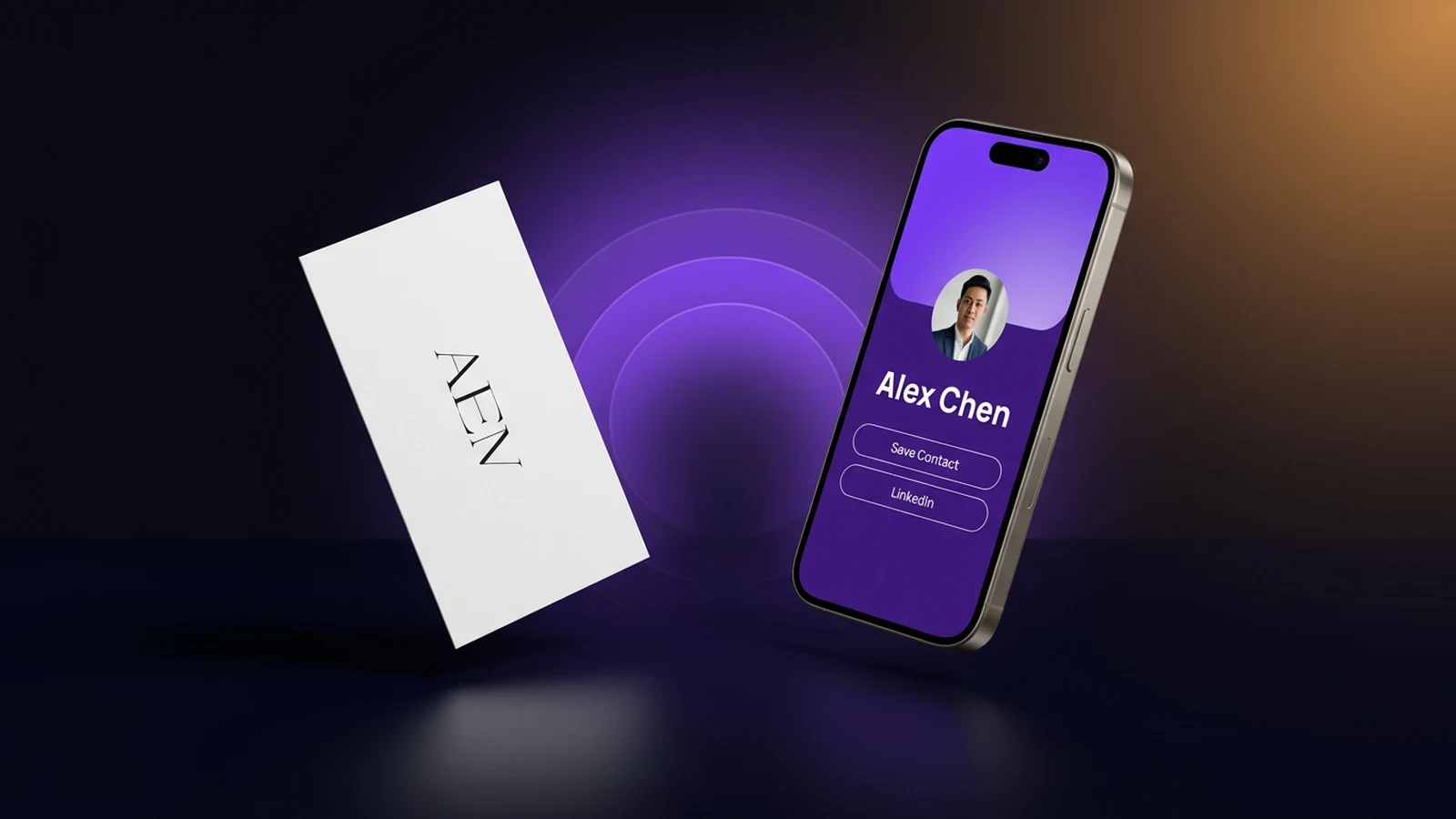
You meet someone interesting at a conference. You both reach for your wallets. They hand you a paper card; you hand them yours. Three days later, that card is in a drawer with eleven others, and neither of you can quite remember why you wanted to follow up.
Now replay the same moment with a digital card. One tap, contact saved straight into the phone, with your website, your calendar link, and your LinkedIn already attached. You can see the next day that they actually opened it.
That's the real difference between digital and paper business cards — and it's not the one most people argue about. The argument is usually framed as traditional vs. modern, but the practical question is much simpler: what happens to your card after the handshake?
Here's the honest comparison.
Key takeaways
- Paper and digital aren't really competing on cost — they're competing on what the card does once it's been handed over. That's where the gap is widest.
- Around 88% of paper business cards are thrown away within a week (Statistic Brain). Digital cards land directly in the recipient's contacts, so they're not subject to the same drawer-of-forgotten-cards problem.
- Paper still wins in specific moments — formal settings, tactile keepsake cards, places where pulling out a phone breaks the room. We'll cover when, honestly.
- Most professionals don't actually pick one — they end up running a hybrid: a digital card as the default, plus a small stack of paper for the situations where paper is still the right call.
- You can test the hybrid for free before changing anything about your current setup.
A business card has one job (and it's not what you think)
Before comparing formats, it helps to get clear on what a business card is actually for. Strip the format away and you're left with three jobs:
- Transfer your contact info into the other person's phone, reliably and accurately.
- Make a memorable first impression that says something about who you are.
- Give them a reason to reconnect — and make reconnecting frictionless.
Paper cards and digital cards both get hired to do those three jobs. The interesting question isn't "which one is better in the abstract" — it's "which one does the job better in the moments that matter to you." That's the lens we'll use for the rest of this comparison.
This matters because most "paper vs. digital" debates skip straight to features and pricing. Features and pricing are downstream of the job. If the job is "transfer info into the other person's phone," the format that puts the info into the phone in one second — without typing — has a structural advantage. If the job is "feel premium at a black-tie event," a beautifully printed letterpress card might still win. Same product category, completely different criteria.
Side-by-side: 8 things people actually use a card for
| Job | Paper card | Digital card |
|---|---|---|
| Get into the recipient's phone contacts | Manual typing later (often never happens) | One tap or QR scan, saved instantly |
| Survive longer than a week after the meeting | ~12% retention rate | Lives permanently in the contact app |
| Update your title, email, or phone | Reprint the whole batch | Edit once, every shared link updates |
| Work when you've run out / forgot them | Doesn't | Always in your pocket |
| Carry more than name + number (links, calendar, portfolio) | Squeezes onto a 3.5"×2" card | Unlimited fields |
| Show consistent branding across a team | Drifts with each reorder | Centralized templates |
| Tell you whether the lead actually engaged | No feedback at all | Views, taps, saves visible |
| Feel tactile and premium in formal settings | Strong | Weaker (but improving with NFC) |
Six of the eight rows lean digital. Two lean paper — and they're real. Which is why the verdict at the end of this article isn't "abandon paper." It's something more useful.
What paper still does better (the honest part)
This is the section most pro-digital articles skip, which is exactly why it's worth reading. Paper still wins in genuine ways:
- Formal and ceremonial settings. A gala, a board introduction, a hosted dinner — anywhere reaching for a phone breaks the room's rhythm. Paper just works.
- Cultures where card exchange is a ritual. In parts of Asia (Japan and South Korea most notably), the meishi koukan exchange itself carries meaning. Handing over a phone screen doesn't.
- Backup for dead batteries, no signal, or phone-down policies. Hospitals, certain manufacturing floors, secure facilities — places where your phone might not be the right tool.
- Tactile keepsakes that are the brand. A photographer's letterpressed card, a tattoo artist's heavy-stock postcard, a chef's embossed mini-menu. The card itself is a marketing asset.
- Audiences that genuinely prefer it. A subset of older or less tech-comfortable clients will appreciate the physical card. Pretending otherwise is unhelpful.
None of these scenarios is "make paper your primary card again." But they're the scenarios where the right answer is "yes, also carry a few." Keeping a small stack on hand for the moments paper is genuinely better is part of how mature networkers actually operate.
What digital does that paper physically can't
Now the asymmetric side. These aren't preferences — they're things paper cannot do, no matter how nicely it's printed:
- Reach the contact app without typing. Anyone who has typed someone else's business card into their phone knows it almost never happens. Digital cards save in one tap or scan.
- Stay current after you change roles. Your paper card from two years ago — the one with the old phone number — is still in someone's drawer. Misinforming people on your behalf. A digital card link updates everywhere, instantly.
- Carry your full professional context. Calendar link, portfolio, services, payment link, social profiles, reviews, latest case study. None of that fits on a paper rectangle.
- Get forwarded. A saved digital card can be sent on to a colleague who might need you. Paper stops in the wallet it lands in.
- Tell you anything. You hand out 500 paper cards and learn nothing. Digital cards report views, taps, and saves — which is the difference between guessing and knowing whether your networking is working.
Frame the gap this way: a paper card ends when you hand it over. A digital card starts when you hand it over. That's the difference that matters more than any feature comparison.
The hybrid most professionals actually land on
So you have three options, not two:
- Paper-only. Familiar, but quietly leaks contacts and money. Fine if you network rarely and only in formal settings.
- Digital-only. Maximally efficient, but ignores the genuine scenarios where paper still wins.
- Hybrid: digital default + a small stack of paper. Your digital card is what you share in 90% of moments — the casual coffee, the conference floor, the LinkedIn-style follow-up. The paper card is in your wallet for the 10% where paper is genuinely better.
The hybrid is what most professionals settle on within a few weeks of trying digital, and it's the recommendation we'd make to almost anyone. You stop the leaks, you keep the upside of paper for the moments it matters, and you cut your print order by roughly 60–80% along the way. You're not throwing away a habit you've had for decades — you're upgrading it.
A small thing that changes the math here: many people put the QR code for their digital card directly on their paper card. So even the paper hands work harder than they used to. The "either/or" framing dissolves once you see them as layers.
A simple decision framework
Run through these in order. The first "yes" you hit is your answer:
- Do you ever change your title, phone number, employer, or office? → You need a digital card. Reprinting on every change is a tax you don't have to pay.
- Do you meet more than ~3 new professional contacts per month? → Digital pays for itself on contacts saved alone.
- Do you care whether your follow-ups actually happen? → You need digital. Paper can't tell you who opened, saved, or shared your card.
- Do you only network 2–3 times a year, in formal-only settings, with audiences who won't use a phone? → Stay paper, or use a free digital plan as backup.
For most professionals reading this, questions 1–3 are all yes — which is why the hybrid setup is what tends to stick.
How to test it without throwing away your paper cards
The lowest-risk way to evaluate this is staged, not all-or-nothing:
- Create a free digital card (we make one — but the principle works with any reputable platform). Should take ~10 minutes.
- Use it as your default for one month. Tap or QR-scan when you meet someone new. Keep your paper cards in your wallet for moments where they feel right.
- At the end of the month, look at two numbers. How many people saved your digital card (it will tell you). How many paper cards came back as actual follow-ups. The gap is usually pretty clear.
If the digital card is doing the job, you can reduce your next paper order by 60–80% and standardize the team. If it's not — say you work in a context where paper genuinely fits better — you've spent zero money and lost nothing.
Frequently asked questions
Are paper business cards dead in 2026? No, but their role has narrowed. Paper still has a place in formal and ceremonial settings, in some cultural contexts, and as a tactile branding object. What's changed is that paper is no longer the default — most professional contexts now expect a digital exchange or a QR code on the paper card.
Do digital business cards work without internet? The first share usually needs a brief connection (to fetch the contact page), but once the recipient has saved your contact, it's stored locally on their phone like any other contact. Some platforms also support offline-first NFC handoff for venues with no signal.
Are digital business cards professional enough for senior or executive meetings? Yes, and increasingly more polished than paper for senior audiences. A well-designed digital card carries calendar links, your LinkedIn, your latest deck, and your contact details in a single tap — which is more useful to a busy executive than a card that has to be re-typed later.
What about NFC vs QR — does the type of digital card matter? Both work. NFC is faster (tap two phones together, no app needed), QR is universal (works on any phone with a camera). Most modern digital cards support both, so you pick whichever the moment calls for. If you're curious, we covered this in detail here.
Can I keep my paper card and add digital on top? Yes — this is the hybrid we recommend. Print a QR code on your paper card pointing to your digital card. Recipients can tap the digital version straight into their phone, or hold onto the paper for the tactile memory. You get both worlds without choosing.
How much do digital business cards cost? Most reputable platforms (including Lynqu) offer a free tier that's enough for individual professionals. Paid plans typically run $5–$15/user/month and unlock things like analytics, custom domains, team templates, and centralized admin — useful if you're outfitting a team or want to measure follow-ups.
Want to test the hybrid setup? Start free with Lynqu — no credit card, takes under 10 minutes, and you can keep your paper cards exactly where they are.