AI-Powered
Network capture
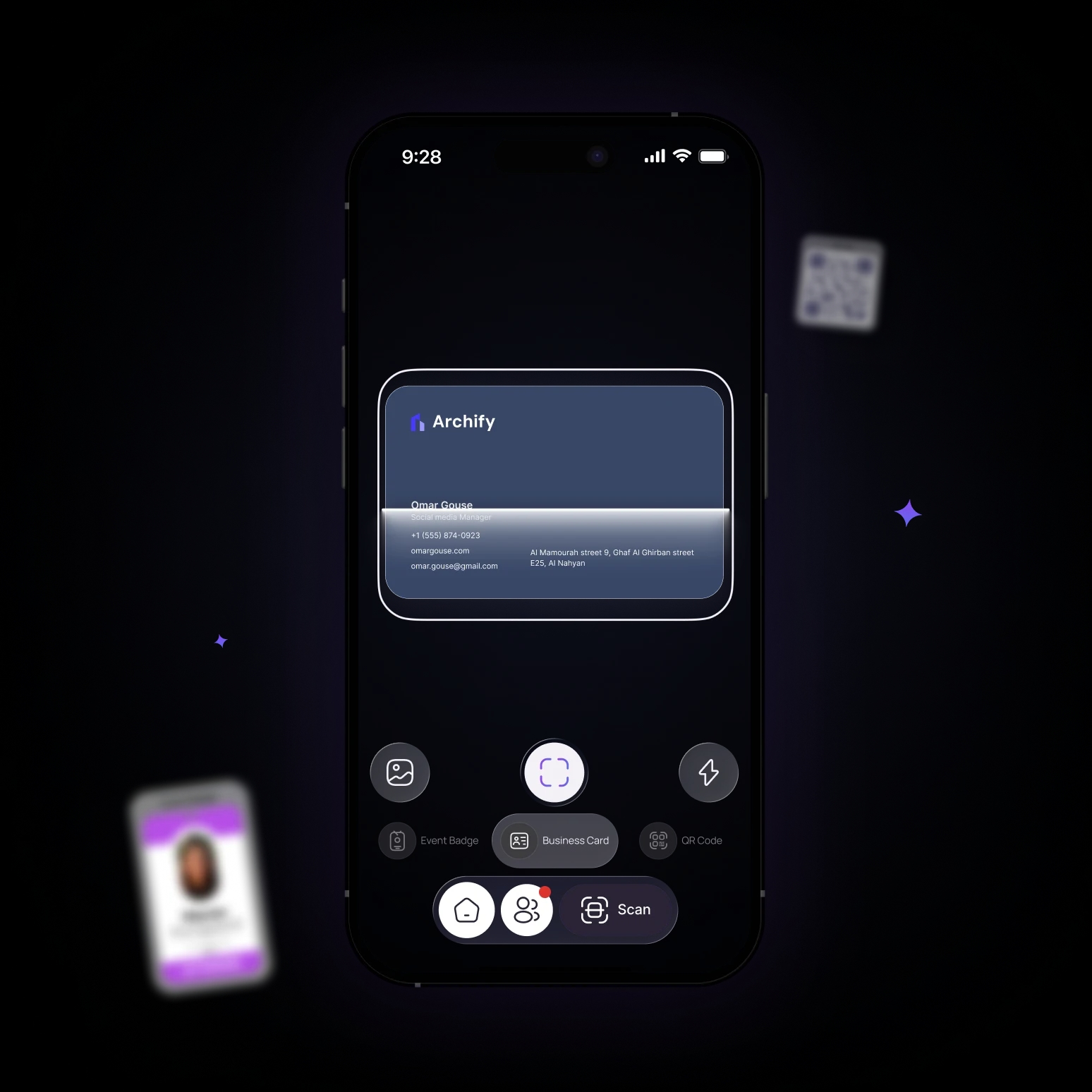
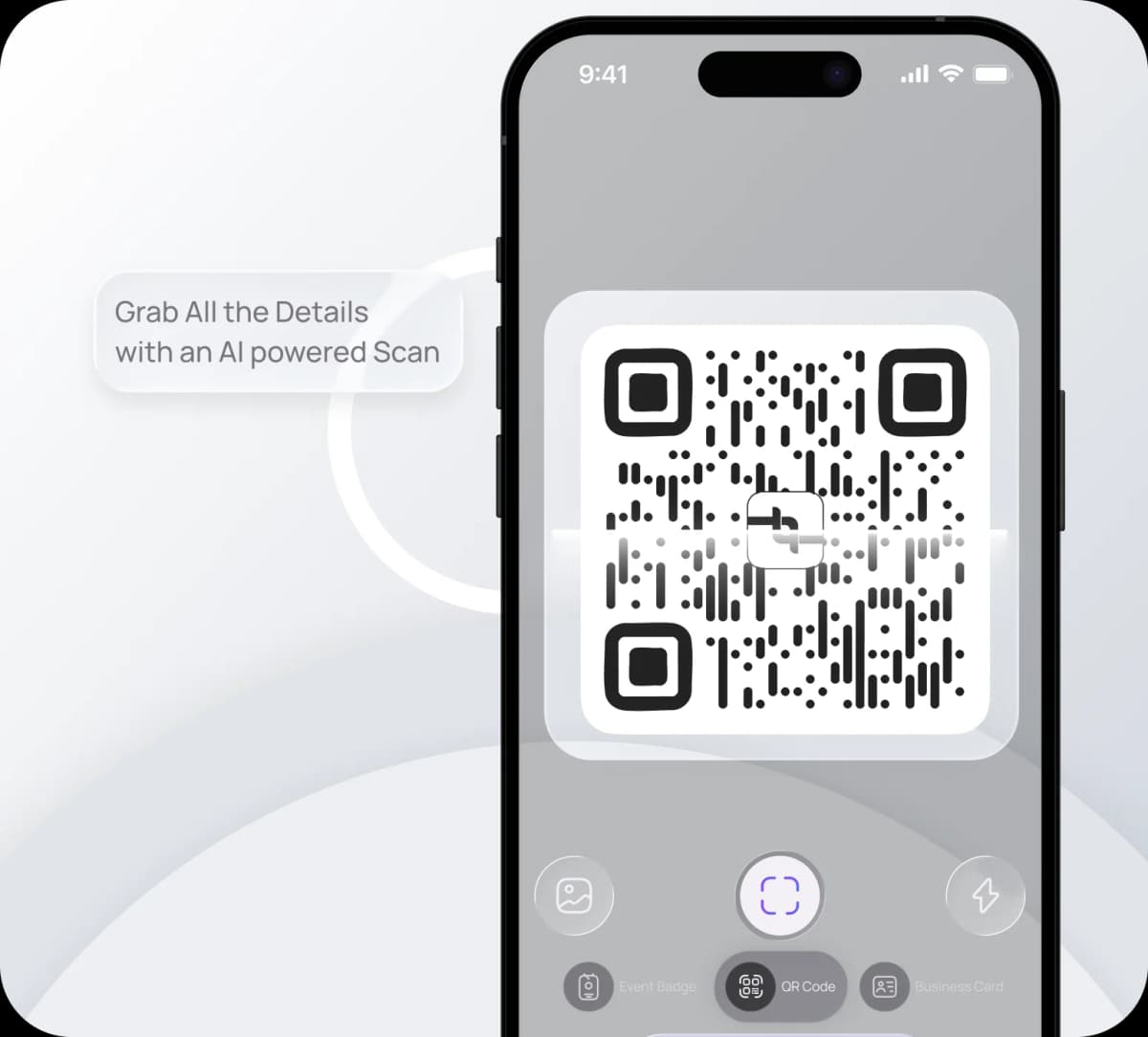
Scan QR codes, event badges, and business cards with AI that extracts connections instantly and saves to your Lynqu network.
From scan to Network
Start Scanning
Point your camera and start the scan, no extra hardware needed.
AI extracts the details
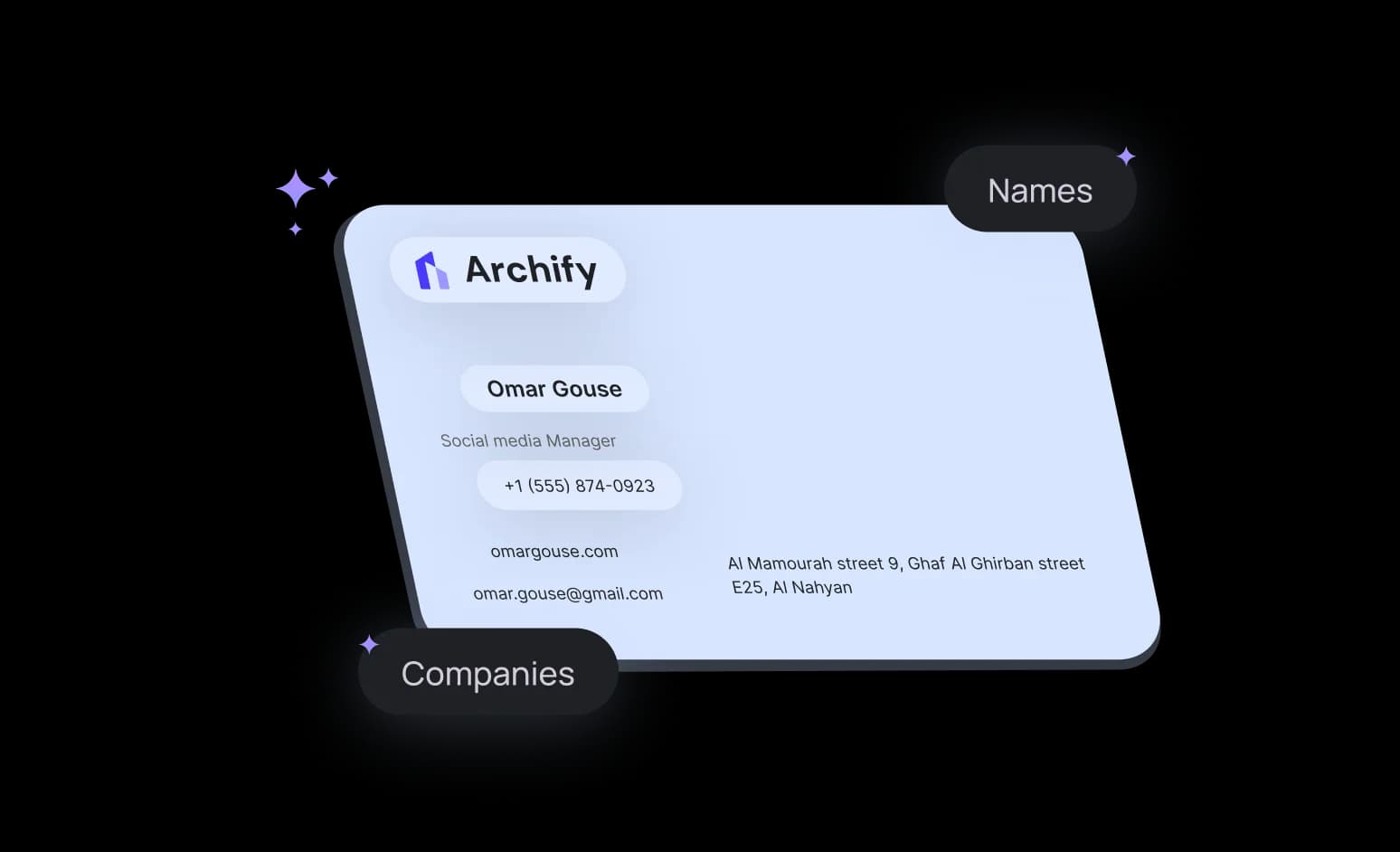
Names, emails, phones, and companies are read automatically with high accuracy.
Saved to your network
Each scan becomes a new connection in your Lynqu network, ready to follow up later.

Networking Starts Here
Download the app and carry your digital identity wherever you go.
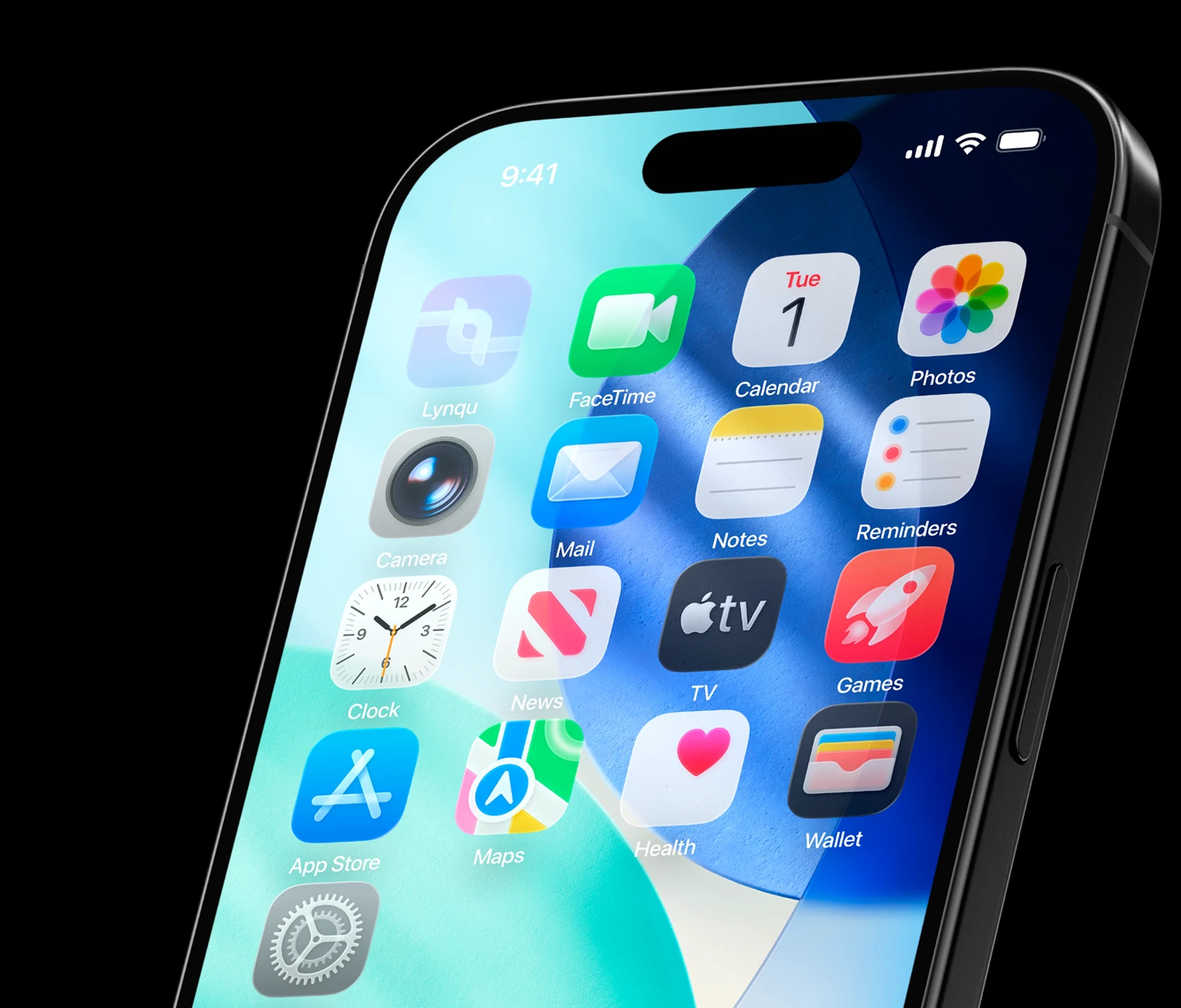

Smart QR Scan
One camera, three ways to capture contacts — scan QR codes, paper cards, or event badges and save them instantly.
Lynqu QR scanning for instant connections
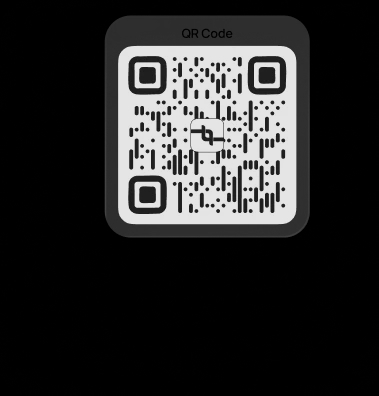
Scan any Lynqu QR code to open a full profile and save it to your network in seconds – no typing, no missed details.
Event badge capture with AI
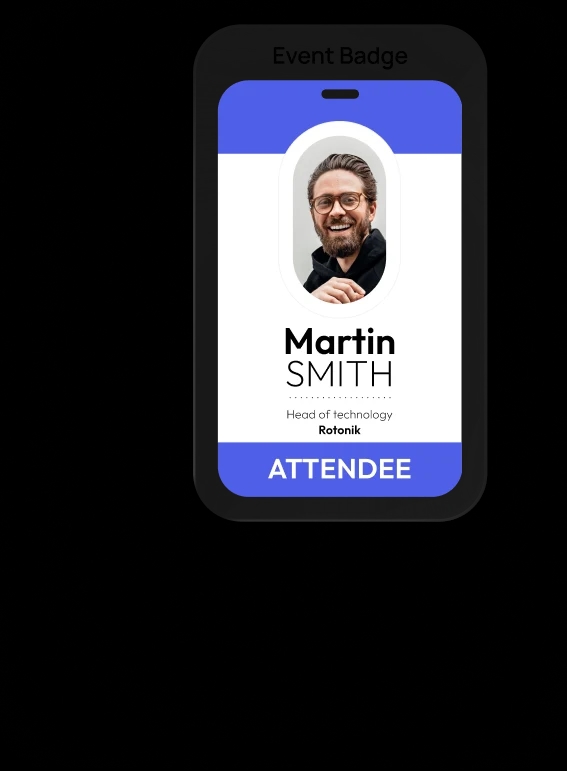
Snap a photo of any event badge and let Smart Scan extract names, roles, and company details into a clean contact in your network, ready for follow-up

Help Center
Find answers to common questions about using your digital business card and app features.
Lynqu is a smart, customizable digital business card that lets you share your professional identity instantly — anytime, anywhere. It works seamlessly across devices and platforms, with features like personalized designs, smart sharing options, and multiple contact methods, all in one simple link.
Simply create your digital card, customize it to reflect your brand, and share it via QR code, link, or Apple & Google Wallet. Recipients can instantly save your details to their device.
Yes. Lynqu lets you fully customize your design, colors, and contact methods to match your personal or business identity.
No. Anyone can view your card from a shared link, even without installing Lynqu.

Next solution
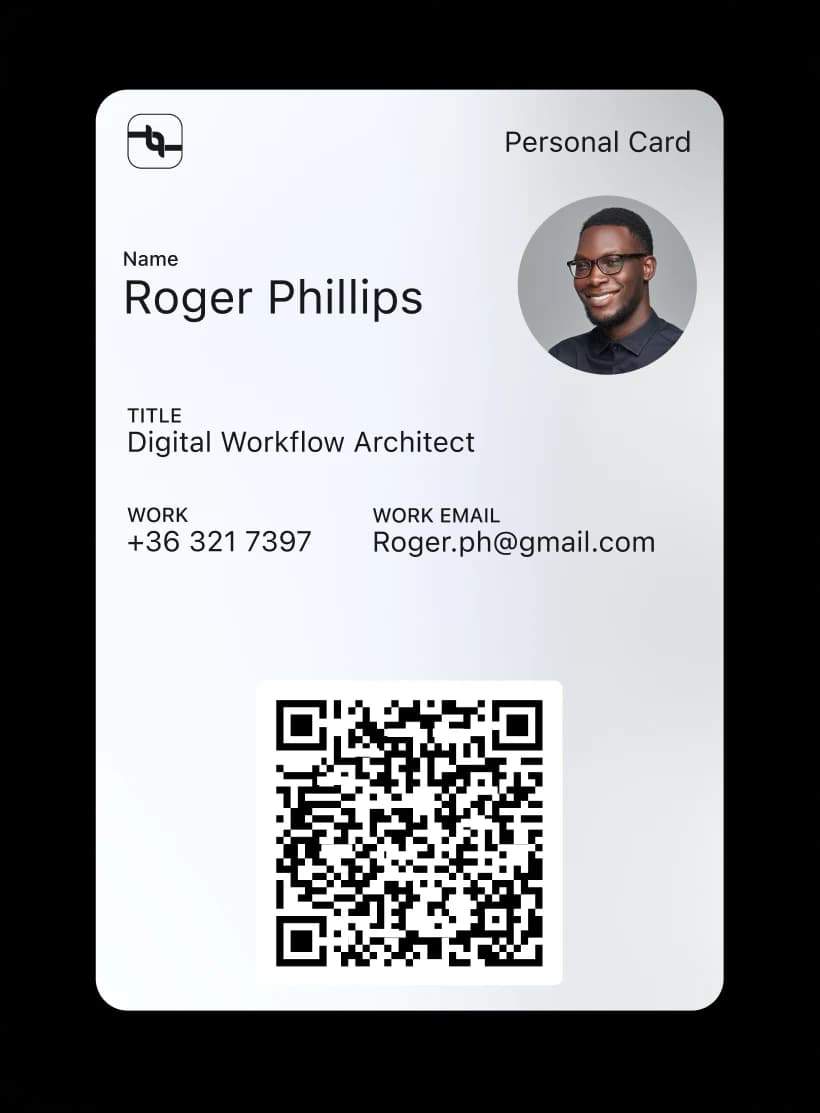
Carry your card in your wallet
Add your Lynqu card to Apple Wallet and Google Wallet for fast, offline sharing.
How does AI business card scanning work?
AI business card scanning uses optical character recognition (OCR) and machine learning to extract contact information from paper business cards and event badges. Point your phone camera at a card, and Lynqu's Smart Scan identifies names, phone numbers, emails, job titles, and company names — then saves them directly to your digital network.