Virtual Backgrounds
for professional calls
Create clean, on-brand virtual backgrounds that hide messy spaces, highlight your brand, and make every video call look more professional.
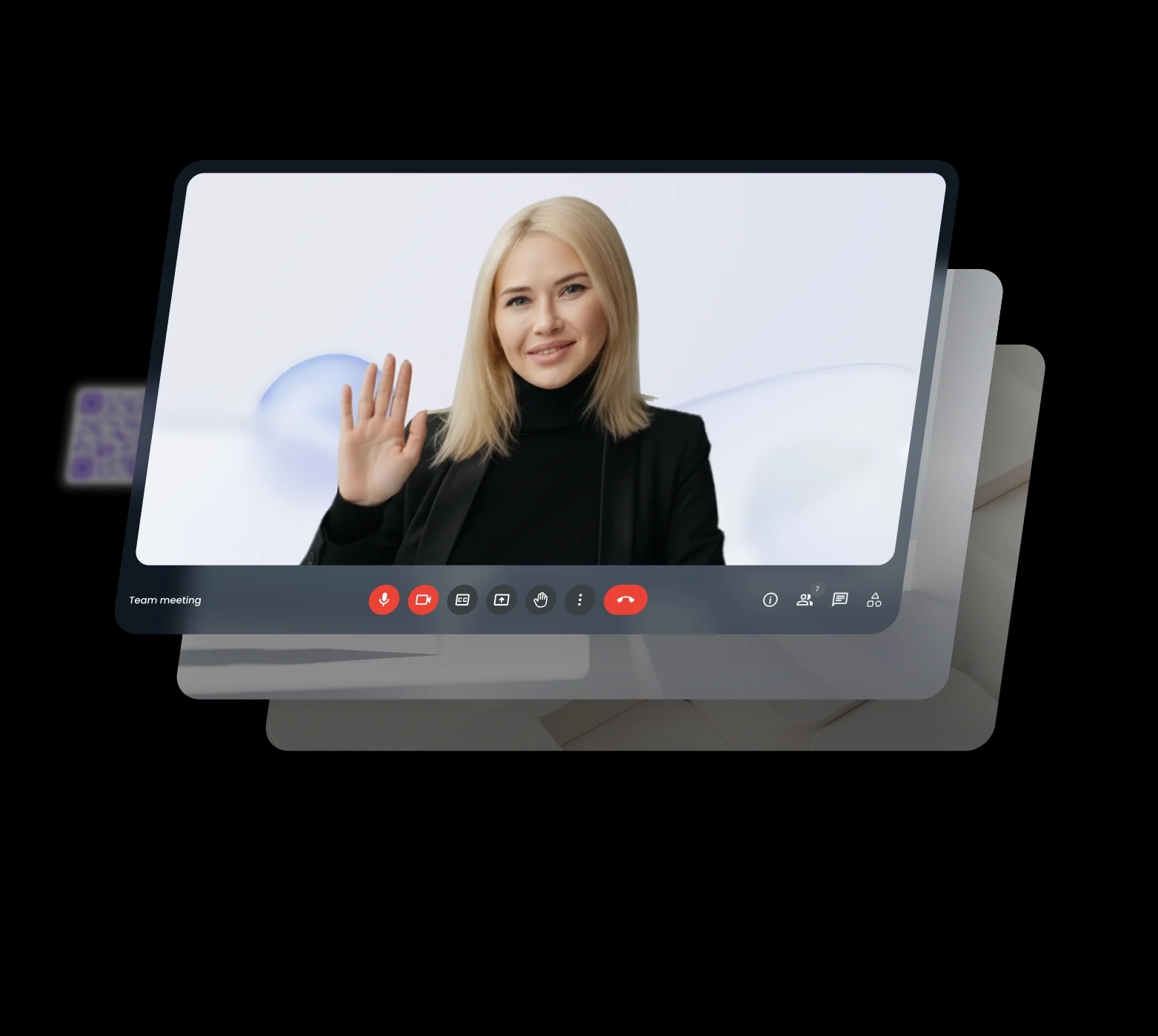
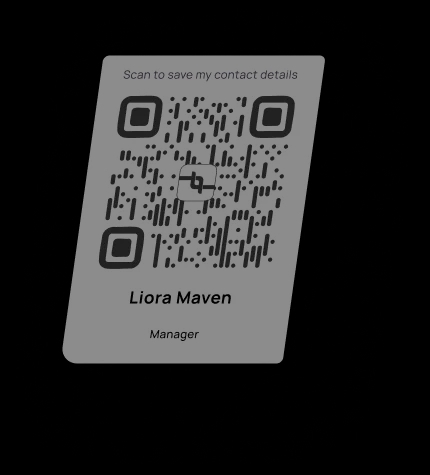
Look better on camera
Hide distractions
Remove messy rooms, clutter, or poor lighting so you always look focused and professional on camera.
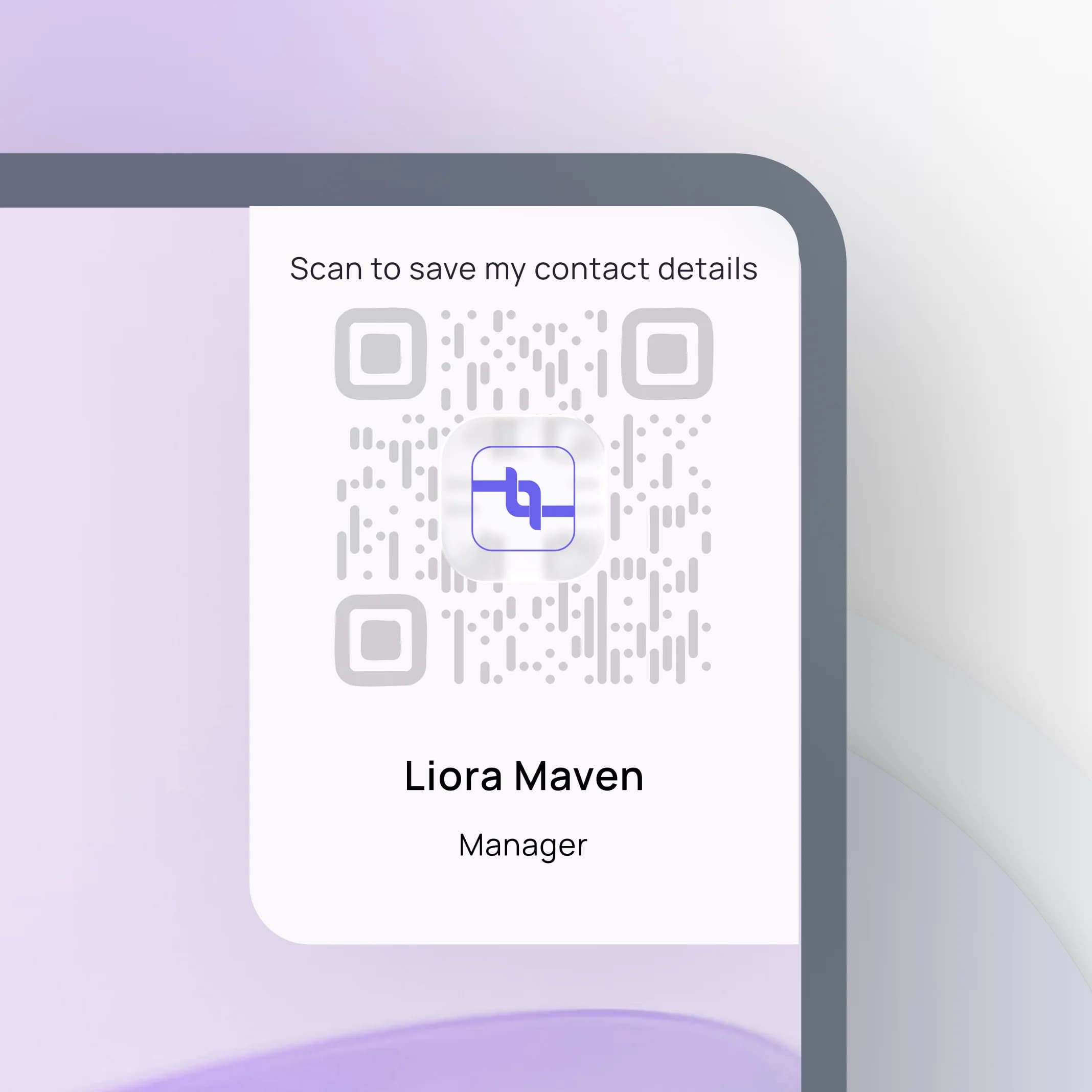
Show your brand
Add your logo, colors, or tagline to every video call and quietly reinforce your personal or company brand.
Easy to use
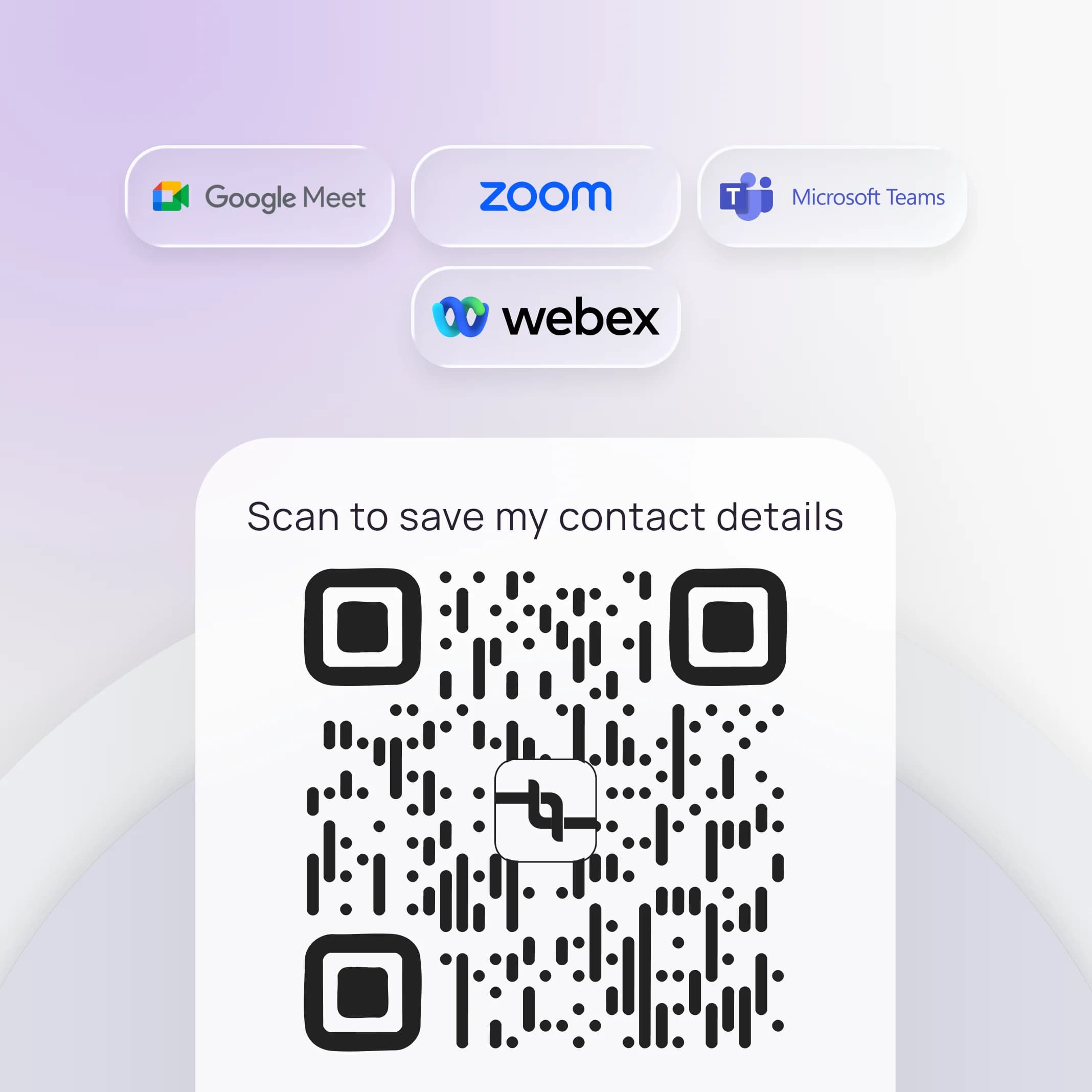
Upload once, use anywhere, and work seamlessly with Zoom, Teams, Google Meet, and other video platforms.
Backgrounds that work automatically
Functional tools that hide distractions, show your brand, and work across all video platforms seamlessly.
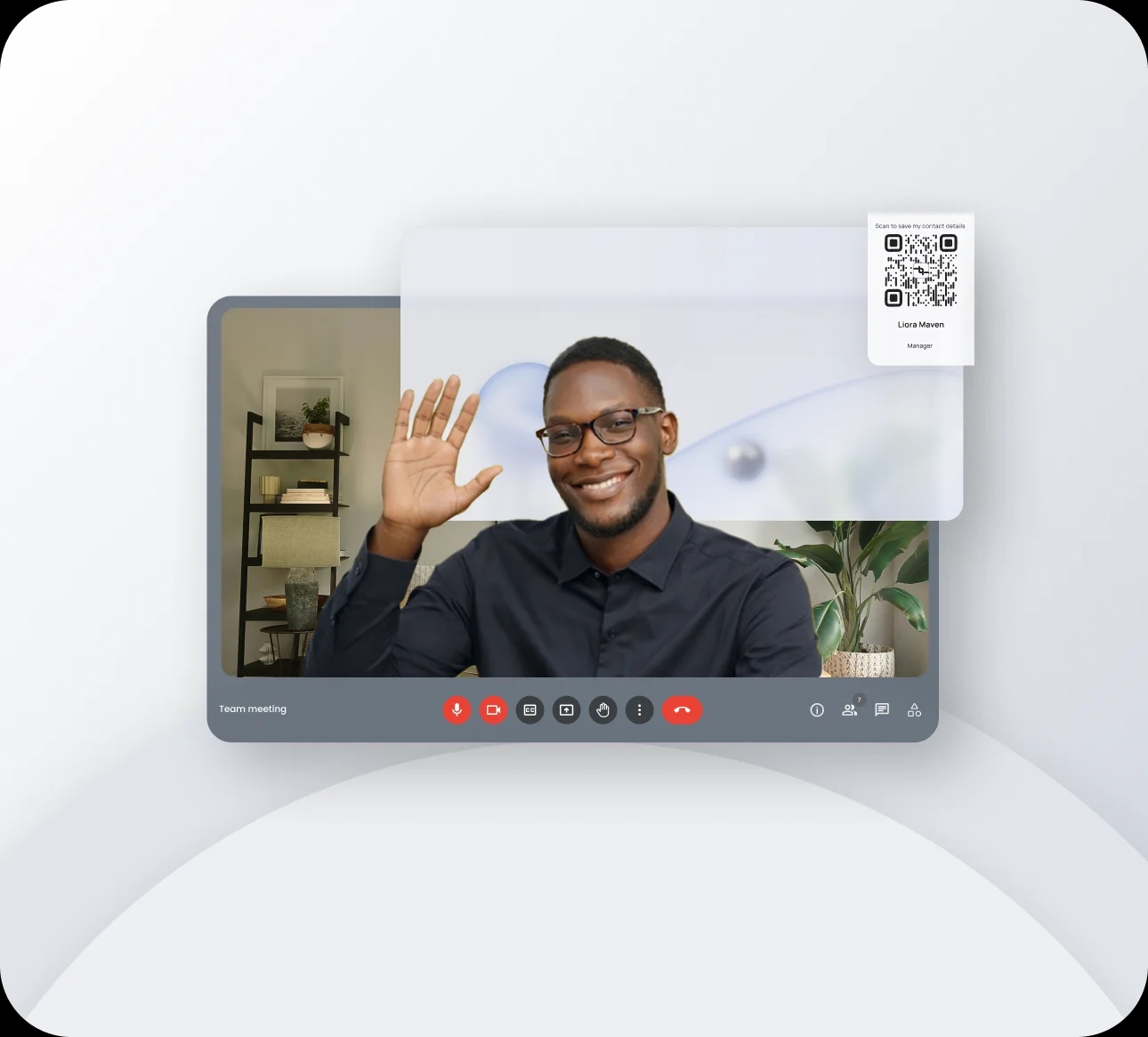
Hide what you don't want seen
Cover up messy rooms and busy spaces so people stay focused on you, not your background
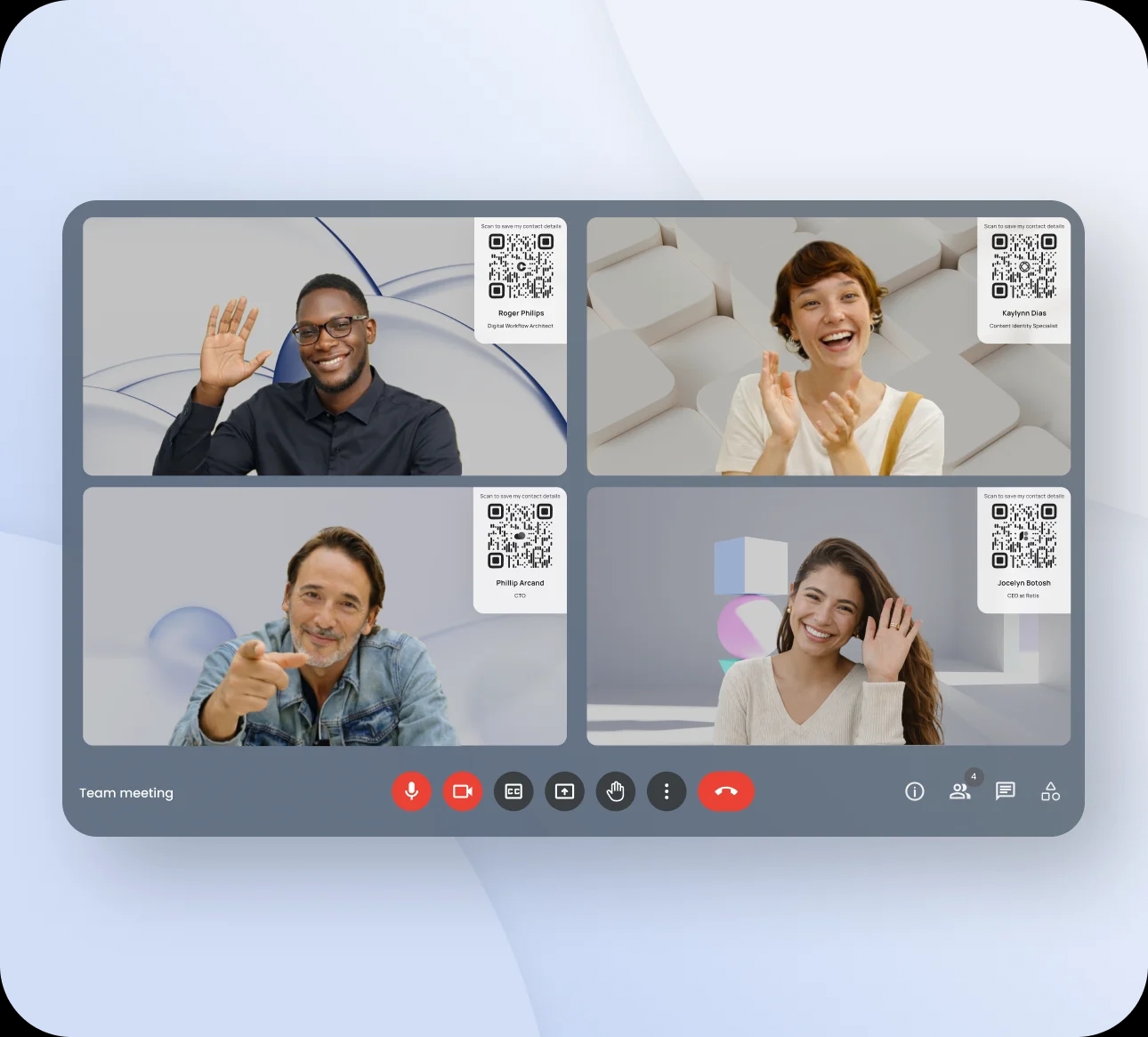
Put your brand on every call
Use your logo, colors, and visuals so every meeting subtly reinforces your personal or company brand.
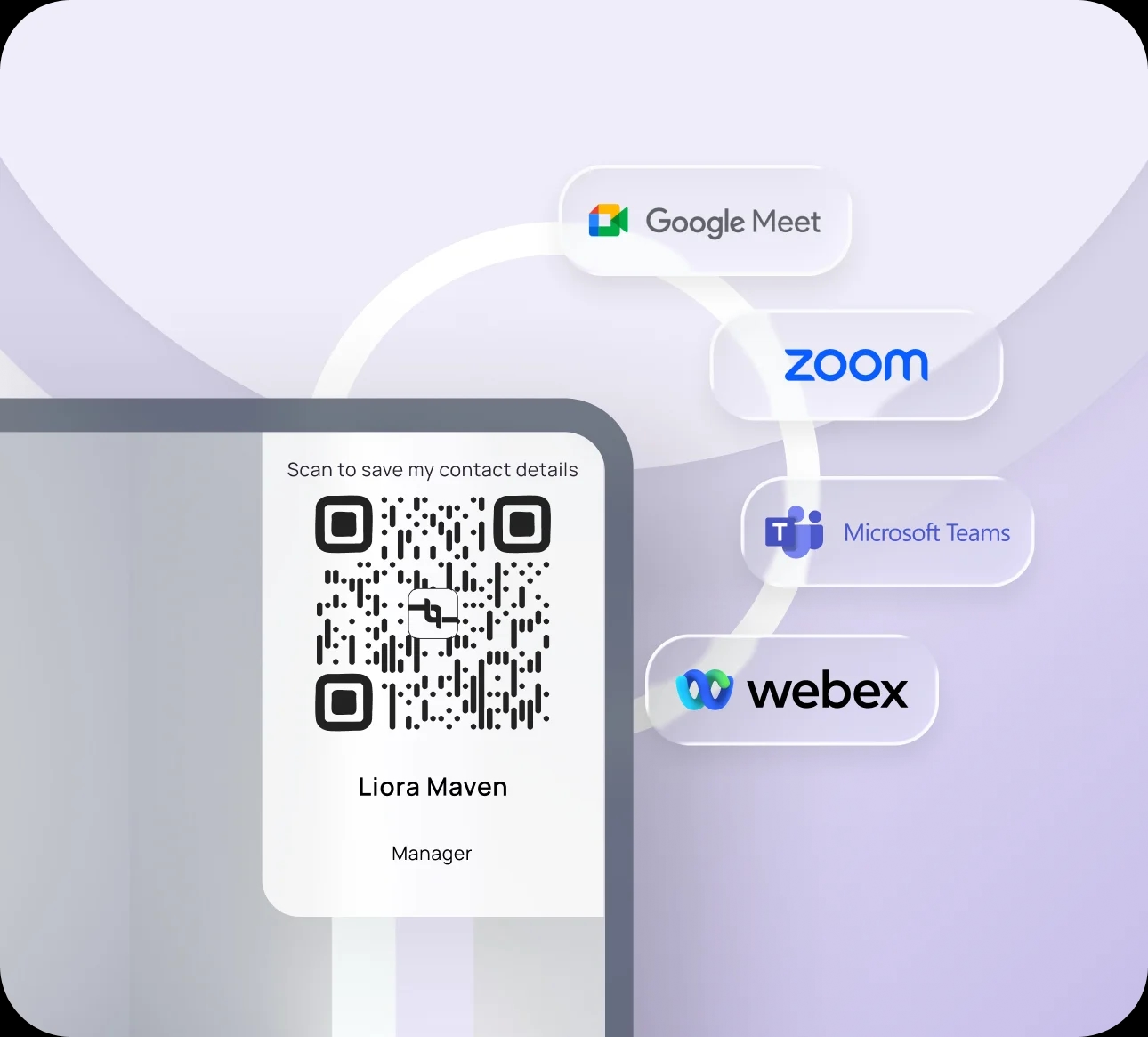
Works with the tools you use
Use your background with popular platforms like Zoom, Teams, and Google Meet without changing your workflow.
Help Center
Find answers to common questions about using your digital business card and app features.
Lynqu is a smart, customizable digital business card that lets you share your professional identity instantly — anytime, anywhere. It works seamlessly across devices and platforms, with features like personalized designs, smart sharing options, and multiple contact methods, all in one simple link.
Simply create your digital card, customize it to reflect your brand, and share it via QR code, link, or Apple & Google Wallet. Recipients can instantly save your details to their device.
Yes. Lynqu lets you fully customize your design, colors, and contact methods to match your personal or business identity.
No. Anyone can view your card from a shared link, even without installing Lynqu.

Next solution
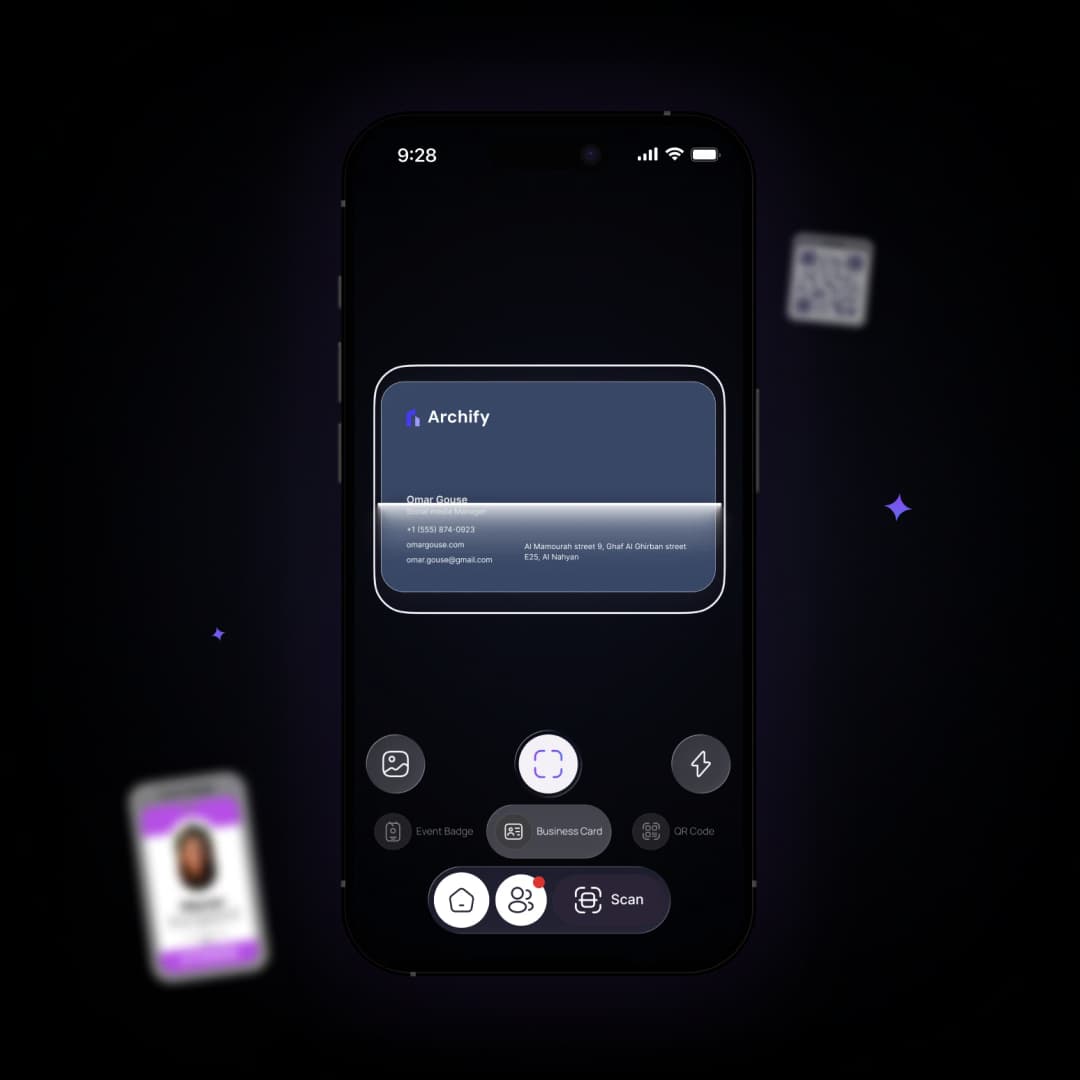
Capture connections in seconds
Scan business cards and badges with Smart Scan to automatically organize new contacts.
What is a virtual background with QR code?
A virtual background with QR code is a branded backdrop for video calls on Zoom, Microsoft Teams, or Google Meet that includes your personal QR code. Meeting participants can scan the code directly from the video to save your contact details, turning every virtual meeting into a networking opportunity without interrupting the conversation.